
Last updated November 18, 2026
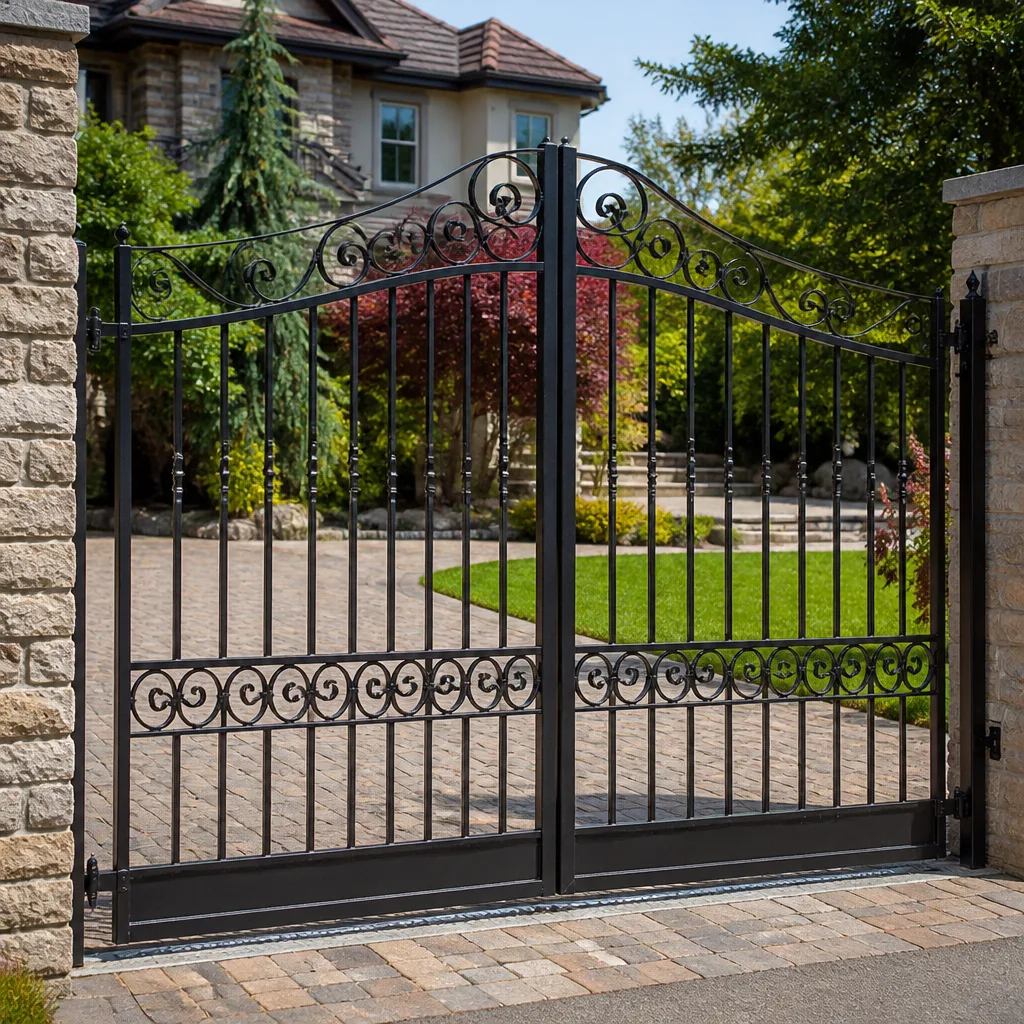 Wrought iron
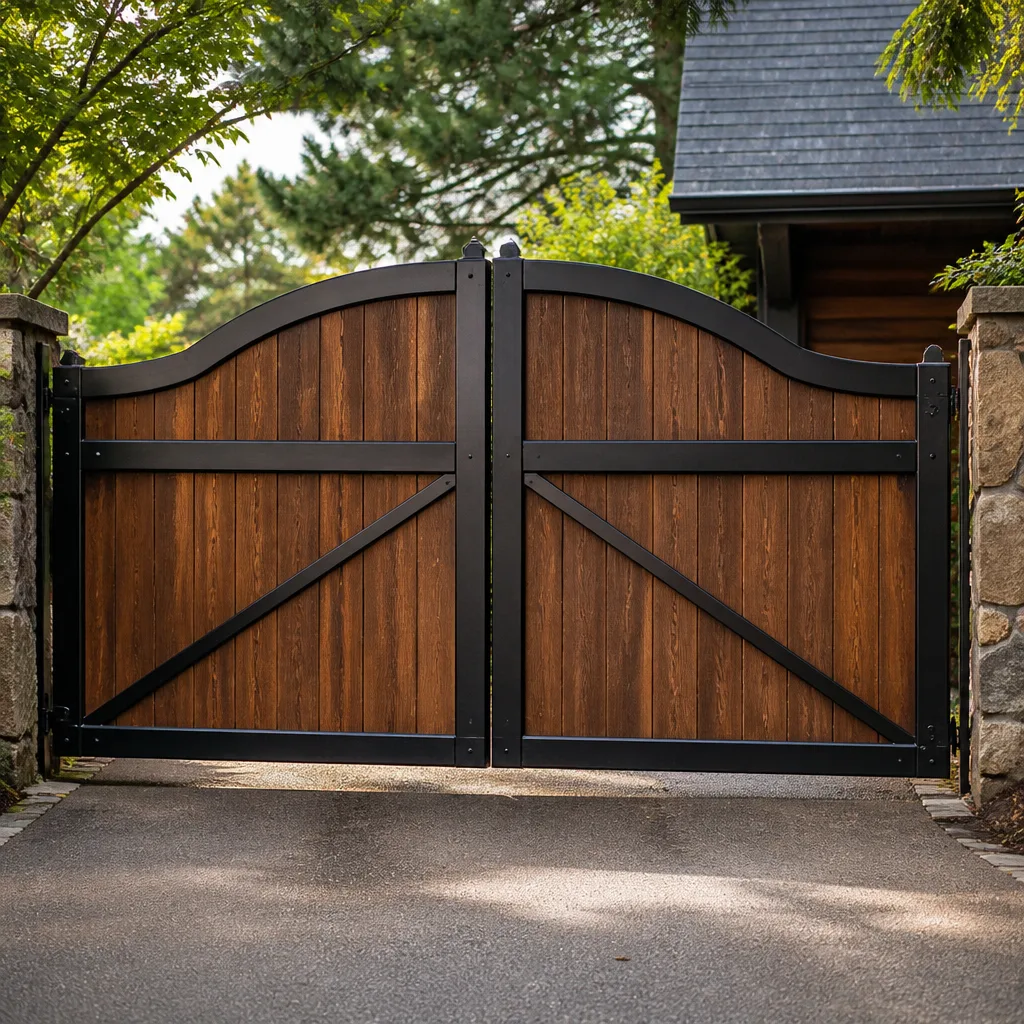 Wood & steel frame
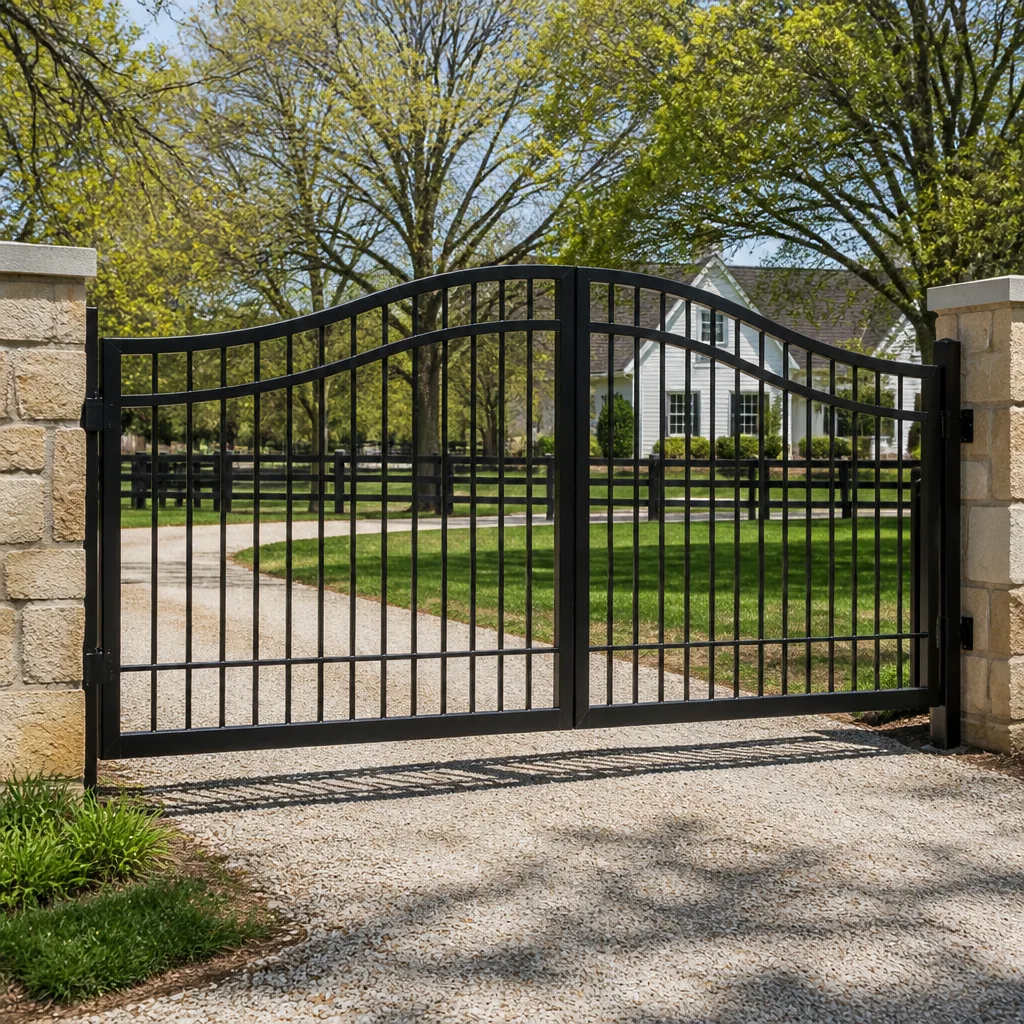 Farm & ranch
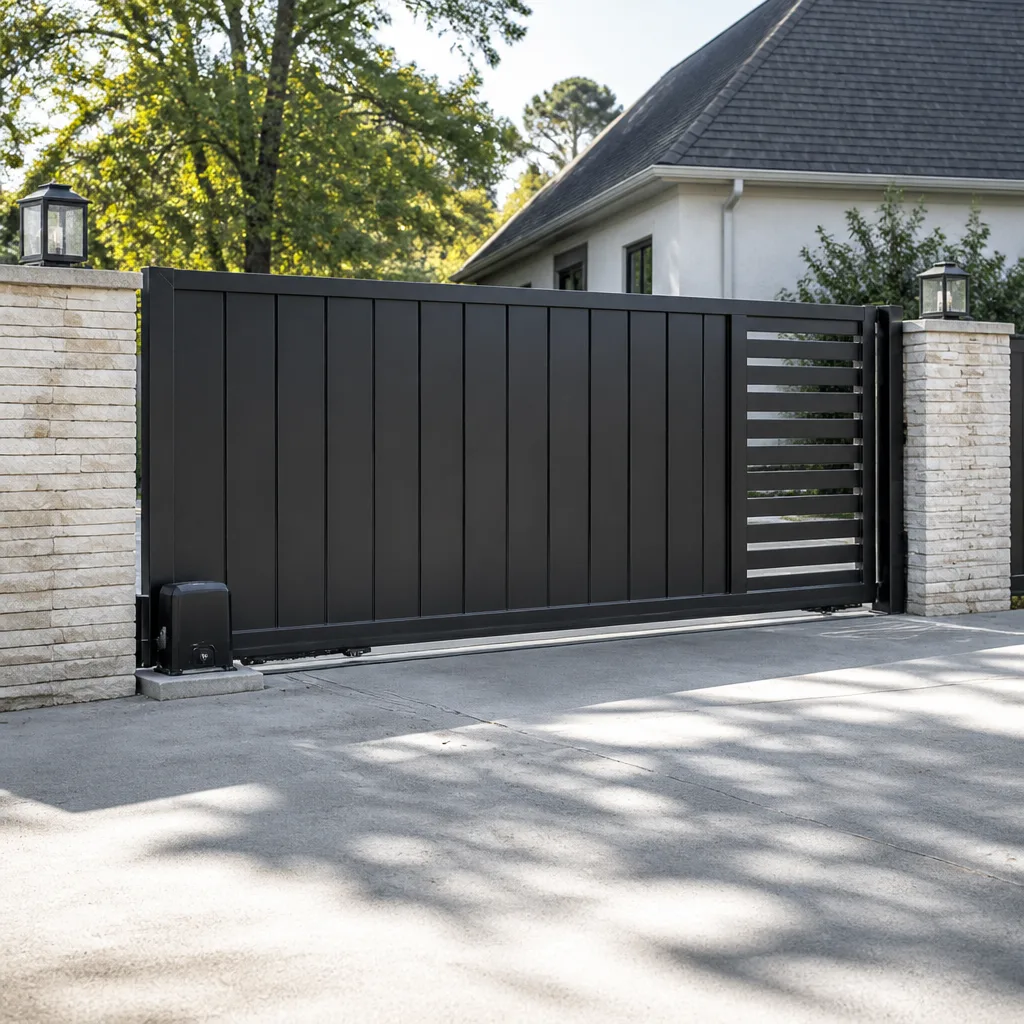 Sliding driveway gates
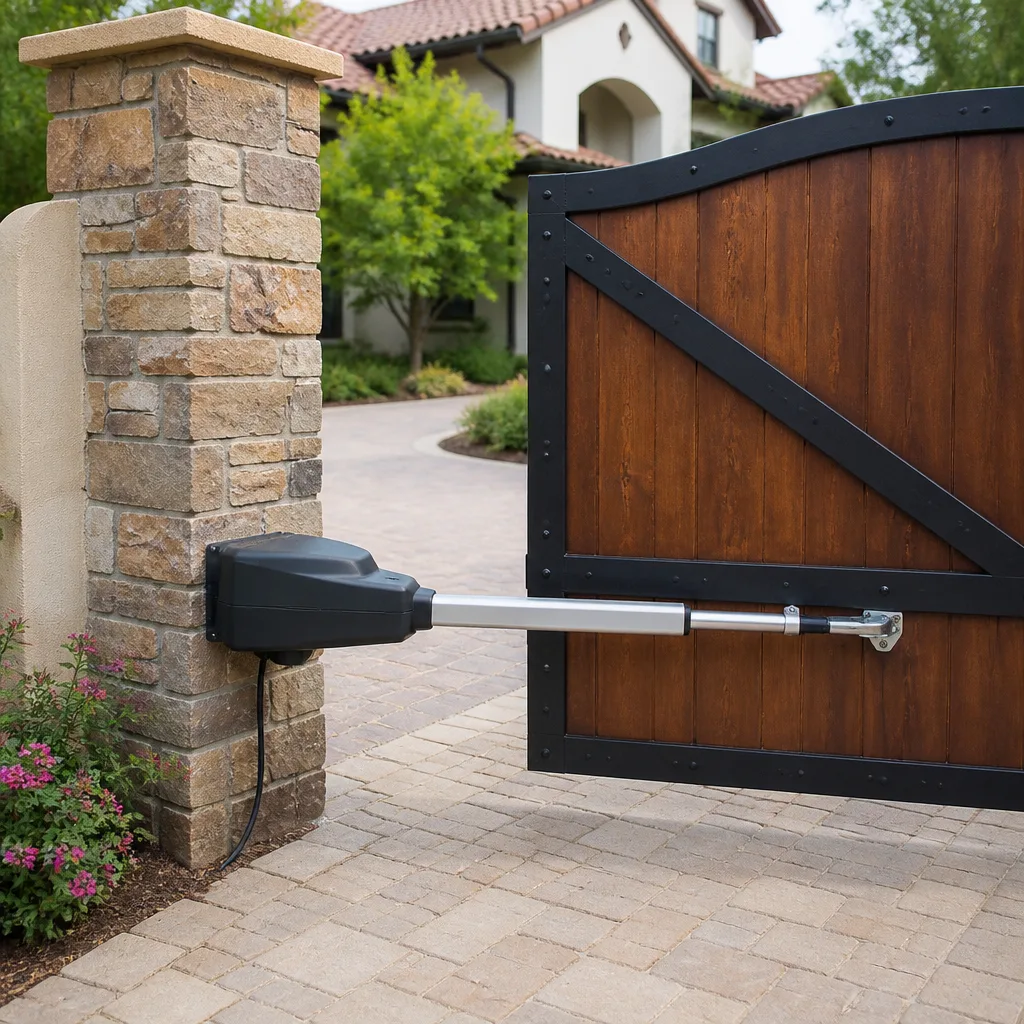 LiftMaster operators
Free on-site gate assessment - hinges, posts, and your LiftMaster or Nice gate operator checked before anything is quoted
The assessment is free and the quote is the invoice.
Get your free estimateThe Complete Gate Access Control Guide for Enterprise Homeowners
Before you spend money on a cloud-connected camera intercom with app control, ask yourself how many people actually need to get through that gate in a week. The answer usually changes what you buy. Most Enterprise homeowners we visit are living in one of two camps: a basic keypad that’s been dying for two years, or a commercial-grade system with more features than a bank vault. Very few are sitting in the middle where they belong. This guide walks through the real categories of gate access control, how to count your actual users before you spend a dollar, the compatibility questions nobody asks until after the box arrives, and what Enterprise HOAs tend to restrict. By the end, you’ll know which tier fits your gate, your driveway, and your life.
Quick Answer
Gate access control for a typical Enterprise residence comes down to matching three things: how many people need entry, whether you need to know who came through and when, and whether you’re willing to depend on your internet connection. A standalone keypad or fob system handles most homes. Intercoms and app-based systems make sense when you have regular visitors, delivery traffic, or staff. Almost nothing residential requires a commercial-grade system, and paying for one just adds failure points. Choose the simplest tier that covers your actual use, not the one with the most features on the box.
Styles & brands we work with
- Wrought iron
- Wood & steel frame
- Farm & ranch
- Sliding driveway gates
- LiftMaster operators
Table of Contents
- The Five Categories of Gate Access Control
- How to Count Your Users Before You Choose a Credential System
- Compatibility Questions to Ask Before You Buy Anything
- Network-Dependent vs. Standalone: What Happens When the Internet Drops
- What Enterprise HOAs Restrict or Require
- Why Enterprise Heat and Wind Affect Access Hardware
- What Installation Actually Involves
- Common Mistakes to Avoid
The Five Categories of Gate Access Control
Every residential access control system on the market falls into one of five buckets. Knowing which bucket you belong in saves you from buying the wrong thing.
1. Keypad (Standalone)
A code pad wired to the gate operator. Each user gets a code, or everyone shares one. No internet, no app, no monthly fee. This is what most Enterprise homes actually need. It’s the cheapest to buy, the simplest to maintain, and it keeps working during a power outage as long as the operator has battery backup. The tradeoff: changing codes when someone moves out is a manual job, and you can’t see who came through.
2. Fob or Card Reader
A handheld fob or card that grants entry. Good when you want to revoke access individually without memorizing codes. Common at properties with regular staff, caregivers, or a family compound where several households share one gate. Fobs aren’t hard to clone, so don’t treat them like high security. For most homes they’re a convenience upgrade over a keypad.
3. Intercom (Audio or Video)
A call box at the gate that rings inside the house. Useful when you have a lot of unexpected arrivals, delivery drivers, or contractors. Video intercoms let you see who’s there before you buzz them in. Wired intercoms are more reliable than wireless in Enterprise because stucco walls and long driveways eat wireless signal. This is the tier where most people overbuy.
4. App-Based / Cloud-Connected
Credentials managed through a phone app, sometimes with camera integration. Genuinely convenient when you’re managing access for multiple people from out of town, or when you want a log of who came through. The catch is that most of these systems stop granting access the moment your internet or the vendor’s cloud server goes down. A standalone system doesn’t have that problem.
5. Hybrid
Standalone hardware at the gate with a networked layer on top. The gate keeps working offline; the app layer adds convenience when it’s up. This is where access control is heading, and for a home with real visitor traffic it’s the sweet spot. The trick is confirming the hardware falls back cleanly to standalone mode, which we’ll cover in the compatibility section.
We regularly service systems from LiftMaster, FAAC, and Linear across Enterprise. Each brand handles the standalone-to-networked handoff differently, which is why buying hardware before you know your tier is where most people lose money.
How to Count Your Users Before You Choose a Credential System
User count and access volume drive your hardware tier more than anything else. Get this number wrong and you’ll either be re-buying hardware in two years or paying monthly fees for capacity you’ll never touch. Here’s how we count it with a homeowner.
- List every person who enters at least once a week. Household members, adult children, a regular caregiver, a landscaper, a pool tech. Write their names down.
- Add anyone who enters at least once a month. Weekly housekeeper, delivery driver who needs to get to the door, a family member who stops by regularly.
- Now add infrequent visitors. Contractors, guests, the occasional driveway delivery. These are the people you want a code or one-time credentials for, not a permanent fob.
- Count it up. Under 10 regular users? Standalone keypad or fob. Between 10 and 30? A keypad with individual codes, or a small fob system. Over 30 or three or more households? Consider a system with a management layer.
- Add your access volume. How many times does that gate open in a day? Once in the morning and once at night is a completely different system than twenty openings a day from delivery traffic.
Here in Enterprise, the most common count we hear is four to six regular users and maybe a dozen opens a day. That’s keypad territory, and it’s where we’d rather see a homeowner spend $200 than $2,000. A home with a caregiver rotation or a multi-generation property with a shared drive is the exception, and that’s exactly the case where an intercom or a fob-based system earns its money.
If you’re not sure where your system sits once the gate isn’t working, that’s usually a job for Gate Repair in Enterprise rather than an access control upgrade. Access control assumes the gate opens. Repair work makes sure it does.
Compatibility Questions to Ask Before You Buy Anything
This is where the expensive mistakes happen. Most residential buyers assume any access control system works with any gate motor. It doesn’t. We’ve walked into plenty of Enterprise driveways where someone bought a keypad that couldn’t signal their operator and couldn’t return it.
Before you unwrap the box, get answers to these questions:
- What’s the brand and model of the gate operator? Access control has to hand off to your operator in a language it understands. A LiftMaster operator and a FAAC operator aren’t wired the same way.
- Does the operator accept “dry contact” triggers? Most residential gates do, and that’s the simplest connection. If it doesn’t, your options shrink.
- Is power available at the gate post? Keypads and intercoms need power, and running conduit from the house to the gate on an existing driveway is a different job than wiring a new install.
- What voltage does the access hardware need? Most residential systems are low-voltage, but the operator has to supply the right output.
- What gate operator is currently installed? If you don’t know, ask before you buy. That’s not a DIY question.
- Does the access system require a separate power supply or a dedicated gateway? Some app-based systems need an additional piece of hardware you didn’t know was in the box.
- What happens to the system when the vendor stops supporting it? Cloud systems get deprecated. Standalone hardware doesn’t.
We’re certified to service nine major gate brands, including LiftMaster, FAAC, BFT, Linear, Viking, Ghost Controls, DoorKing, Elite, and Mighty Mule. A quick call to walk through your operator model saves more than any discount on the box.
And a word on installation: this is measured-and-scheduled work, not same-day work. The right install involves confirming the wiring, testing the operator handoff, and cutting keys to a post that’s already there. If you’re considering a new gate to go with the access system, that’s Gate Installation in Enterprise, and it starts with a free measure and a written price.
Network-Dependent vs. Standalone: What Happens When the Internet Drops
Here’s the question that never makes it to the box: what happens when the internet goes down? For a standalone keypad or fob system, nothing. The gate keeps opening because the credential check happens at the gate. For a cloud-based system, the gate stops granting access the moment the connection breaks.
Why does this matter more in an HOA-restricted Enterprise neighborhood than a rural property? Because in a gated community, there’s no second way in. If your cloud intercom won’t release the gate, nobody inside the community is getting out to work, and no visitor is getting in. That’s not a hypothetical concern; it’s the most common access control failure we get called about after a big monsoon cell rolls through the valley.
The practical rules:
- Never let any single-point system be your only way in. Rely on hardware that works offline first, and layer the connected features on top.
- Check that any app-based system ships with a local fallback: a code pad, a keyed override, or a battery-backup operator.
- Ask how the system behaves during a power outage. Some operators have battery backup; some don’t. Confirm yours does.
- In an HOA, understand who owns the gate and who owns the access credentials. These aren’t always the same party, and it affects who pays when something fails.
If your gate won’t open after a network outage, call us. The access control hardware isn’t usually the fault; something upstream is. That said, the wrong combination of cloud system and old operator is exactly the sort of thing we’d rather fix once than come back for twice.
What Enterprise HOAs Restrict or Require
Enterprise covenants vary block by block, but the same issues come up so often that we can give you the short version. If you’re in a gated community, check these before you buy or install anything.
- Visual approval. Most Enterprise HOAs require the keypad, intercom, or camera housing to match the existing gate and column finish. A white intercom on a bronze post gets flagged.
- Housing placement. The access device is often required to mount on the inside column, not the street side, so it doesn’t change the street elevation.
- Wiring paths. Some covenants prohibit visible conduit, which means the wiring has to run under the driveway or through the existing slab.
- Networked systems. More HOAs are writing rules about cloud-connected cameras and intercoms that record or stream from common areas. Confirm what you can install before you buy.
- Credentials policy. Some HOAs prohibit handing out fobs to non-residents and require access sponsors (a homeowner’s written approval) for contractor entry.
- Operator replacement. Replacing the gate operator is often HOA-managed because the gate is shared infrastructure. Access control is usually the homeowner’s, but you need to know.
- Fire and emergency access. Every gate on a shared drive has to open for emergency responders, and any access control system has to preserve that.
Contact your HOA board before you buy. Then contact us, because we’ve installed in enough Enterprise HOAs to recognize the ones where the covenant language is stricter than the actual enforcement, and the ones where the board really does care about the column finish. The name is on the shop, and the shop is down the road. That’s the oldest accountability there is.
If the access system needs to live alongside a new operator, that’s Gate Motor & Opener in Enterprise territory, and it’s exactly the kind of multi-piece job where we plan the whole stack before anything gets ordered.
Why Enterprise Heat and Wind Affect Access Hardware
Enterprise is hard on outdoor electronics in specific ways that most access control guides skip. The valley’s summer heat cooks plastic keypad housings and dries out rubber gaskets. The spring and fall wind events drive fine dust into every seam, and dust in a keypad’s button membrane is the reason a certain percentage of pads need their buttons pressed harder by year three. Monsoon moisture finds every gap the dust opened.
The practical consequences:
- Sun exposure matters more than brand. A keypad mounted on the west side of a column gets midday sun for hours longer than one on the north side. Mount accordingly.
- Sealed housings last longer than vented ones. Ask about the ingress protection rating, not just the feature list.
- Conduit and gasket failure is our number one cause of water-damaged keypads. If the conduit seal breaks, water walks straight to the board.
- Wind-blown dust accelerates button wear. Any access system that relies on a physical button press needs periodic cleaning or it will fail open.
- Battery backup degrades in heat. Whether that’s the operator’s battery or the access system’s, plan on replacing it more often than the manufacturer’s literature suggests.
We see this constantly in Enterprise. Spring failures specifically: a keypad survived the winter, then the first heat wave bakes the gasket and the board starts acting up. That’s why we prefer access hardware with higher ingress protection even when it costs a bit more up front.
What Installation Actually Involves
Knowing what the job actually looks like is the best defense against a surprise invoice. Here’s the sequence for a residential access control install in Enterprise.
- Free measure and assessment. We look at the operator, the power run, the column finish, and the wiring path. No cost, no obligation.
- Written price. Every line item, agreed before any work starts. The price you sign is the price you pay. Upfront pricing is a core promise here, not a footnote.
- Hardware selection. We help you pick the tier that matches your user count and the operator brand already on the post. If the operator can’t talk to the access hardware, we say so before ordering anything.
- Scheduling. Installation is measured, ordered, and scheduled. It’s not same-day work. We don’t rush it because we’re done when it’s done.
- On-site work. We run conduit, mount the keypad or intercom, seal the housing, wire the handoff to the operator, and test the system in every state: online, offline, power out.
- Walkthrough and handoff. You walk out and test it yourself before we leave. We program your codes or credentials with you standing there.
- 90-Day Done Right Promise in writing. If it’s not done right, we make it right. One call brings us back, no runaround. That’s on every invoice.
Total install time depends on whether we’re running new conduit or reusing an existing run. On a straightforward residential install, we’re typically in and out in a day. Anything involving slab work or a long conduit run adds a second visit, which we schedule in advance.
This is the sort of work where a single missed handoff test becomes a call-back. We’d rather spend an extra hour on the install than come back twice. Same reason we weld on site rather than haul a gate off: the fix belongs at your driveway, not in a shop across the valley.
Common Mistakes to Avoid
- Buying the most-featured system you can find. A cloud intercom with app control and 4K video is overkill for a home with four regular users and a well-maintained LiftMaster operator. You’re paying for features you’ll never touch, and every feature is one more thing to fail.
- Skipping the operator compatibility check. Assuming any access control works with any gate operator is the single most expensive mistake Enterprise homeowners make. Run the operator model past whoever is installing the access hardware first.
- Mounting a keypad in full afternoon sun. The sun does more damage to a keypad housing in three Enterprise summers than a decade of use. If there’s a shaded column face, use it.
- Ignoring the offline fallback. If your gate access depends on the cloud and the cloud disappears during a monsoon power flicker, you’re locked out. Confirm the fallback before you buy, and test it after install.
- Forgetting the HOA covenant. A keypad on the wrong column face, mounted with visible conduit, is a covenant violation. Get approval before you order.
- Letting a competent installer disappear after the door closes. Access control systems fail. The question is who answers when they do. A name on a shop you can drive to is the only accountability that matters when the gate won’t open at 7 a.m.
- Treating access control as the whole fix. If your gate sags, drags, or opens halfway, the access system is the wrong problem. That’s a hinge post and mounting issue, and it needs repair before you add another layer of hardware on top.
See the difference
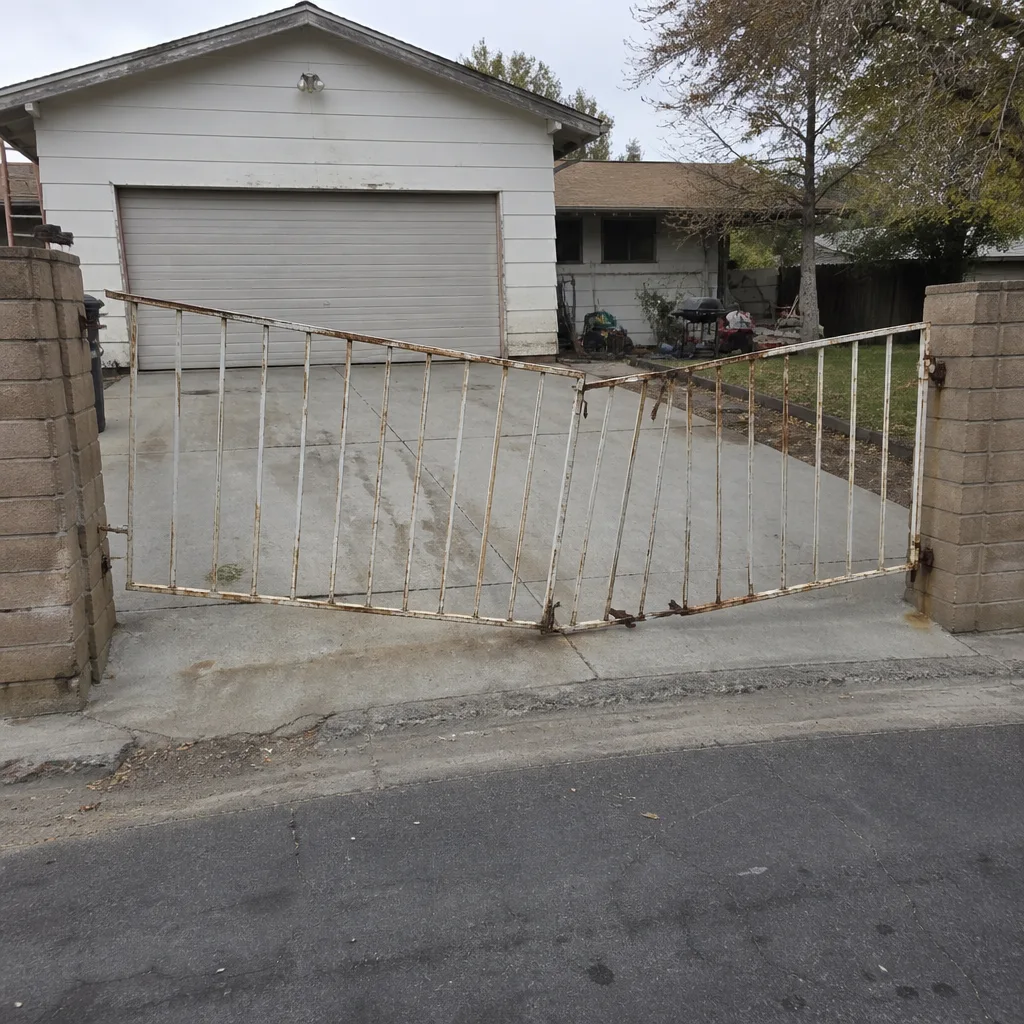 Before
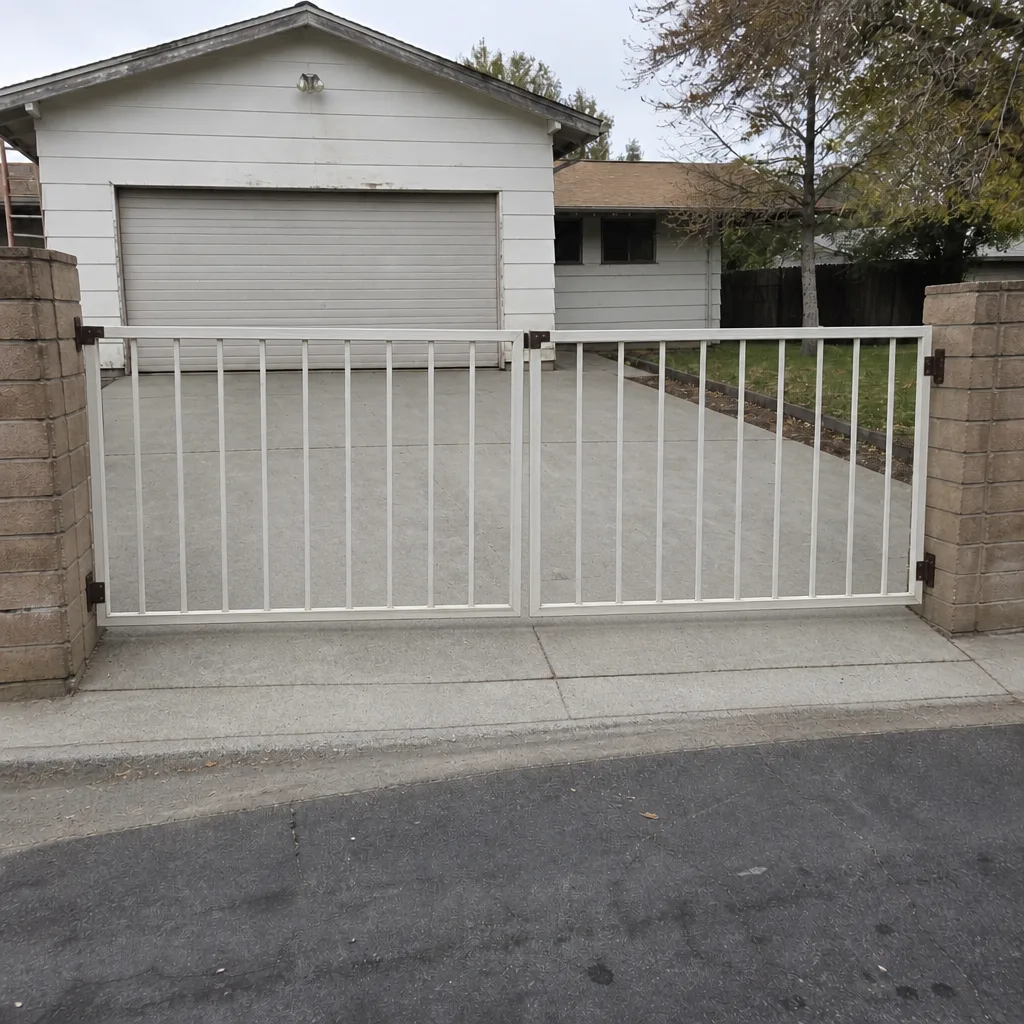 After
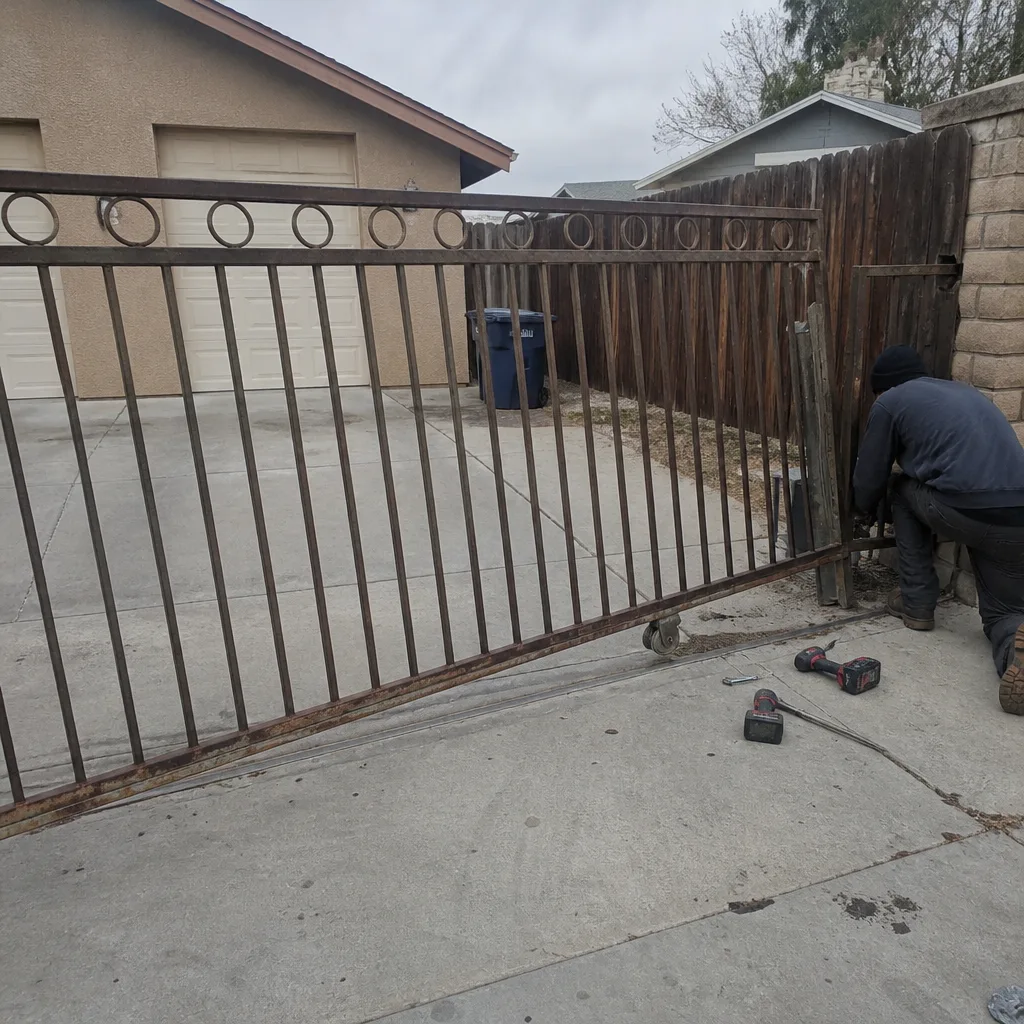 Before
 After
 Before
 After
When to Call a Professional
Call us the moment the access control system and the gate stop agreeing. That includes a gate that won’t open on a known-good code, a keypad that’s gone dead after rain, an operator that gets a signal but doesn’t move, or an intercom that rings through but won’t release the gate. All of these are access control or operator faults that we can diagnose on-site. Also call if your gate is sagging or slow in a way that started before the access system did; that’s a repair, not an access control problem, and it needs to be sorted before anything else is added. Gatewood Fence & Gate Enterprise offers free estimates in Enterprise and answers the phone with a live person around the clock. Call (833) 780-1547.
Frequently Asked Questions
A standalone keypad or fob system typically runs a few hundred dollars installed; intercoms and app-connected systems run higher, and the price depends heavily on whether new conduit has to be run. We quote every job in writing before work starts, and the price you sign is the price you pay. There’s a $40 discount on any repair over $200, a free second opinion on any written estimate, no trip charge inside the county, and a permanent 10% discount for seniors and veterans. Call (833) 780-1547 for an exact quote; estimates are free.
No. Access control installation is measured, ordered, and scheduled work, not same-day work. We need to confirm your operator model, plan the power and wiring run, and order the right hardware. What we can do same day is diagnose an access control problem that’s already keeping your gate from opening. Call (833) 780-1547 to schedule.
It depends on the system. Standalone keypads and fob readers keep working because the credential check happens at the gate. Cloud-based systems generally stop granting access until the connection comes back. That’s why we recommend a local fallback on every connected system, and we test the offline state during install. Ask us which systems we’d recommend for an Enterprise HOA where outages happen.
We’re certified to service nine major brands: LiftMaster, FAAC, BFT, Linear, Viking, Ghost Controls, DoorKing, Elite, and Mighty Mule. If your operator is one of those, we can pair it with the right access hardware and support both. Call (833) 780-1547 with the model number and we’ll tell you what’s possible.
HOA approval is common; a separate county permit for low-voltage access hardware usually isn’t, but it depends on how the work ties into the operator and the structure. Most Enterprise HOAs require visual approval of the device and its mounting location, and some restrict visible conduit. Confirm what your covenant says, then call us; we’ve installed enough in this area to know what the board is likely to accept.
Every job is backed by the 90-Day Done Right Promise in writing. If something isn’t right, you call and we come back and fix it, no runaround. One call, and the person who installed it returns. That’s not a hedge or a “depends on the situation”; that’s the promise.
The Bottom Line
Match the system to the user count and access volume you actually have, not the one with the most features on the box. Standalone keypads and fob systems cover most Enterprise homes; intercoms and app-based systems only earn their money when there’s real visitor traffic. Confirm the operator compatibility before you buy, insist on an offline fallback so the gate works when the internet doesn’t, and check the HOA covenant before anything gets mounted. Keep the hardware out of the afternoon sun, exercise the mount and seals at least once a year, and remember that a sagging gate needs gate repair before you invest in another layer of access hardware. If you want a straight second opinion on a system someone quoted you, we give those free. You can also start from our Gatewood Fence & Gate Enterprise home page.
Ready to get it right the first time? Call (833) 780-1547 for a free estimate. A live person answers around the clock, and the person who quotes the job is the one who shows up to do it.
Written by the team at Gatewood Fence & Gate Enterprise.