
Last updated November 18, 2026
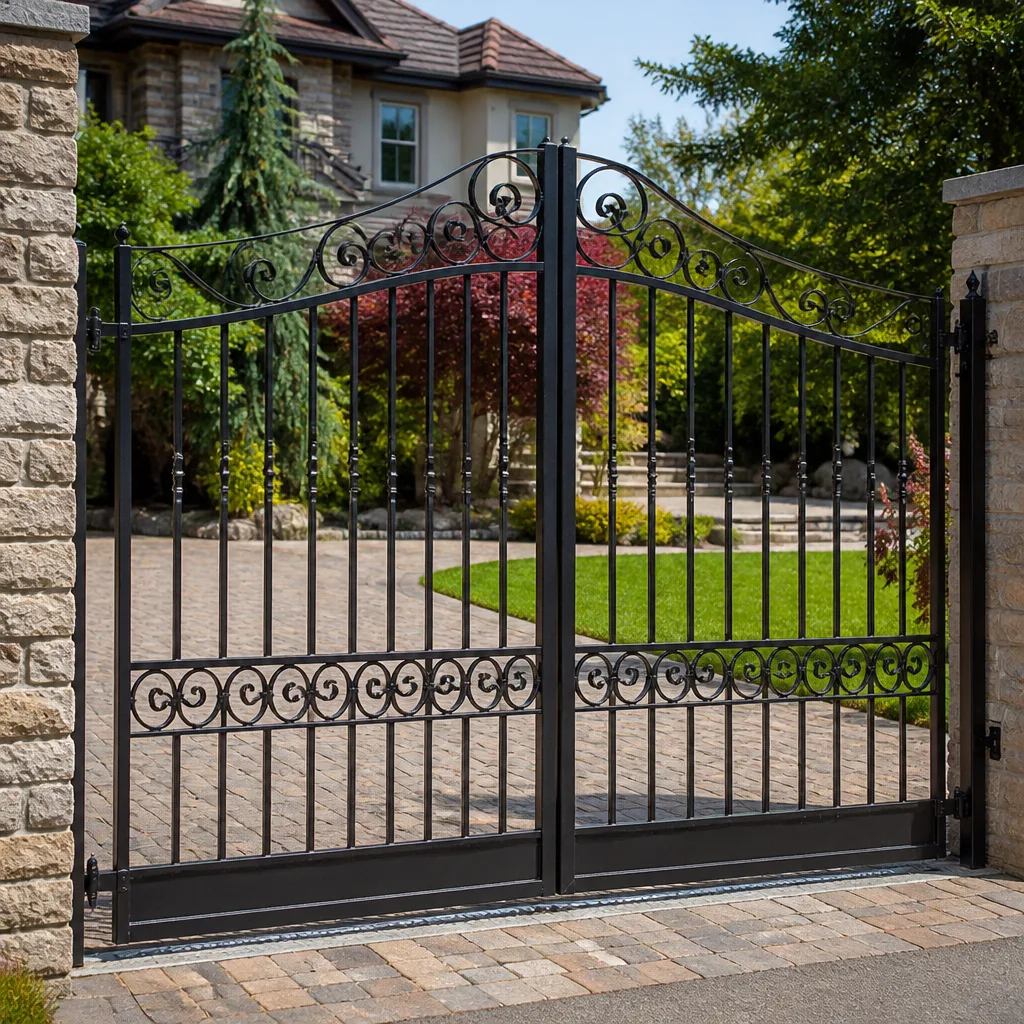 Wrought iron
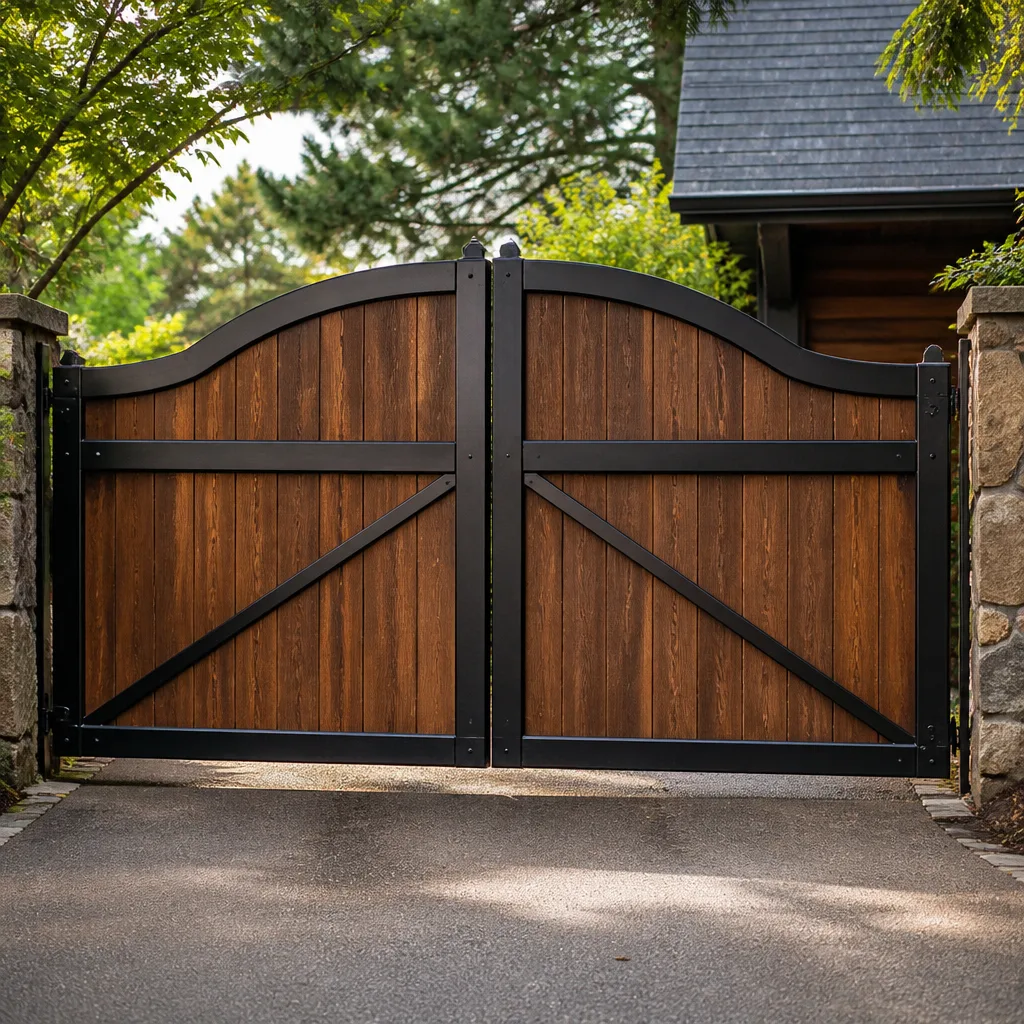 Wood & steel frame
 Farm & ranch
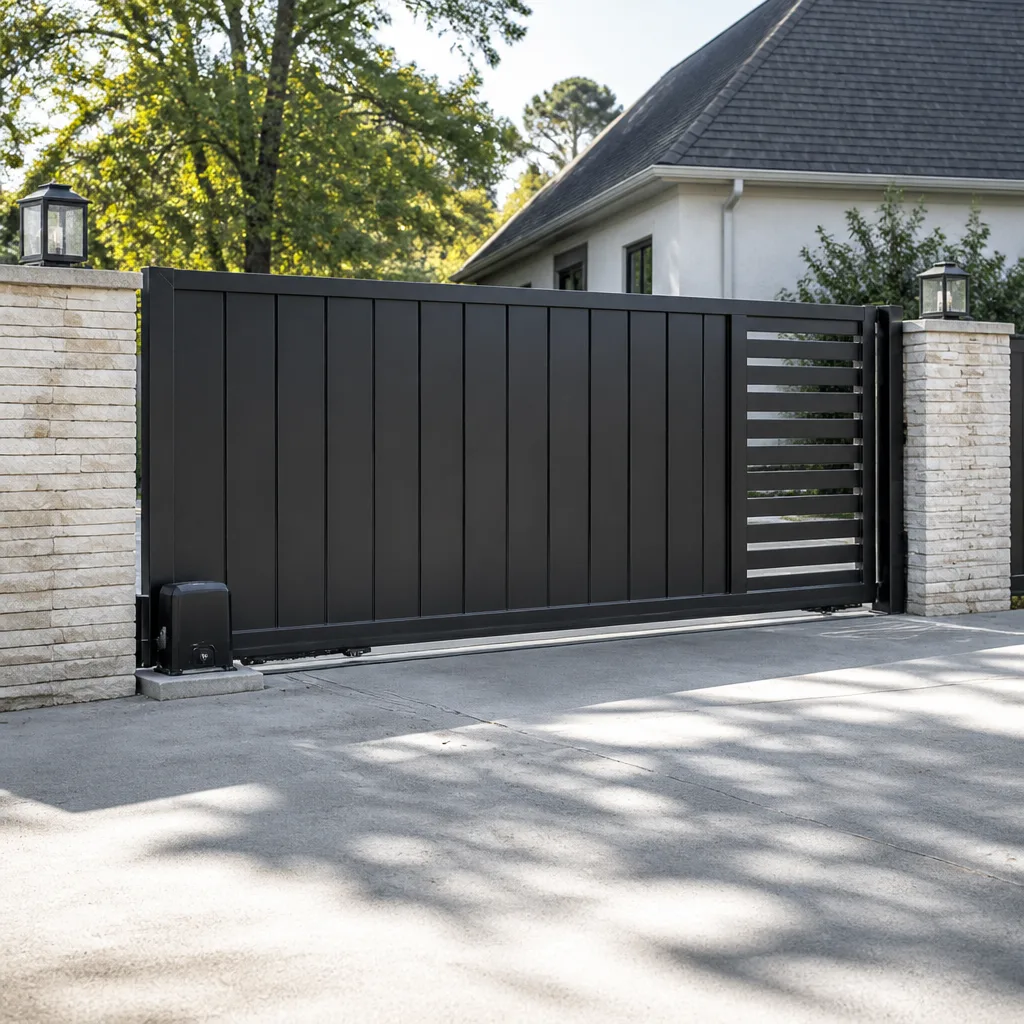 Sliding driveway gates
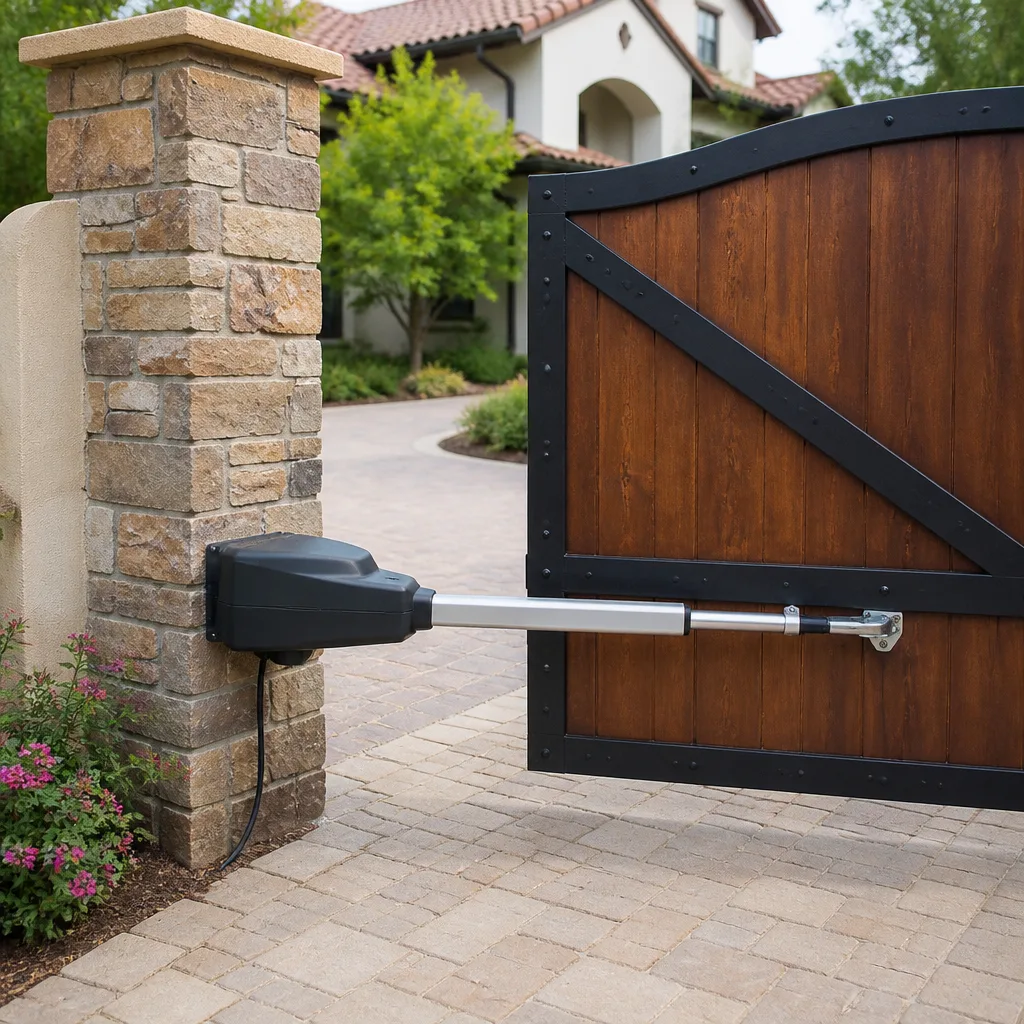 LiftMaster operators
Free on-site gate assessment - hinges, posts, and your LiftMaster or Nice gate operator checked before anything is quoted
The assessment is free and the quote is the invoice.
Get your free estimateGate Motor & Opener Troubleshooting: Common Problems and How to Fix Them
Before you call anyone, try this: cut the power at the breaker, count to thirty, and turn it back on. You’d be surprised how often that’s the whole fix – and when it isn’t, what the gate does next tells you most of what you need to know. Nine out of ten motor calls we run in Enterprise turn out to be something other than a dead motor: limit switches that drifted a quarter inch, a remote battery that finally quit, or terminals furred up green from our desert air. In this guide we’ll walk the diagnostic path in the right order, so you don’t pay for a service call you could have avoided.
Quick Answer
Most gate opener problems are not motor failures. They’re limit switch drift, dead remote batteries, misaligned safety sensors, or corroded wiring terminals – all common in Enterprise, where heat and blowing dust work on gate hardware every day. Run the power-cycle reset first, then check the LED blink code, then trace the terminals before you assume the motor needs replacing.
Styles & brands we work with
- Wrought iron
- Wood & steel frame
- Farm & ranch
- Sliding driveway gates
- LiftMaster operators
Table of Contents
- Start Here: The Three-Path Diagnostic
- The Power-Cycle Reset That Fixes More Gates Than Any Part
- Reading LED Blink Codes on Residential Openers
- Desert Terminal Corrosion: What Enterprise Heat Does to Gate Wiring
- When a Gate Reverses: Sensor Adjustment vs. Failing Motor
- The One Test That Separates an Alignment Problem From a Dying Capacitor
- Remotes, Keypads, and Access Control That Stop Responding
- Common Mistakes to Avoid
- When to Call a Professional
Start Here: The Three-Path Diagnostic
The fastest way to troubleshoot a gate opener is to stop asking “what’s wrong with the motor” and start asking “how is it failing.” Different failure behaviors point to different systems. In our experience across Enterprise, nearly every call sorts into one of three paths, and each one has its own short list of suspects.
Path 1: The gate won’t move at all
No sound, no movement, no nothing. This is almost always a power or command problem, not a mechanical one. Check, in order: the breaker feeding the operator, the control board fuse, the safety edge or photo-eye circuit (many operators refuse to move if the obstruction sensor reads blocked), and the remote or keypad battery. If the board has a light on, you have power – the command just isn’t getting through.
Path 2: The gate moves partway, then stops
Movement means power is fine. Partial travel almost always points to a limit switch that has drifted, a worn drive gear on a sliding gate, or a binding hinge on a swing gate. Limit switches are mechanical contacts – they get bumped, and after a few summers of expansion and contraction in Enterprise heat, they go out of adjustment. That’s a ten-minute fix when you know where the switch sits on the track.
Path 3: The gate moves but won’t stop, or reverses on its own
This path splits quickly. If the gate reverses before it reaches the obstruction, the safety sensor is misaligned, dirty, or has a failing lens. If it reverses after it fully closes, the motor or control board is usually the culprit. One path is a sensor adjustment; the other is a part. Knowing which one you’re on saves you either a service call or an unnecessary motor replacement.
If you’d rather skip the guessing and have somebody look at it, our Gate Repair in Enterprise team can walk the same diagnostic path on-site.
The Power-Cycle Reset That Fixes More Gates Than Any Part
Here’s the first thing we tell anybody in Enterprise who calls us with a gate that’s acting strange: cut power to the operator at the breaker for a full thirty seconds, then restore it. Not a light-switch off. Not unplugging the remote. Kill the breaker that feeds the operator and wait the full thirty seconds. Modern control boards on Linear and Viking units, plus most other residential platforms, hold their last state in memory until the capacitors fully drain. Thirty seconds is enough. Ten is not.
Why does this work so often? Because most residential opener boards run a small microprocessor that resets itself on power-up, re-homes the limit switch positions, and clears fault states that got latched into memory. A brief power flicker from a summer brownout – common in Enterprise when everyone’s AC kicks on at once – can leave a board in a fault state that looks exactly like a motor failure. The gate won’t move. The remote won’t work. Nothing’s actually broken.
The power-cycle tells you two things:
- If the gate works after the reset, the motor is fine. You’re chasing a transient fault that may or may not return. Note the date and watch for it again.
- If the gate doesn’t work after the reset, the fault is real and repeatable. Now the blink code matters – move to the next section.
One rule: don’t power-cycle a gate that’s physically stuck with a vehicle under it. Free the obstruction first, always.
Reading LED Blink Codes on Residential Openers
Almost every residential gate operator has an LED on the control board that blinks a specific pattern when something’s wrong. Most people never look at it. If you can count the blinks and match them to the manual, you can often diagnose the problem without touching a meter.
The three codes we see most often in Enterprise, and what they actually mean:
- Two short blinks, pause, repeat: On most Linear and Viking boards, this signals a safety edge or photo-eye fault. The operator sees the obstruction sensor as blocked or failed. Nine times out of ten you’ll find a dusty lens, a spider web bridging the beam, or a wire that’s been nicked by a weed whip.
- Three blinks, pause, repeat: Limit switch fault on most platforms. The board doesn’t know where the gate is. Either a limit switch has drifted out of position, or a wire running from the switch back to the board is broken or loose.
- Continuous fast blink: Low battery (on DC-powered units) or a control board fault. If you’re on a solar unit in a rural Enterprise property, chase the battery and charge controller first. If you’re on AC power, this usually means a board issue.
Your specific code may differ slightly – Ghost Controls and DoorKing boards each count their codes differently, and the exact sequence for “battery low” versus “comm error” isn’t universal. Find the sticker inside the housing; the manual is usually available for download with the model number. If you can’t read the code, count the blinks and call us. We can often identify the platform from a photo of the board itself.
Desert Terminal Corrosion: What Enterprise Heat Does to Gate Wiring
If you’ve lived in Enterprise more than a couple of years, you know the pattern: a gate works perfectly, then one July it starts acting strange, and by August it’s dead. What happened in between is usually not the motor. It’s corrosion at the terminal screws on the control board, and it’s the most underdiagnosed gate failure in our climate.
Here’s what the high-desert cycle does to gate wiring. Daytime temperatures crack triple digits. Overnight, they drop thirty degrees. Every metal-to-metal connection in the operator housing cycles through expansion and contraction twice a day, all summer. Add wind-blown dust, and you get a fine grit layer on every exposed surface. When that grit combines with even a whisper of moisture from an evaporative cooler line or an early-fall rain, galvanic corrosion starts on the copper-and-steel interface at each terminal.
What it looks like: a white-green crust around the screw head or at the base of the wire ferrule. Sometimes it’s a chalky white powder. Sometimes it’s green. On older installations we’ve opened up, the terminal screw has quietly welded itself to the wire, and the real failure is a broken strand three inches up the wire.
How to check it without breaking anything:
- Kill power at the breaker. Confirm the LED on the board is off before you touch a screw.
- Photograph the board layout first. You will not remember which wire went where.
- Look at each terminal for white, green, or brown crust. Pay special attention to the two heavy-gauge motor leads and the limit-switch commons – those see the most current and heat.
- Give each screw a gentle half-turn tighter. Any screw that turns freely without resistance needs to come out and go back clean.
To clean a corroded terminal, disconnect the wire, brush the screw and the wire end with a fine brass brush, and apply a thin coat of dielectric grease before reassembly. Do not use sandpaper on terminal blocks – it removes the plating and makes the next corrosion cycle worse. Do not spray WD-40 into the housing; it attracts dust and eventually makes the grit problem worse, not better. Dielectric grease and a clean brass brush are what we use, and they hold up in Enterprise heat far longer than anything else.
When a Gate Reverses: Sensor Adjustment vs. Failing Motor
A gate that reverses on its own is telling you one of two things, and they’re easy to tell apart once you know what you’re looking for. Reversing is a safety feature, not a failure – every operator is required by code to reverse when it detects an obstruction – so the question is what the operator thinks it’s obstructing.
If the gate reverses before it reaches the obstruction sensor: the sensor thought it was blocked. This is the common case. Causes include:
- Photo-eye lenses fogged with dust, pollen, or dried sprinkler water
- One photo-eye knocked out of alignment with its partner (a weed whip, a trash can, or a kid with a soccer ball will do it)
- The safety edge on the gate’s leading edge has a pinched wire or a dead pressure sensor
- Low voltage to the sensor – usually a corroded terminal at the board, covered above
Alignment check: the sending eye should have a solid LED, and the receiving eye should have a solid LED (the two are usually different colors). If either is blinking or dark, realign the mount until both are solid. Wipe the lenses with a dry cloth. That solves most reveres in Enterprise, especially after a windy spring.
If the gate reverses after it fully closes: the motor or board is failing. Specifically, this usually means the motor has lost enough torque that the current-draw sensor trips close to full load. On a DC motor, that’s a dying capacitor or a worn brush set. On an AC motor, it’s often a failing capacitor on the start winding. This is not an adjustment – it’s a part. Don’t keep resetting it. Have it looked at before the gate stalls in the closed position and you’re locked in.
One more thing: don’t disable the safety reverse to “make the gate work.” That feature exists because gates kill people. If the only way to keep your gate closing is to bypass the reverse, the gate isn’t safe to operate.
The One Test That Separates an Alignment Problem From a Dying Capacitor
Your gate opener is sluggish. It moves, but it’s slow, and maybe it groans a little. Two very different things cause this on a swing gate, and they have very different fixes. The good news: there’s a five-minute test that tells them apart, and you can do it without a meter.
The manual-release test. Every swing gate operator has a manual release – usually a keyed lever or a pull handle on the housing. Put the operator in manual mode, then walk the gate through its full swing by hand. Then do it on the other gate if you have a double.
- The gate swings freely by hand. If it moves easily through its full arc with almost no resistance, the mechanical side is healthy. The sluggishness is coming from the motor – likely a failing start capacitor or a worn motor. That’s a call-someone job, and we’ll cover it below.
- The gate binds, drags, or needs two hands. If the gate swings hard, hitches partway, or scrapes the ground, the gate itself is misaligned or sagging – and the motor is straining against the problem. A sagging hinge post, a hinge worn oval, or a fence that’s shifted one inch after a monsoon-season ground swell will all make the gate feel heavy to the operator.
Here’s where it gets interesting, and where the beginner gets it wrong. If the gate binds and the operator is straining, the operator’s control board will sense high current draw and can start to fail. Fix the gate first. Every single time. Fix the panel without the post and you’ll fix it twice, and once you’ve replaced a motor because the gate was dragging, you’ve paid for a motor you didn’t need.
If the gate swings free and the motor is still slow, you’re looking at a start capacitor or a motor. Capacitors are cheap, but on most residential operators they’re inside the housing and require the motor to be opened. That’s an on-site professional job – the cap holds a charge even after the breaker’s off, and we don’t recommend anybody open a motor housing without knowing which terminals to discharge. If your gate is on the free-swinging path in Enterprise, book a service call rather than charging a capacitor yourself.
Remotes, Keypads, and Access Control That Stop Responding
Half of what looks like a motor problem is a command problem: the operator is fine, but the signal isn’t reaching it. Work through this list before you assume anything mechanical.
- Remote battery first, always. A CR2032 that reads 2.8 volts on a meter is dead for this purpose. Swap it. If the remote is five years old and has never had a new battery, that’s your answer 80% of the time.
- Re-pair the remote. After a control board reset or a battery change, some platforms (Linear especially) require the remote to be re-paired with the “learn” button on the board. Check the manual for the pair sequence.
- Keypad dead but remotes work. The keypad’s own power or the low-voltage wire feeding it from the board. Trace the wire – if it runs through a planter or under a paver, check for nicks. Wires get chopped by shovels, and we’ve found this exact issue on a dozen Enterprise properties.
- Intercom or telephone-entry system (DoorKing is the usual one here) failing to release the gate. The problem is almost always in the phone line, the power supply, or the board’s phone interface – not the gate operator. Different diagnostic entirely.
If you’ve swapped the battery, re-paired the remote, and the keypad still won’t work but the remotes do – and the gate operates fine manually – the gate is fine and the access-control side needs a service call. Different trade, different tools.
Common Mistakes to Avoid
- Replacing the motor before you’ve read the blink code. A motor replacement is the most expensive fix on the board, and it’s the one people reach for first. Count the blinks and check the terminals before you spend that money. In our experience, the majority of “dead motor” calls in Enterprise turn out to be something else.
- Bypassing the safety reverse to get the gate working. Don’t. The reverse is protecting you and anyone else who walks through the gate. If the only way to keep it closing is to disable the sensor, the gate isn’t safe to operate yet – and no reputable shop will leave a gate that way.
- Spraying WD-40 or silicone into the operator housing to “clean” the board. It attracts dust, it creates an insulating film over the terminals, and it worsens the corrosion cycle. Brass brush and dielectric grease – nothing else.
- Power-cycling with a vehicle under the gate. The operator may resume a cycle mid-travel. Free the gate before you reset it. We’ve seen this one go badly.
- Adjusting a limit switch without noting the original position. Photograph the switch and the set screw position before you move anything. If the adjustment is wrong, at least you can get back to where you started.
- Fixing the motor when the gate is sagging. A sluggish operator on a binding gate will burn itself out. Always do the manual-release test first. Fix the gate.
- Calling a national company that quotes on the phone. In a market like Enterprise, where heat, dust, and monsoon-season ground movement make every gate a little different, the quote on the phone is a guess. Get somebody who will look at it.
See the difference
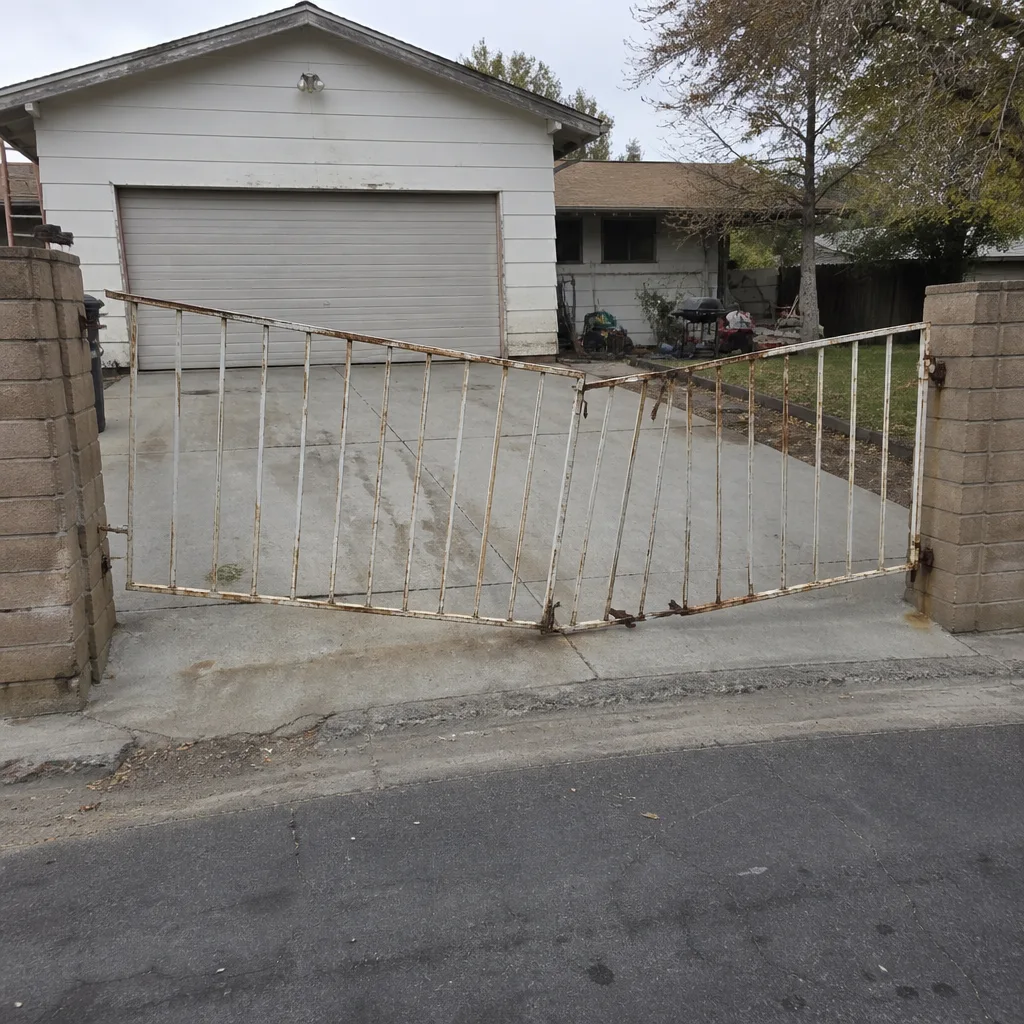 Before
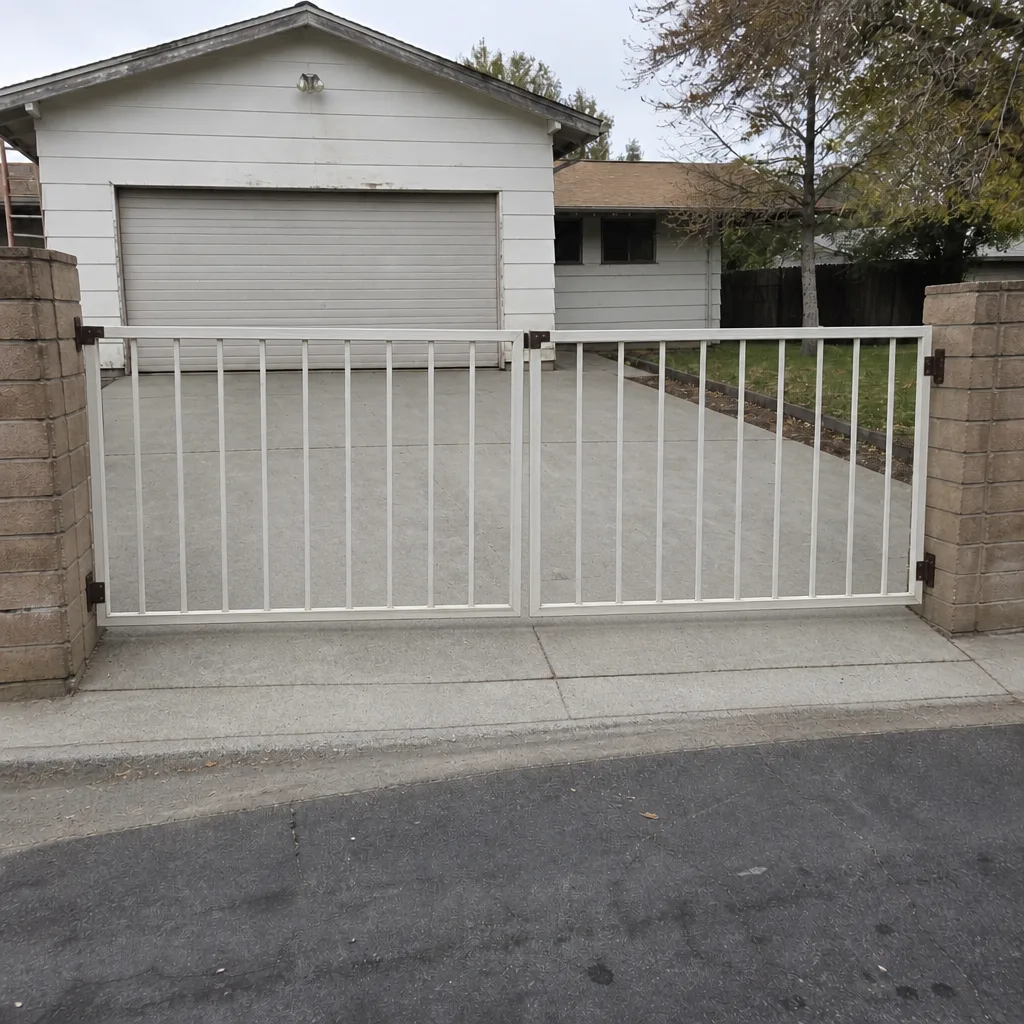 After
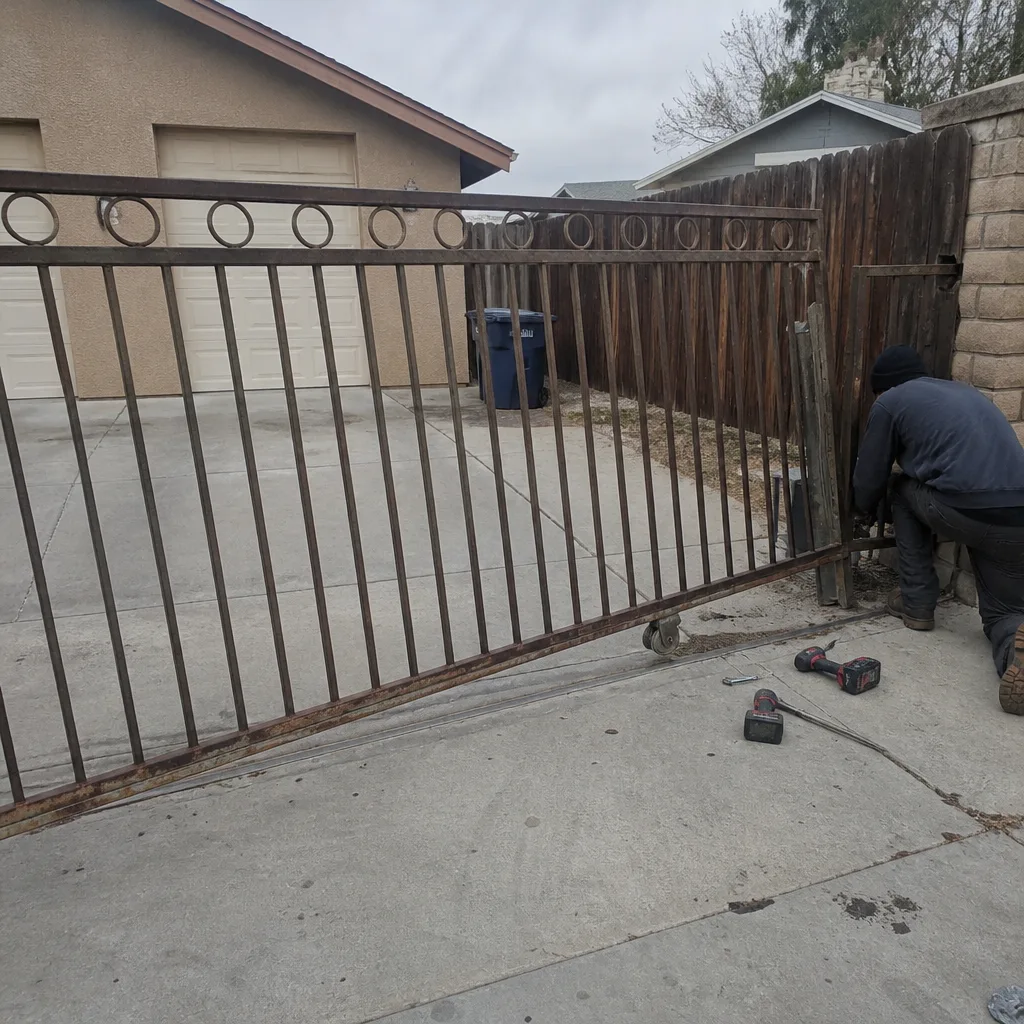 Before
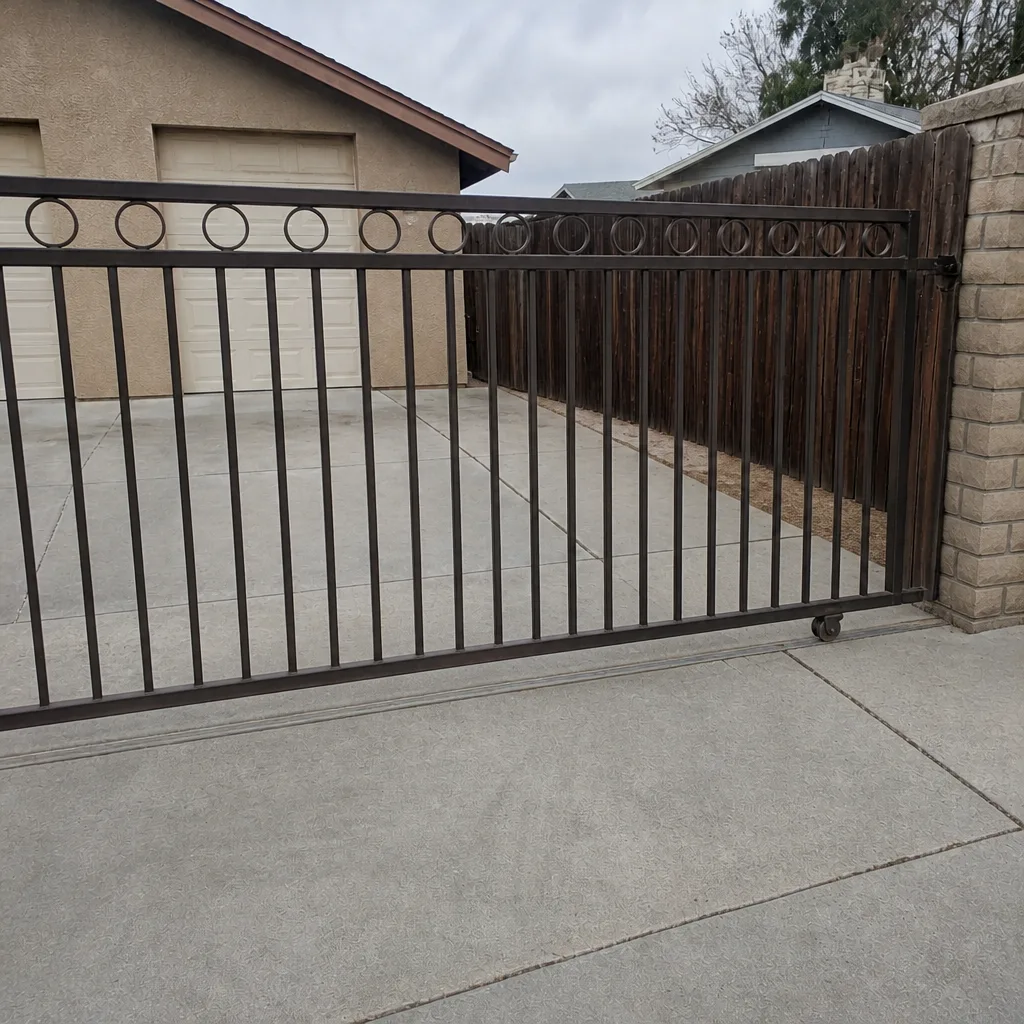 After
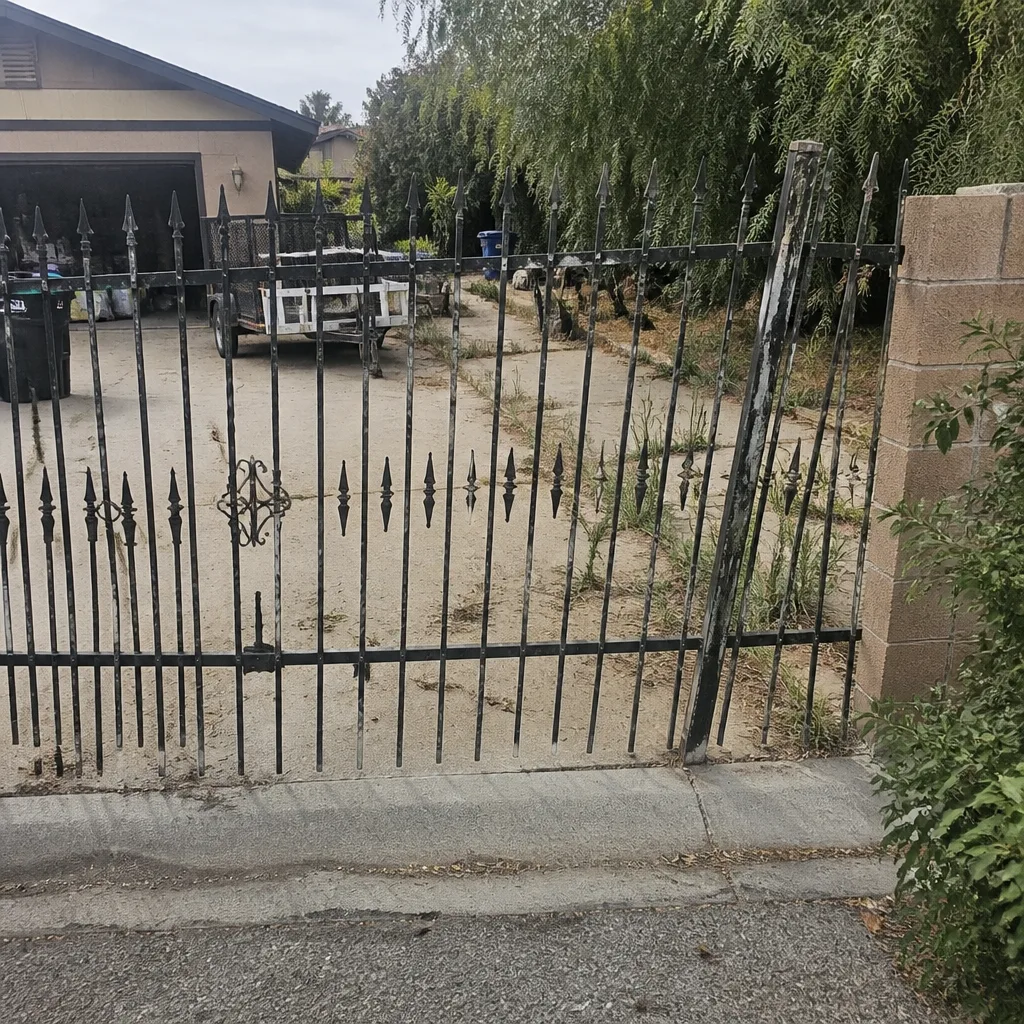 Before
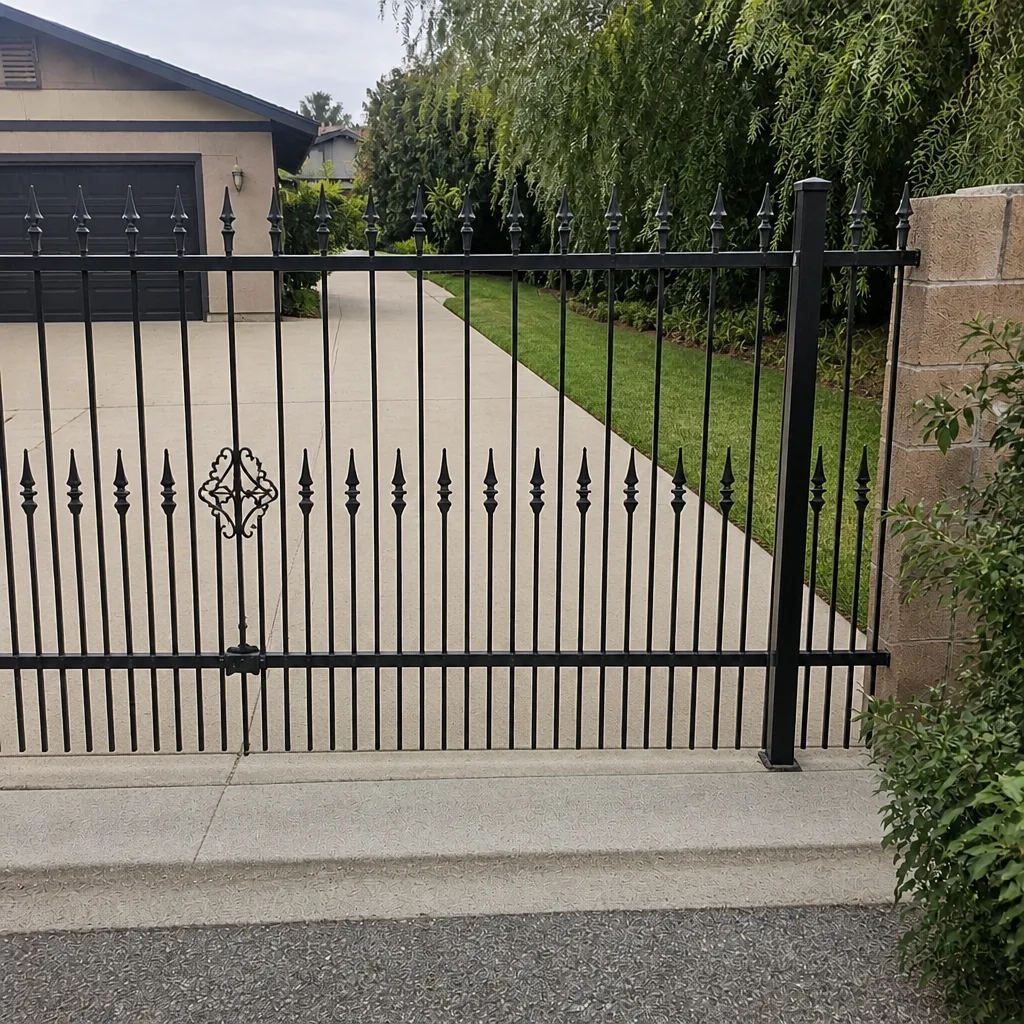 After
When to Call a Professional
Call a professional when the fault repeats after a power-cycle, when the blink code points to a board-level issue, when the operator is sluggish with a free-swinging gate (capacitor or motor), whenever a gate reverses and the sensor alignment doesn’t fix it, and any time a control board or motor housing needs to be opened. Those are all situations where the work is safe, quick, and specific for someone who has done it hundreds of times, and where doing it yourself risks damaging an expensive board or getting a shock from a capacitor that holds a charge long after the breaker’s off. Corroded terminal cleaning and photo-eye realignment are within reach for most homeowners. Anything electrical inside the housing is not.
If your gate is a swing gate on a LiftMaster, FAAC, BFT, Linear, Viking, Ghost Controls, DoorKing, Elite, or Mighty Mule platform and you’ve tried the easy steps, we can walk the rest. Our Gate Motor & Opener in Enterprise team services all nine of those brands on-site, and if the gate needs new hardware rather than a repair, Gate Installation in Enterprise handles that too.
Frequently Asked Questions
The manual-release test is the fastest way to know. If the gate swings freely by hand and the operator is still slow or non-responsive, the motor or control board is likely the issue – but even then, that’s usually a capacitor or a board fix, not a motor replacement. If the gate binds or drags by hand, the motor is fine and the gate needs alignment or repair. Call (833) 780-1547 and we’ll walk you through it over the phone at no charge.
A diagnostic service call to look at a residential gate opener in Enterprise typically runs in the range of $95 to $150, and the cost of the repair (if any) is quoted and agreed before we start. We don’t charge a trip fee inside the county, and we offer a free second opinion on any written estimate you’ve already received. Call (833) 780-1547 for an exact quote on your specific gate.
Usually yes, for stuck-gate calls. Our phone is answered by a live person 24 hours a day, seven days a week, and same-day repair is often possible for the routine issues this guide covers – a stuck gate, a dead remote, a limit switch out of adjustment. If it turns out to be a board or motor replacement, we’ll tell you on the phone what the timeline looks like before we come out. Call (833) 780-1547.
A blinking code with a working gate often means a safety edge or photo-eye is on its way out – it’s reading the sensor as marginal, so the operator is telling you it’s failing but not failing hard enough to refuse a cycle yet. Get it looked at before it becomes a locked-open or locked-closed gate. If you don’t want to chase it down, call us and describe the blink pattern.
Yes. Both are part of a proper installation and part of our repair scope. A gate is a safety device, and the power run and safety reversing edges aren’t extras – they’re how the gate stays legal and safe. Our crew is background-checked, uniformed, and takes the same care on a diagnostic call as on a full install. Call (833) 780-1547 for a free estimate.
We service nine major residential and light commercial brands: LiftMaster, FAAC, BFT, Linear, Viking, Ghost Controls, DoorKing, Elite, and Mighty Mule. Our technicians have up to 25 years of experience, and we keep it that way – the same person who answers your call is often the same one who shows up. Call (833) 780-1547 to confirm your specific model.
The Bottom Line
Most gate opener problems are cheaper than the homeowner thinks. Power-cycle first. Read the blink code second. Check the terminals third, especially if your gate lives in Enterprise heat. Do the manual-release test before you assume the motor’s bad – if the gate swings freely by hand, the motor is not your problem; if it binds, fix the gate before it burns out the operator. And when the fault is real, repeating, or inside the motor housing, get somebody who does this every week. That’s not a sales pitch, it’s a safety call: gates that reverse or fail can hurt people. We’re local, we publish our address, our phone is answered 24/7 by a live person, and every job we do carries a 90-Day Done Right Promise in writing.
Call Gatewood Fence & Gate Enterprise at (833) 780-1547 for a free estimate on your gate motor or opener. We offer $40 off any repair over $200, no trip charge inside the county, a free second opinion on any written estimate, and a permanent 10% discount for seniors and veterans. The name’s on the shop, and the shop is down the road – that’s the oldest accountability there is. You can also start from our Gatewood Fence & Gate Enterprise home to see everything we handle.
Written by the team at Gatewood Fence & Gate Enterprise.