
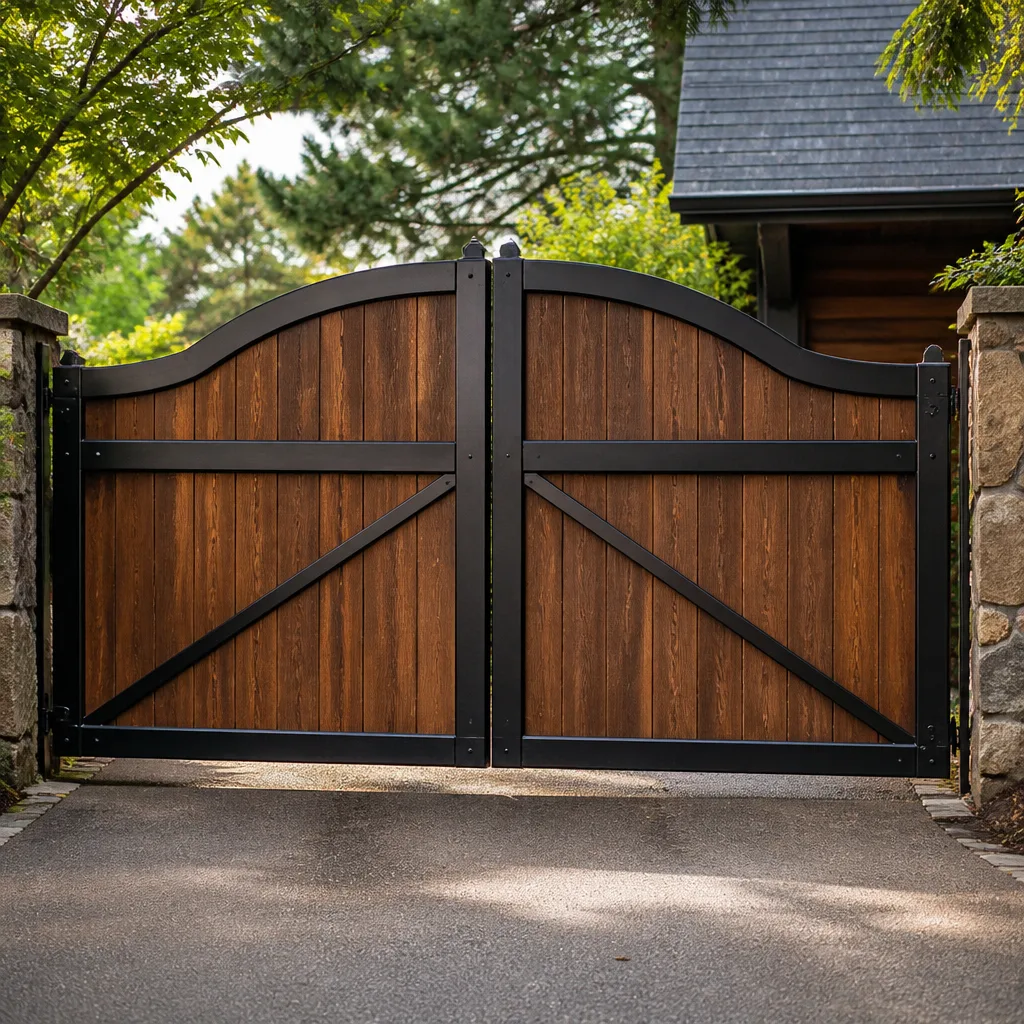
 Wood & steel frame
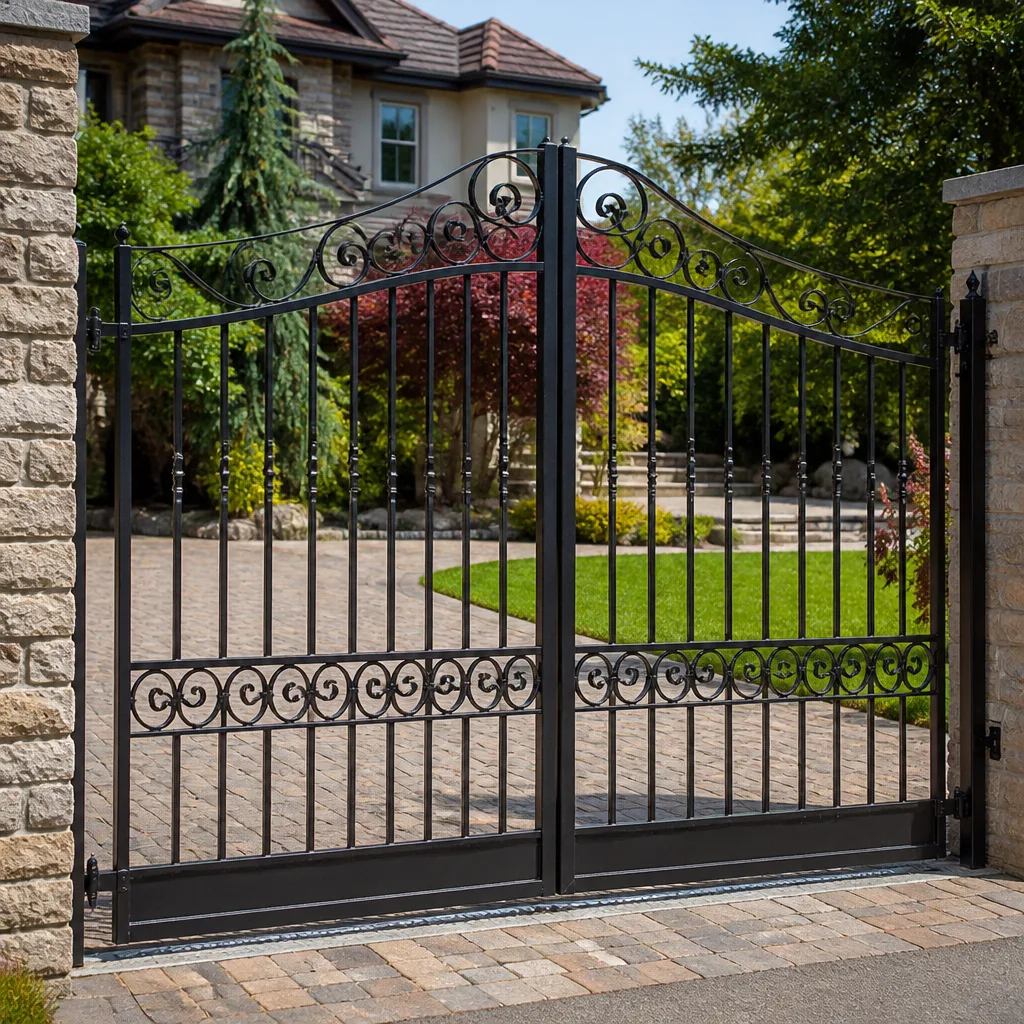 Wrought iron
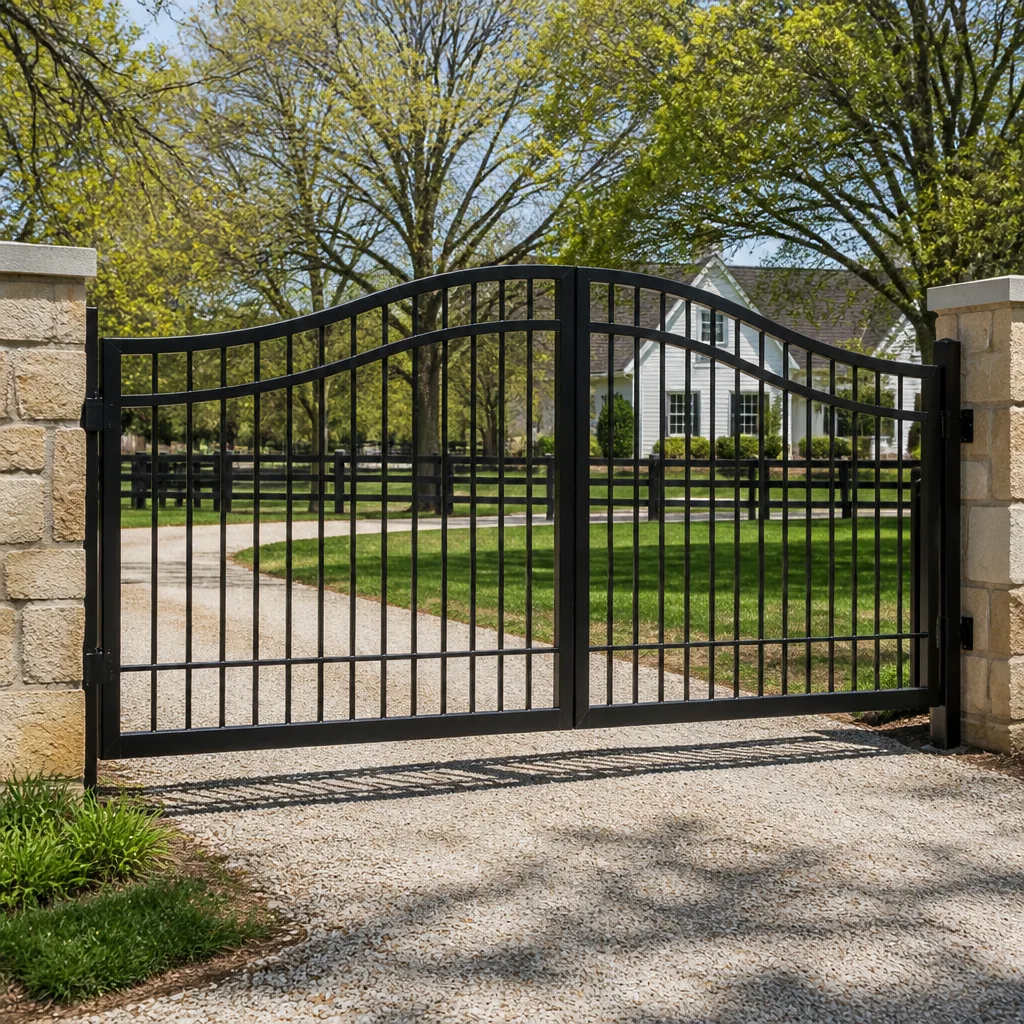 Farm & ranch
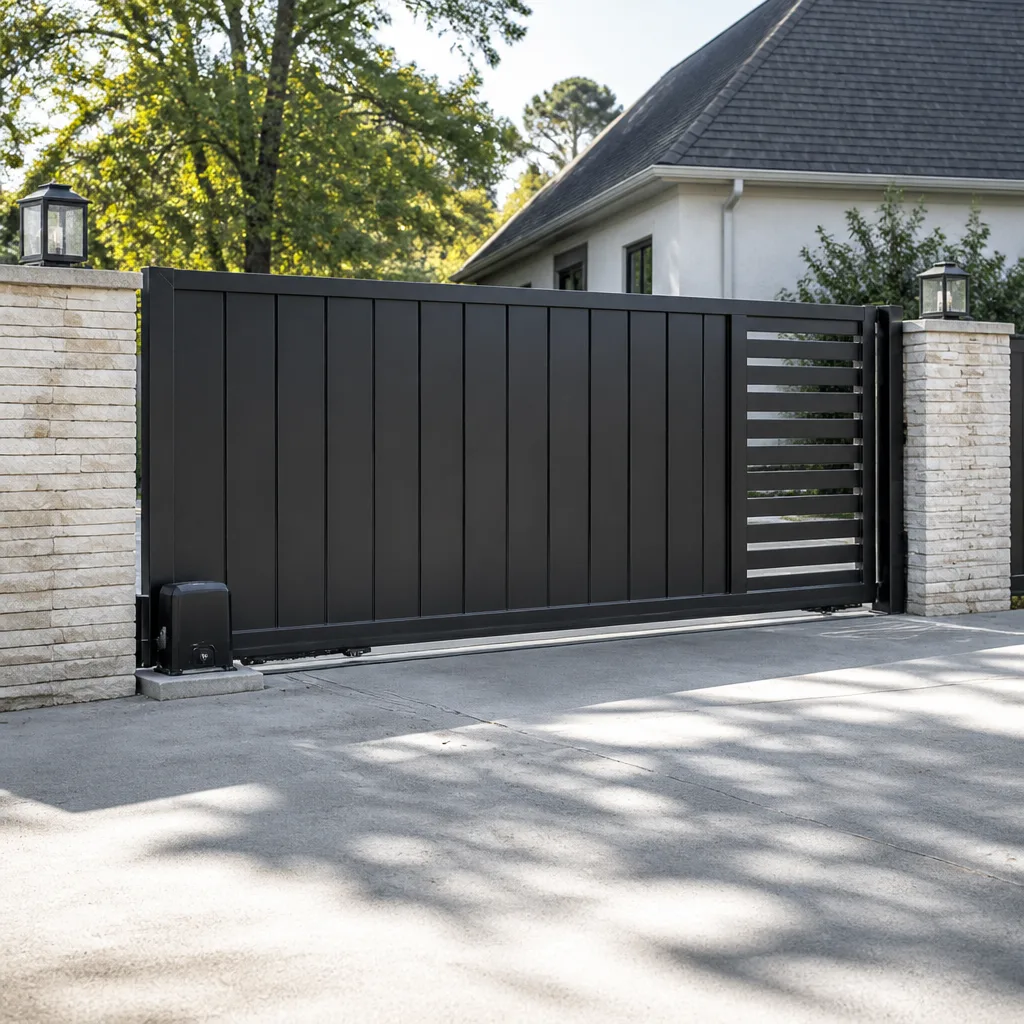 Sliding driveway gates
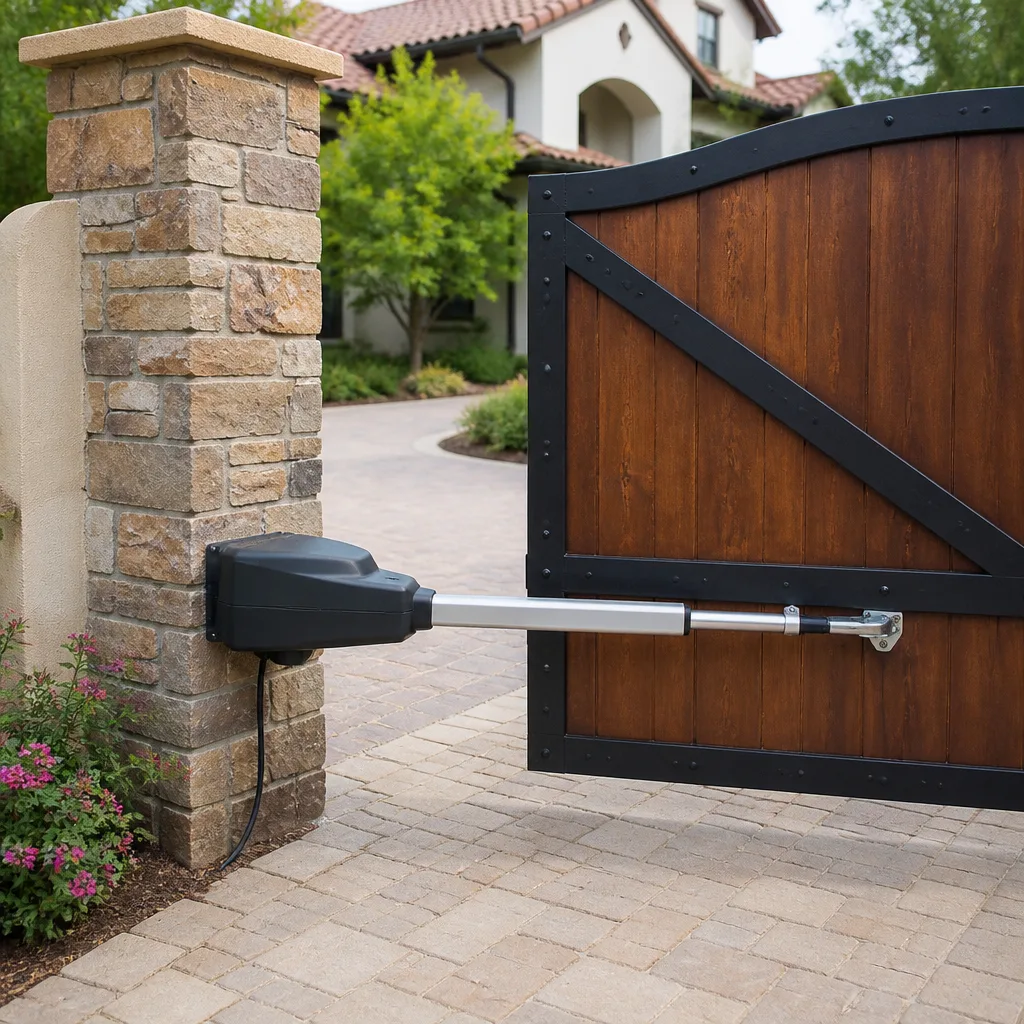 LiftMaster operators
Free on-site gate assessment - hinges, posts, and your LiftMaster or Nice gate operator checked before anything is quoted
The assessment is free and the quote is the invoice.
Get your free estimateStyles & brands we work with
- Wrought iron
- Wood & steel frame
- Farm & ranch
- Sliding driveway gates
- LiftMaster operators
See the difference
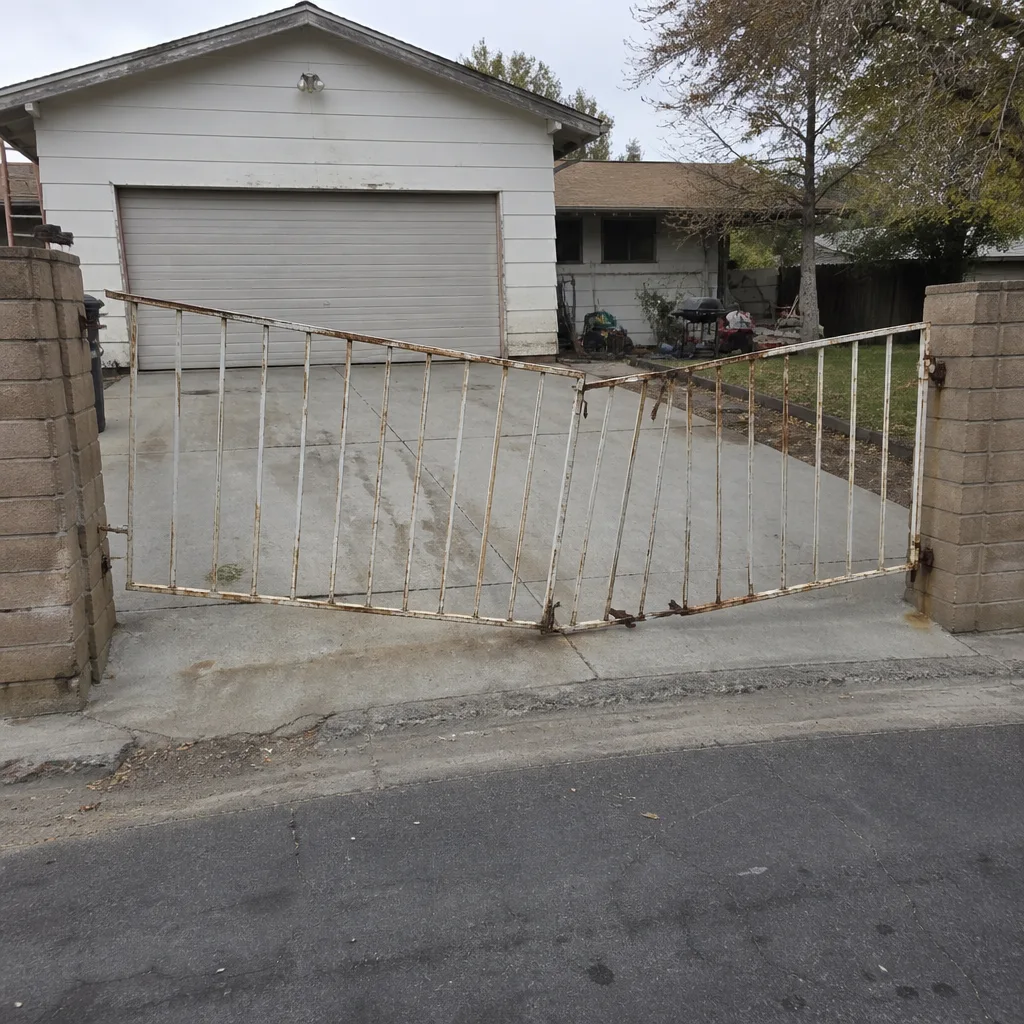 Before
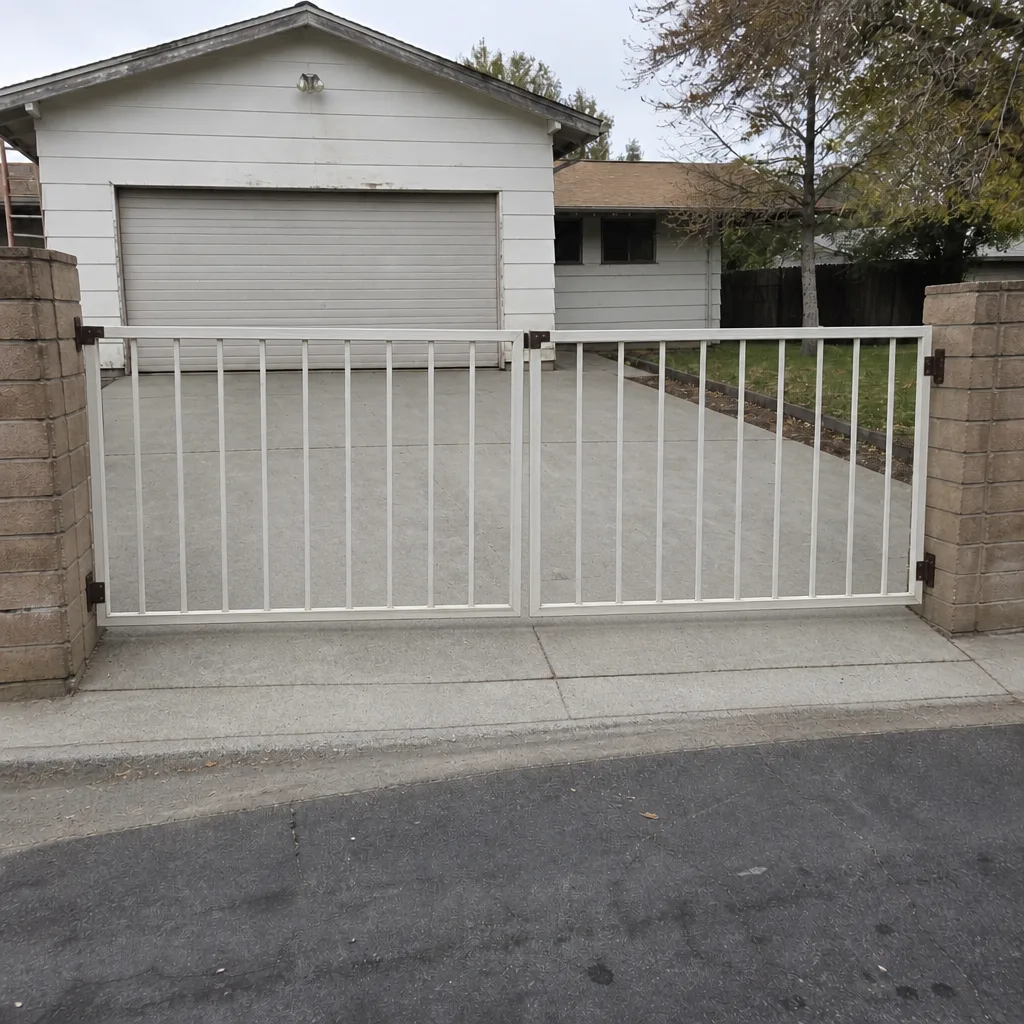 After
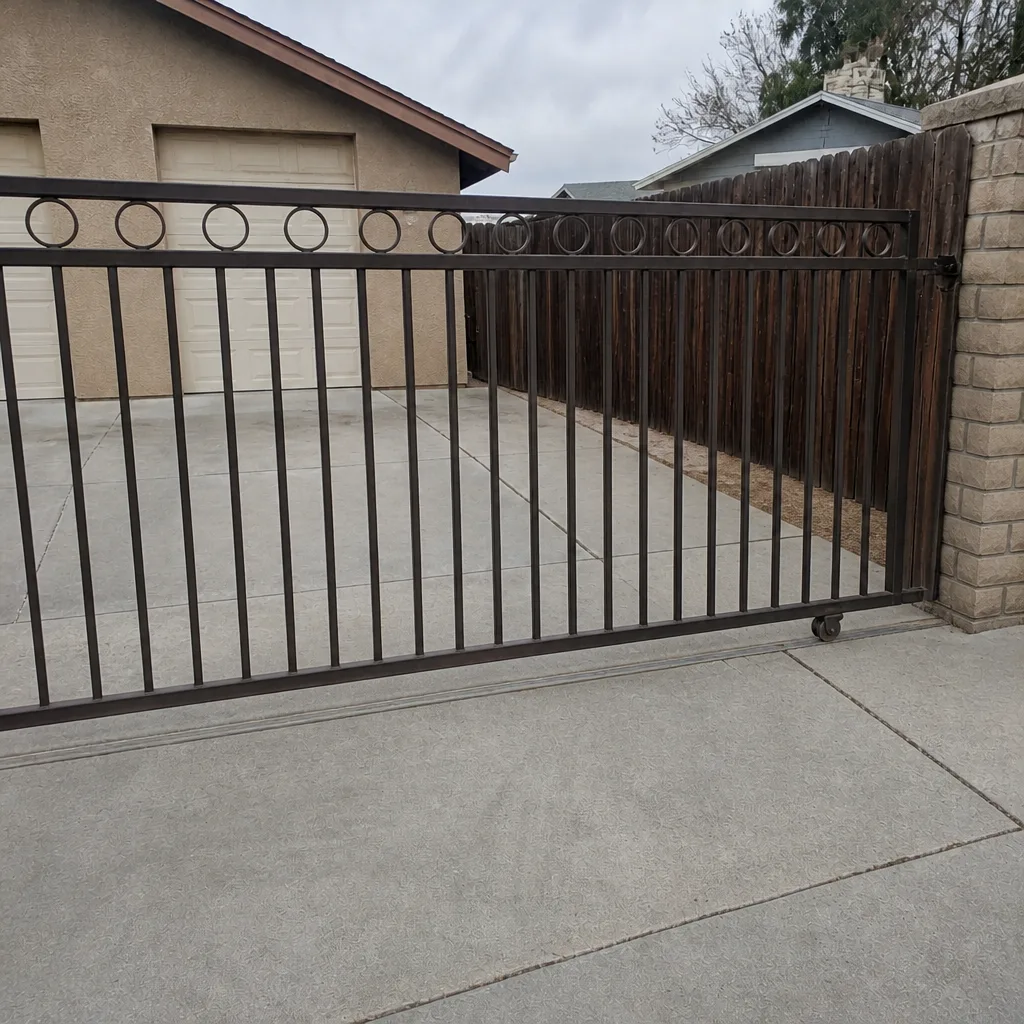
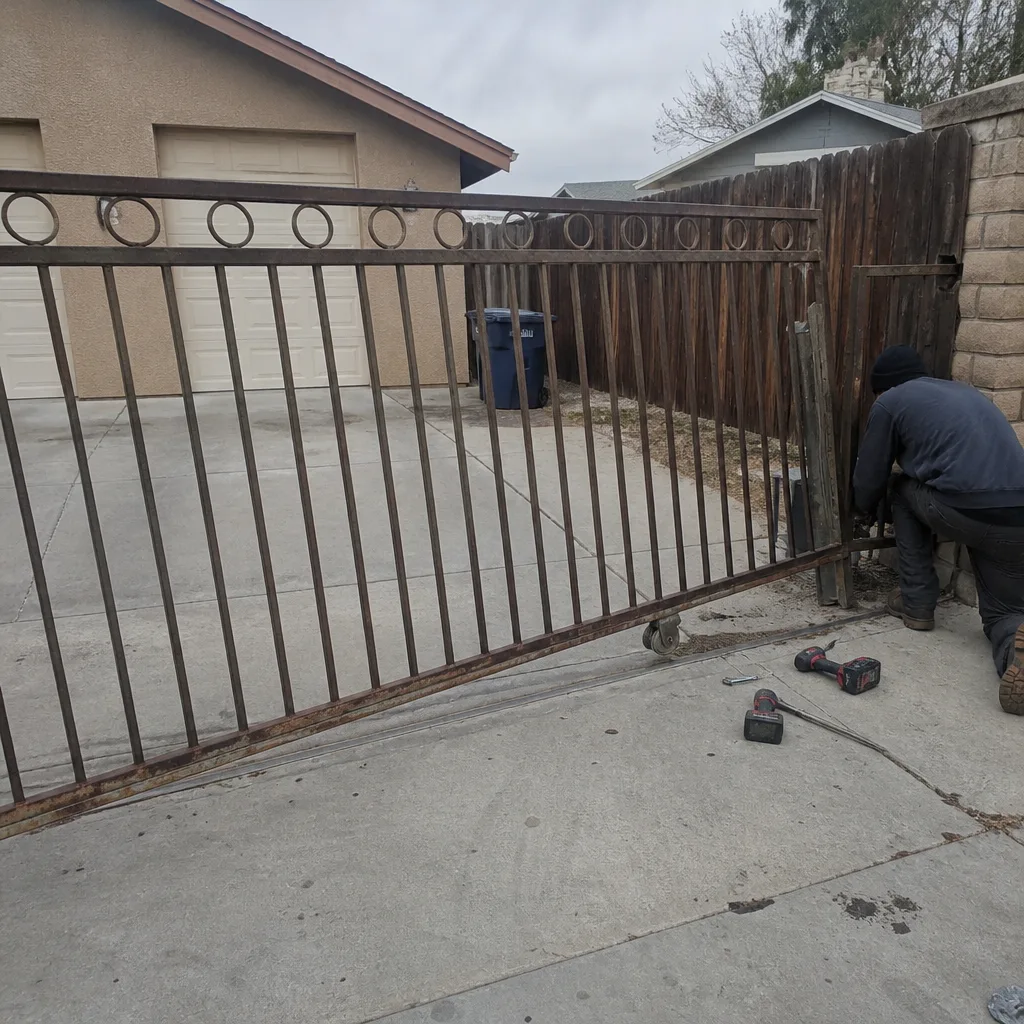 Before
 After
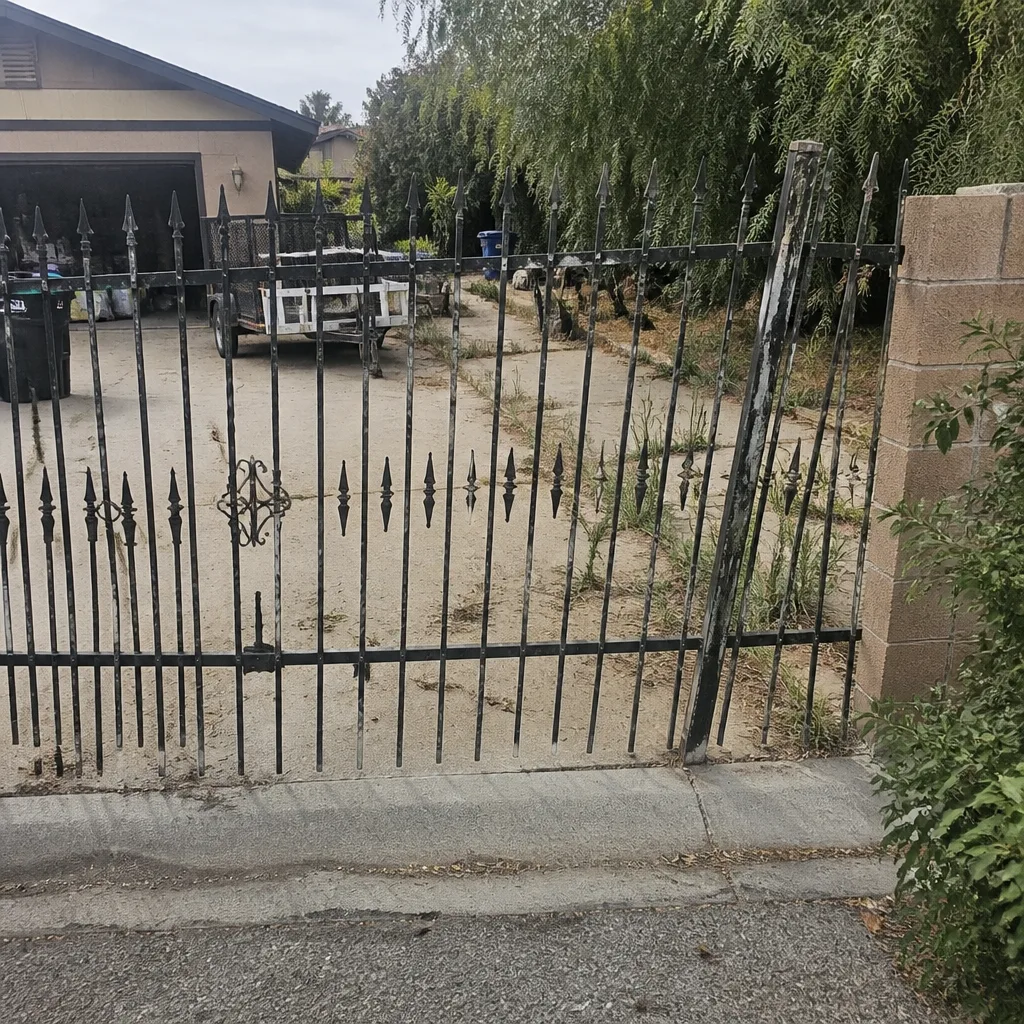 Before
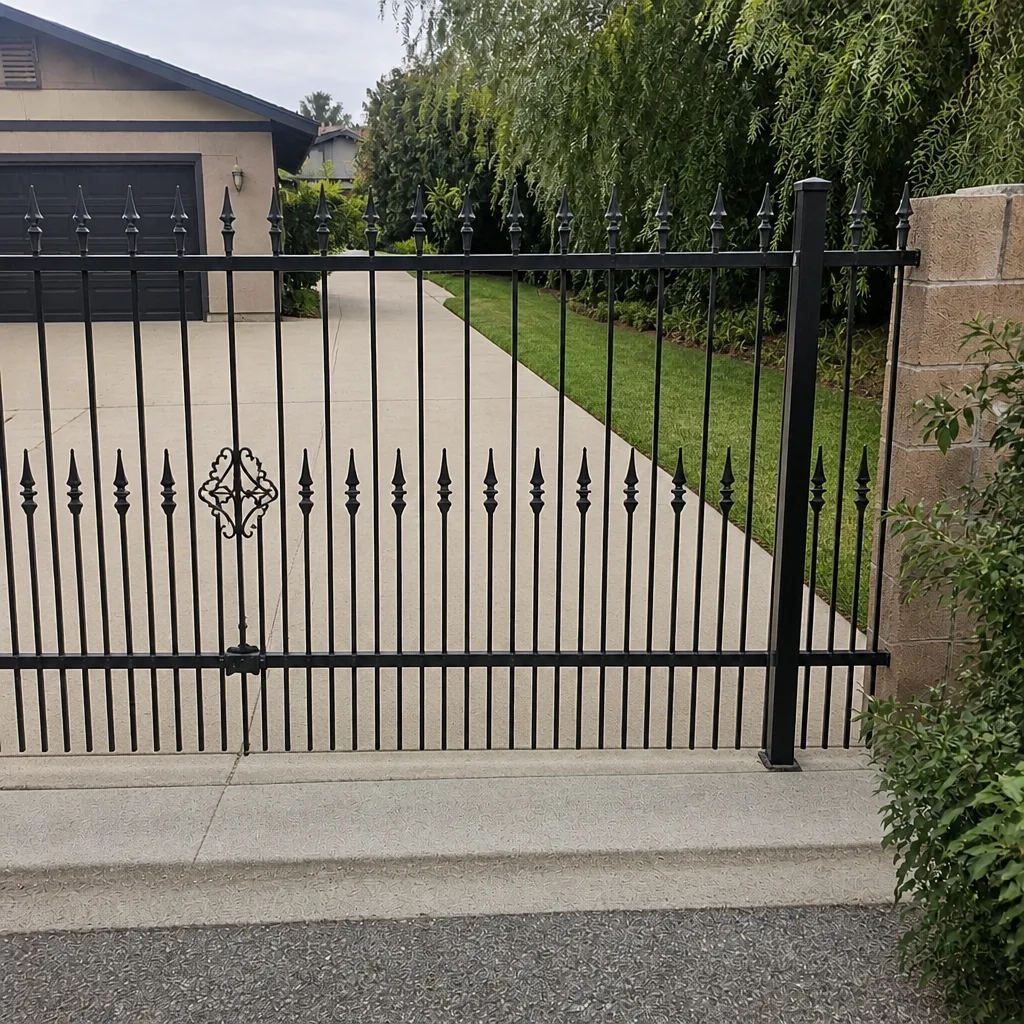 After
How to Reset an Automatic Gate in Enterprise, NV: Find the Fault First, Then Reset
The short answer: resetting an automatic gate means clearing the fault, not just cycling the board. A soft reset (power-cycle or pressing the reset button) clears a temporary trip from heat or a power blip; a hard reset (factory default restore) wipes your programmed remotes and keypad codes and is rarely the right first move. The step most people skip is checking the fault indicator light before pressing anything. If you’re in Enterprise and the gate went down on a 108°F afternoon with no obstruction, it’s probably a thermal trip. If you’re not sure, call (833) 780-1547 and we’ll walk you through what the board is telling you before you reset a real problem into a bigger one.
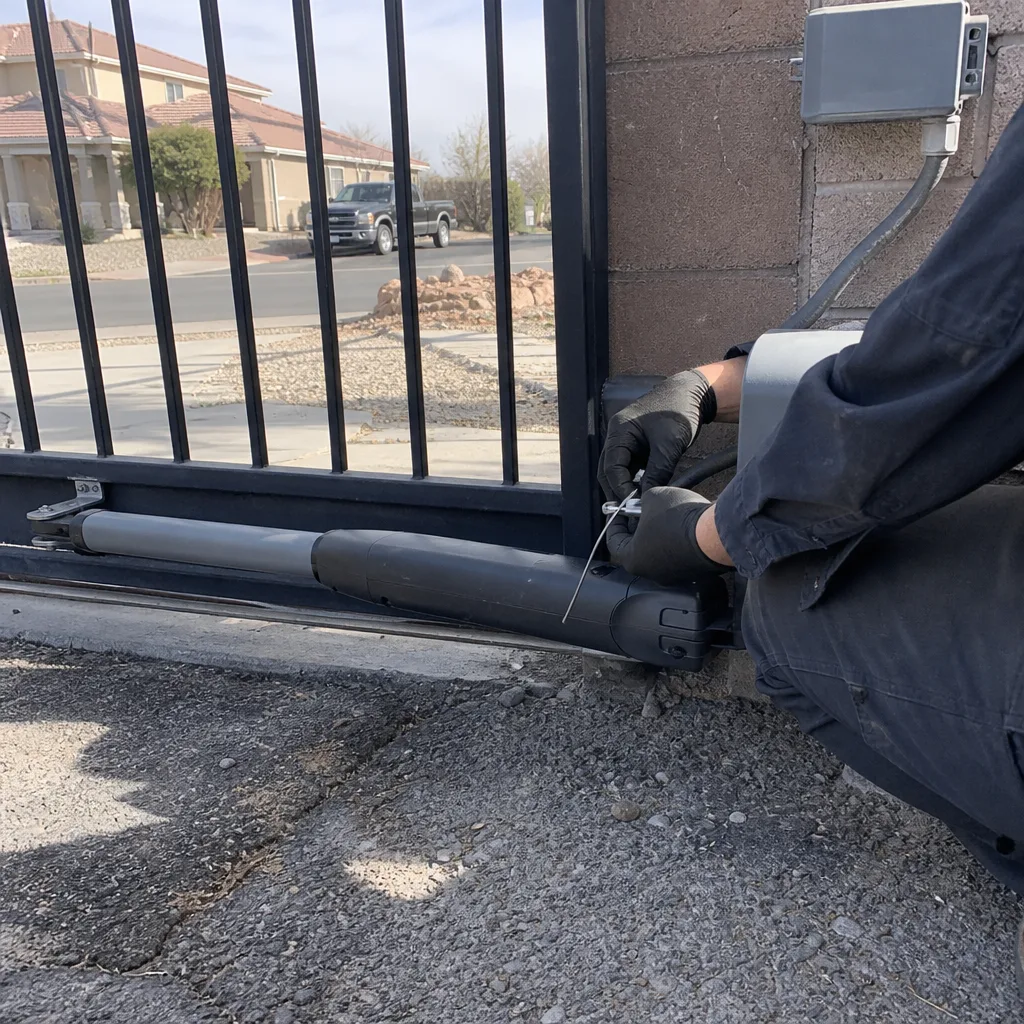
Key Takeaways
- Check the LED fault indicator on the control board before you reset. A steady standby light means a temporary trip; a blinking fault code means a real problem.
- A soft reset preserves your remotes and keypad codes. A hard reset erases them. Know which one you’re doing.
- After power outages on sliding gates, re-engaging the drive takes a full open-and-close cycle. Skip it and the gate stays in manual mode.
- Repeated resets on an unresolved fault can burn a board that was otherwise repairable.
- If the gate is sagging, the limit switch is cracked, or you see chewed wiring, a reset won’t fix it. Call Hal.
Pressing the reset button on a gate with a real underlying fault is like clearing a check-engine light and driving off. It works until it doesn’t, and the second time usually costs more. We’ve seen a $180 sensor replacement turn into a $600 board replacement in Enterprise because someone hit reset six times hoping it would stick.
Soft Reset vs. Hard Reset: Which One Are You Actually Doing?
Most gate owners don’t realize there are two kinds of resets, and they do very different things.
A soft reset cycles power to the operator board or uses the manufacturer’s reset button. On a LiftMaster or FAAC operator, this clears the fault log the same way unplugging a router clears a bad session. Your remote codes, your keypad PIN, your travel limits, and your photo-eye alignment all stay put. This is the reset you want 90% of the time.
A hard reset restores the board to factory defaults. That means:
- Every programmed remote is forgotten and has to be re-paired one at a time.
- Keypad combinations are wiped.
- Travel limits, soft-start/soft-stop settings, and safety-reverse sensitivity are reset, and on sliding operators that means re-learning the open and close limits before the gate will run.
- Any paired accessories (intercom, loop detector, phone entry) need re-registration.
On a Mighty Mule single-remote residential operator, re-pairing is a five-minute job. On a community entry gate running a DoorKing access system with 40 homeowners, a hard reset without a programmer on site is a half-day problem. We’ve walked into more than one Enterprise HOA gate where a resident hit the factory reset “just to see” and the whole tract lost its clickers for a weekend.
Do the soft reset first. Only go to a hard reset if the manufacturer’s manual specifically tells you to, and only after you’ve confirmed the fault isn’t mechanical.
The Enterprise Pre-Reset Checklist (Do This Before You Touch the Board)
Enterprise is a Mojave Desert suburb, and that shapes what fails here. Summer highs run past 100°F. Wind-blown sand off the open desert edges of the valley grinds rollers and pits photo-eye lenses. Monsoon rain comes through hard enough to shift a gate post set into the caliche-heavy soil these tracts were built on. And most of the subdivisions here went up fast in the 1990s and 2000s, so you get block after block of identical gates, which means the same worn roller or misaligned sensor shows up at your neighbor’s house two doors down.
Before you reset anything, do these five checks in order:
- Look at the gate itself. Is there a branch, a soccer ball, a recycling bin, or a piece of pool equipment in the path? A photo-eye that sees an obstruction will hold the gate open and read as a fault even when the board is fine.
- Inspect the roller track. Run your hand along the track inside the gate enclosure. If you feel grit or sand buildup, a reset will clear the fault until the next cycle binds and trips it again. Clean the track before you reset.
- Wipe the photo-eye lenses. Both sides. A microfiber cloth and a little water is all it takes. Dust on a lens is the single most common “my gate won’t close” call we get in Enterprise, and it costs nothing to check.
- Read the LED on the operator board. Open the enclosure and note whether the indicator is steady or blinking, and count the blinks. This is the step everyone skips. A steady light is standby. A blinking pattern is a fault code, and the code tells you what to look at next.
- Check the battery on the operator or backup panel. If the gate operates but behaves erratically, or stops during a brownout, a low backup battery is the culprit.
Common Board Codes in Plain English
LiftMaster and US Automatic boards (the most common in this part of the valley) blink codes two ways: a repeating pattern separated by a pause. Here’s how to read the most common ones:
- Two blinks, pause, repeat: Obstruction detected on the photo-eye. Clean the lenses, check the path, then soft reset.
- Three blinks, pause, repeat: Safety reverse device triggered during the last cycle. Often a sensor misalignment or a sagging gate blocking the beam.
- Four blinks, pause, repeat: Limit not learned or travel calibration lost. Not a bad board. It needs a travel reset per the operator manual.
- Continuous fast blink: Motor thermal overload. This is the heat-trip code. Wait before you reset.
- Steady, no blink, gate dead: Usually power supply or board fault. Don’t reset repeatedly. Get eyes on it.
If your brand isn’t on that list, the manual for your operator’s model is the authority. If you can’t find the manual, our home page links to our service offerings and we’ll happily talk you through where to look.
The Heat-Trip Reset (The One Most Enterprise Homeowners Get Wrong)
If the gate quit on a hot afternoon, with no fault code, no obstruction, and no warning, the thermal cutout inside the operator likely tripped. That’s the board protecting the motor from cooking itself in an enclosure baking at 130°F+ in direct sun.
The wrong move is to press reset immediately, and we mean that literally. A hot board reset can lock the system harder, and on some operators it wipes the travel limits, requiring a full relearn once things cool down.
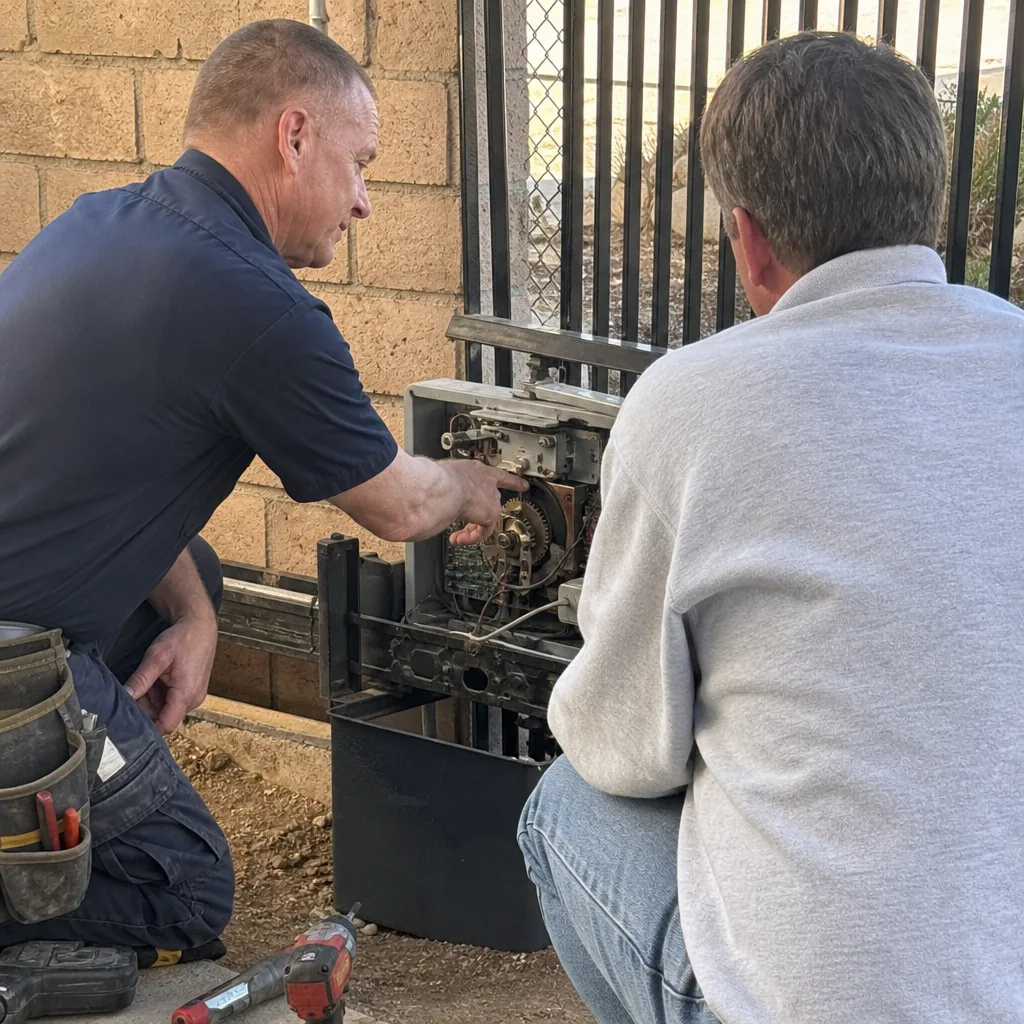
The right sequence:
- Open the operator enclosure cover and let it breathe for 20-30 minutes in shade.
- Feel the enclosure. If it’s still warm to the touch, give it longer.
- Once cool, press reset once. If the fault clears and the gate runs a normal cycle, you’re done.
- If it trips again on the next hot cycle, the operator’s in the wrong spot or the motor is drawing too much current. That’s a diagnosis job, not a reset job.
Many Enterprise operators sit under a west-facing wall in full afternoon sun. A shade cover or relocation is often the real fix. If yours is one of the operators that keeps tripping, look at our Gate Motor & Opener in Enterprise page for what a proper install looks like.
Sliding Gate Manual Release: The Step That’s Easy to Miss
After a power outage, many Enterprise sliding gates go into manual release mode (the key or lever you use to disengage the drive so you can push the gate by hand). When the power comes back, the drive does not always re-engage on its own. The gate looks dead even though the board is fine.
On most sliding operators, re-engagement requires a specific sequence, usually a full manual open-and-close cycle with the drive lever flipped back, followed by one full powered cycle to relearn the limits. Skip the cycle and the gate stays in manual mode, which spooks people into thinking they have a board fault.
The sequence varies by brand. On a FAAC or BFT sliding operator it’s typically: pull the release lever, cycle the gate manually end-to-end once, re-engage, then press the remote once to complete the relearn. On older LiftMaster sliding models the relearn is more sensitive. Not sure which one you have? The Gate Motor & Opener page has more on the brand differences, or call the shop.
When a Reset Is the Wrong Move (Please Read This First)
We fix a lot of gates that were reset one too many times. If you see any of the following, call us before you hit reset a second time:
- Sagging gate that binds mid-travel. A gate sags in the hinge post, not in the middle, and no reset will fix a post that’s settling into caliche soil.
- Cracked or loose limit switch. The board will show a travel fault every cycle. Repeated resets cycle the board through the fault and eventually burn out a board that was otherwise repairable.
- Chewed or frayed wiring near the hinge or operator. A short in the control wiring will blow fuses or the board on reset.
- Water intrusion after a monsoon. If the enclosure filled with rainwater, do not power it up until it’s dried and inspected. Reset on a wet board is how you turn a $200 fix into a $700 one.
If any of those are present, we’d rather look at it before you reset. Every Gatewood job walks out with the 90-Day Done Right Promise stamped in writing, and repair-first means we fix the post, the roller, or the limit switch instead of swapping the whole operator. We weld on site in your driveway. We don’t haul the gate off.
FAQs
A soft reset does not erase your remote codes; a hard reset (factory default restore) does, along with your keypad PIN and travel limits. On most LiftMaster and US Automatic residential operators, the reset button or a power cycle is a soft reset. A hard factory default is a separate multi-button sequence you have to do on purpose, and it’s the one that wipes pairing.
On a sliding gate, the most likely cause after an outage is that the operator is still in manual release mode and needs a full open-and-close cycle to re-engage, not a board reset. On a swing gate, a photo-eye misalignment or a lost travel limit is more likely. Cycle the gate once manually, then once with the remote, before you reset anything. If it still won’t run, call (833) 780-1547 and we’ll help you read the fault code.
A soft reset costs nothing and is safe to try after the pre-reset checklist. A pro service call to diagnose a fault typically runs $95-$180 in Enterprise, plus parts; a board replacement from repeated resets on a real fault usually runs $350-$650. That’s the number to keep in mind before you press reset a third time. If a fault code reappears after one reset, a diagnosis call is cheaper than a board. Call (833) 780-1547; the free second opinion on any written estimate applies here.
A heat trip happens on a hot afternoon with no fault code and no obstruction, and it clears after a 20-30 minute cooldown. A real fault shows a blinking code on the board LED, comes back on the next cycle, or requires an obstruction to clear. If your Enterprise gate quits at 2pm and clears by evening, it’s thermal. If it quits after every cycle regardless of temperature, it’s a fault. Either way, a soft reset after cooldown is the right first step.
If you’d rather just have it looked at, Gatewood Fence & Gate Enterprise offers a no-pressure assessment in Enterprise. We answer the phone with a live person around the clock, and we’ll tell you straight whether it’s a five-minute reset or something else. Call (833) 780-1547 for a free estimate. We’re locally owned and owner-operated, we work on all nine major gate brands (LiftMaster, FAAC, BFT, Linear, Viking, Ghost Controls, DoorKing, Elite, and Mighty Mule), and we’d rather fix the gate in your driveway than talk you into a new one.
Written by the team at Gatewood Fence & Gate Enterprise, serving Enterprise, NV.