
Last updated November 18, 2026
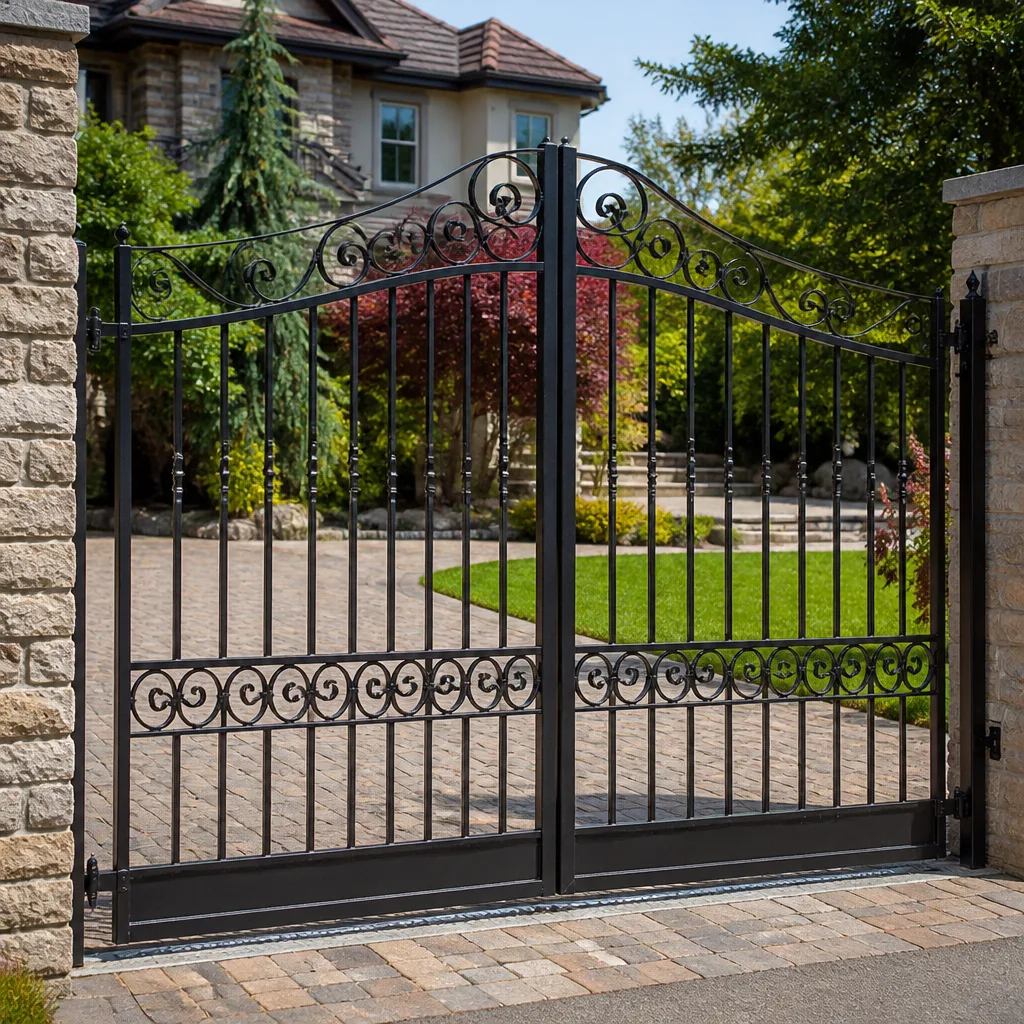 Wrought iron
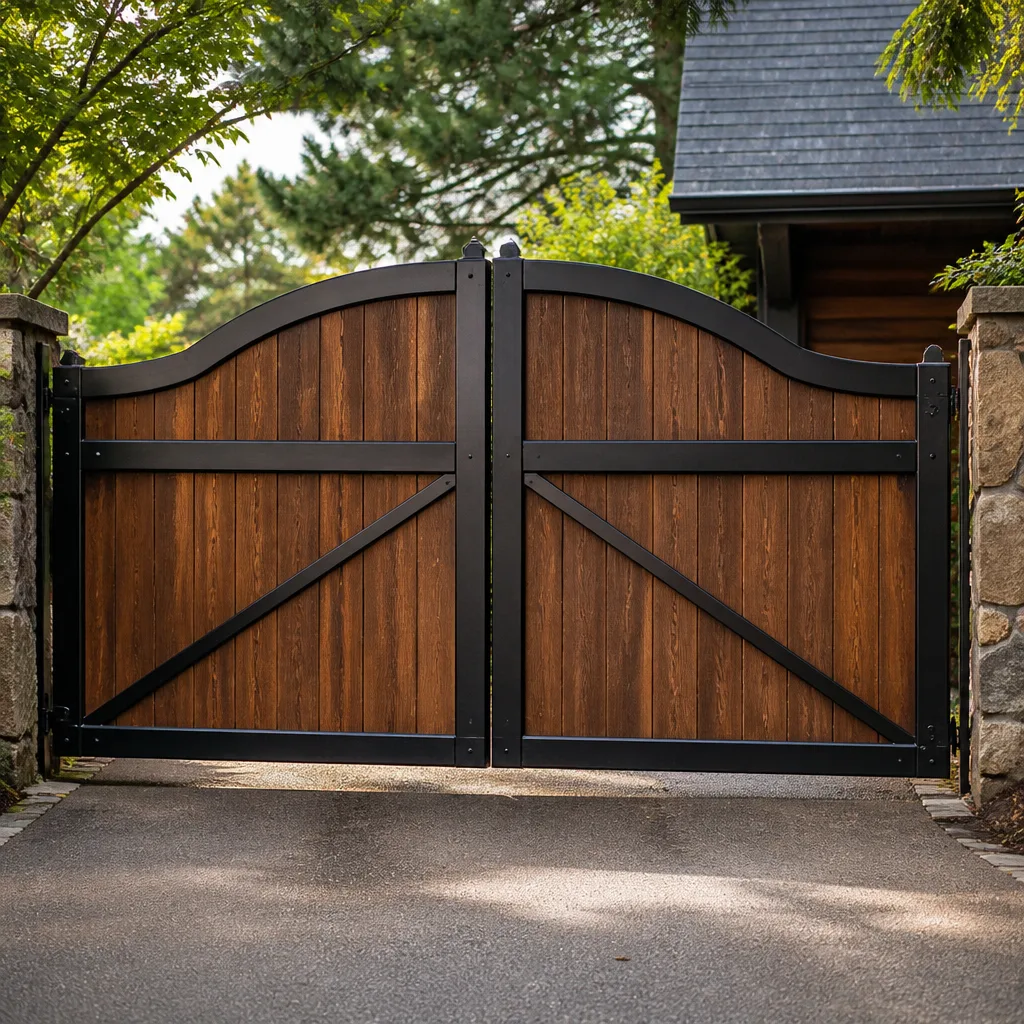 Wood & steel frame
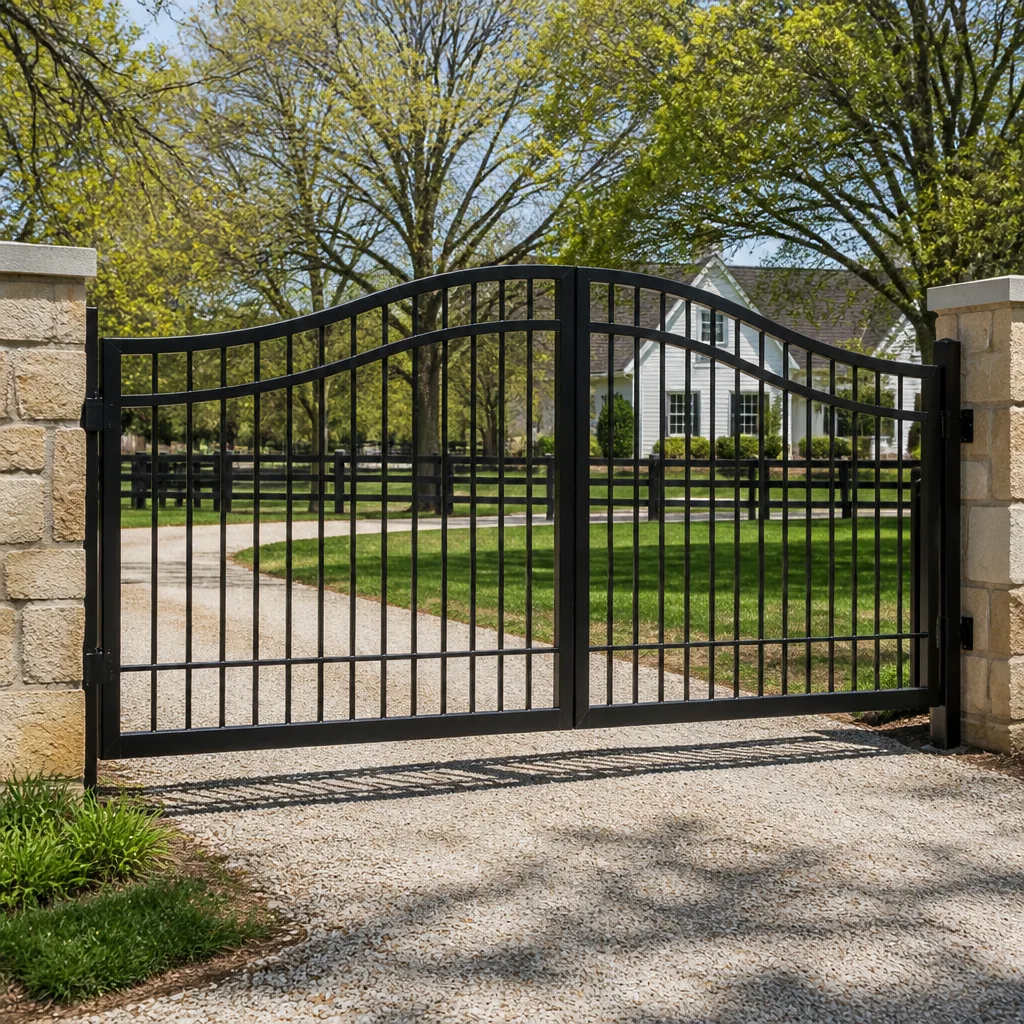 Farm & ranch
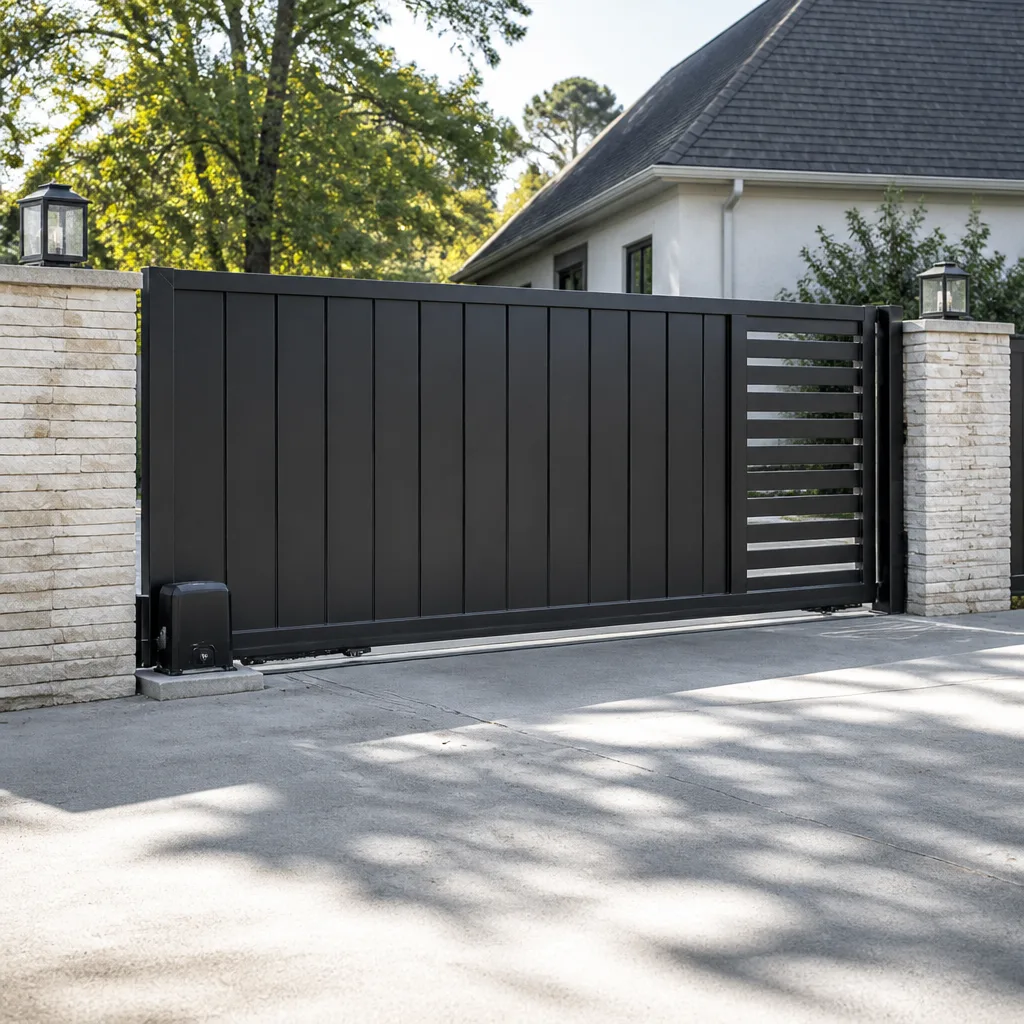 Sliding driveway gates
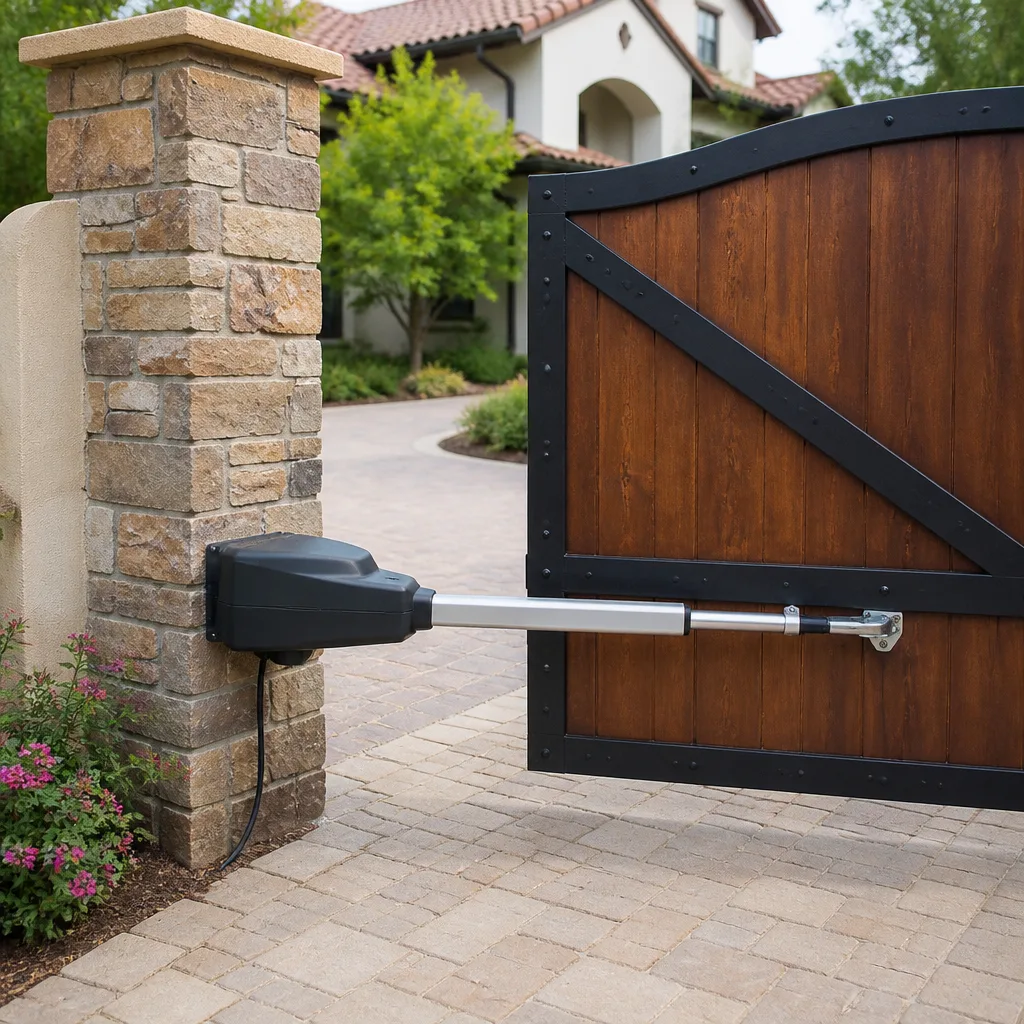 LiftMaster operators
Free on-site gate assessment - hinges, posts, and your LiftMaster or Nice gate operator checked before anything is quoted
The assessment is free and the quote is the invoice.
Get your free estimateGate Access Control Warning Signs Every Homeowner Should Know
If your gate hesitates for two seconds after you punch your code before it moves, that’s not a software glitch. That’s your control board struggling with a voltage drop, and it usually means a failed battery backup or a motor that’s pulling too much current. We’ve taken apart enough keypads and control boxes around Enterprise to tell you the same thing every time: access control systems almost never fail without warning. They fail after weeks of sending quiet signals that homeowners write off as quirks. A hiccup here, a double-beep there, one morning where the gate ignores the code you’ve used for six years. This guide names the five behavioral tells that predict a failure, the physical clues hiding on the hardware, and the three-minute monthly walk-around that catches most of it. Read it once and you’ll recognize the pattern the next time your gate talks to you.
Quick Answer
The main gate access control warning signs are: a delayed response after a valid credential, intermittent lockouts with no code change, the gate reversing mid-travel with no obstacle present, an entry log showing duplicate rapid entries, and a backup power LED that reads “charged” on a battery that’s actually dead. If you see one or more of these, the system is likely weeks from a real failure. The fix is almost always cheaper now than after the gate stops opening altogether.
Styles & brands we work with
- Wrought iron
- Wood & steel frame
- Farm & ranch
- Sliding driveway gates
- LiftMaster operators
Table of Contents
- The Five Behavioral Tells That Predict a Failure
- Why “It Still Works” Is the Most Dangerous Phrase in Access Control
- Physical Warning Signs on the Hardware Itself
- The Security Risk Hiding Inside False Valid-Credential Reads
- What Enterprise Heat and Desert Dust Do to Your Controller
- The Three-Minute Monthly Walk-Around Inspection
- When to Repair and When to Replace the Board
- Common Mistakes to Avoid
The Five Behavioral Tells That Predict a Failure
In our experience, every dead controller we’ve swapped out in Enterprise showed at least one of these behaviors in the weeks before it quit. Learn them and you’ll stop confusing warning signs with “how the gate has always been.”
- Delayed response after a valid credential. Punch the code, swipe the card, click the remote – and nothing happens for two to five seconds before the gate finally moves. That delay is the control board reading the credential, deciding to act, and then waiting on a power stage that isn’t delivering what it should. A healthy board responds in well under a second. Anything slower is a voltage drop from a dying battery backup or an opener motor pulling too much current for the board to keep up.
- Intermittent lockouts with no code change. The gate works Monday, ignores the same code Tuesday, works Wednesday. Nothing in the user database changed. That pattern points to a failing reader, a corroded terminal on the access control wiring, or a power supply that’s sagging under load. Intermittent problems are the hardest to catch on a service visit – they’re also the clearest sign the system is drifting toward a full stop.
- Gate reversing mid-travel with no obstacle. You lift a hand, nothing’s in the path, and the gate stops and reverses anyway. Modern openers – LiftMaster, Linear, and Ghost Controls among the brands we service in Enterprise – read obstruction through the safety edges and the motor’s own current sensor. When the gate reverses on an empty path, one of those circuits is misfiring. It’s a safety feature breaking down, not a safety feature working.
- Entry log showing duplicate rapid entries. Pull the access log from your controller or keypad app. If you see the same credential logged twice within a second or two, the reader is reading the credential twice – usually a bad antenna, a weak signal, or a board that’s glitching on the decode. Duplicates in the log mean the board is misreading valid credentials, and that matters more than you’d think (see the security section below).
- Backup power LED showing “charged” on a dead battery. The single most misleading light on your entire system. The LED on many controllers reads battery voltage at the terminals, not battery capacity. A battery can show a healthy surface charge and still collapse the moment you actually need it during a power outage. If your system is more than three years old and has never had the battery tested under load, treat that green light as unverified.
Why “It Still Works” Is the Most Dangerous Phrase in Access Control
Homeowners tell us this on the phone all the time: “It still works, mostly.” That sentence is the reason small access control problems turn into expensive repairs. A system that works intermittently is harder to diagnose than one that’s fully dead, and the diagnostic hours get billed either way. When a gate simply won’t open, our crew knows where to look. When a gate opens eight times out of ten, we have to reproduce the failure – and depending on the season, the heat, the power draw, we may not be able to catch it on the first visit.
There’s a second problem with “mostly.” Intermittent failures put stress on the parts that still work. A motor that stutters every few cycles wears its gearbox faster. A board struggling with a voltage drop runs hotter and ages its capacitors. A gate that reverses for no reason puts extra cycles on the safety edges and the hinges. Small faults don’t sit still in a gate system. They compound.
And the third problem is the one that actually costs money. When an access control system finally fails, it usually fails at the worst moment – a Friday evening, a holiday, or the morning you have somewhere to be. Emergency calls cost more than planned repairs, and if the gate is your only vehicle entrance, a locked-out system means you’re parking on the street. Catching these signs at the “quirk” stage keeps you in the planned-repair column, where prices are lower and scheduling is easier. We cover repair-first diagnostic work on our Gate Repair in Enterprise page, and every job comes with the 90-Day Done Right Promise in writing – if it’s not done right, we make it right.
Physical Warning Signs on the Hardware Itself
The electronics talk, but the hardware tells. Pop open the keypad housing, look inside the control box, and walk the perimeter of the operator. These are the physical signs we look for first on any access control call in Enterprise:
- Corrosion on terminal blocks. Look for green or white crust on the screw terminals where access control wires land on the board. That crust is oxidized copper, and oxidized copper adds resistance to every credential read the system makes. In Enterprise, where we see dust and dry heat most of the year, terminals still collect airborne grit that traps moisture when the rare rain does come.
- Discolored wire insulation near the transformer. Any wire coming off the transformer or power supply that looks darker, brittle, or slightly cooked compared to its neighbors is a sign the supply is pushing more current than the wire was sized for. That’s a fire-safety issue, not just a performance one. Don’t fix it yourself – call someone qualified to size and replace the circuit.
- Rust weeping from keypad mounting screws. When you see rust streaks running down from the screws holding the keypad or reader, water has been getting behind the housing. Water behind the housing means water inside the housing, and water inside the housing means a reader that will fail on a schedule you can’t predict. The fix is usually a gasket and a re-seat, but only if you catch it early.
- Loose hinge pins and gate sag. A gate that sags in the hinge post puts a load on the operator motor it was never sized for. That extra draw is often what starts the voltage-drop chain in the control board. On any BFT or Viking operator we service in Enterprise, we check the hinge post before we touch the electronics, because a sick gate can look exactly like a sick board.
- Sun-cracked keypad buttons and worn reader faces. The plastic on a keypad facing the afternoon sun loses its seal faster than the electronics inside do. Once the buttons start cracking, moisture and grit find their way in.
If you’re seeing hardware problems, that’s the moment to get eyes on the whole system. We can walk the gate and the control hardware with you – free estimates, no trip charge inside the county – and we’re certified across nine major gate brands.
The Security Risk Hiding Inside False Valid-Credential Reads
Here’s the part most homeowners don’t think about. A gate that throws a false valid-credential read – opens when it shouldn’t, or logs a credential it can’t quite identify as valid – is not just an annoyance. It’s a gap. And someone paying attention can exploit a gap like that.
Think about how a card reader or keypad actually works. It reads the credential, checks it against the database, and then tells the control board to open. When the board starts misfiring on the decode step, it may accept credentials it shouldn’t. In theory, this could mean a cloned card, a random proximity tag, or even a nearby device mimicking a signal gets an unintended pass. In practice, opportunistic theft around Enterprise homes usually happens because the gate is left open after a slow cycle or because the exit loop didn’t reset – but a compromised read is the version that leaves no trace, because the log shows a valid entry.
What you can do:
- Review the access log monthly and look for entries at odd hours or credentials you don’t recognize. The log is the only witness you have.
- If the same credential shows up twice in rapid succession, treat it as a misfire until proven otherwise.
- Change any shared codes after a misfire streak, and re-issue remotes or cards if you suspect cloning.
- Have the safety edges and obstruction sensors tested at the same service visit. A gate that opens on a false read and cannot detect a person in the path is a compound risk, not a single one.
We take this seriously because we’ve seen the after-effects. If your system is showing false valid reads on top of the other signs in this guide, it’s worth a service visit before something goes missing. On the automation side, our Gate Motor & Opener in Enterprise page covers the electronics behind these symptoms in more detail.
What Enterprise Heat and Desert Dust Do to Your Controller
A control board that lives its whole life outdoors in Enterprise has a harder job than one in a mild climate, and most homeowners don’t realize how much of what looks like “aging” is actually climate damage. Our desert summers push ambient temperatures at the control box past 120°F on a west-facing wall. That heat shortens capacitor life, softens the potting compound on boards, and stresses every solder joint in the system. A board rated for 10 years in a mild climate might realistically see 6 or 7 here – and a trimmer board that sits inside an unvented housing may see less.
Dust is the other half of it. Fine desert dust gets into keypads, settles on terminal blocks, and coats the reader faces on card sensors. Over a year or two, that dust layer cuts signal range, so remotes start working only from closer, and proximity cards take a beat longer to register – which is exactly the delayed-response symptom we opened with. Half of the access control “failures” we get called about across the valley turn out to be dust and heat, not dead electronics. Cleaning the reader face and re-seating the terminal wiring fixes more systems than most homeowners expect.
Whether your system is a new install or aging, the same rule applies: match the hardware to the environment. We size control boxes for shaded mounting where possible, and we recommend sealed keypads and card readers in Enterprise homes where the afternoon sun hammers the entry. Matching hardware to the site is one of the places cheap quotes quietly cut corners. If you’re comparing bids on a new system, see our Gate Installation in Enterprise page.
The Three-Minute Monthly Walk-Around Inspection
You don’t need to open the control box for this. You don’t need tools. Do this once a month, on a day with normal weather, and you’ll catch most access control warning signs before they become failures. In our experience, this short routine catches roughly 80% of the problems we’d otherwise see on an emergency call.
- Time the gate. Open and close it once with your normal credential and count the seconds before the gate starts moving. Under one second is healthy. Two seconds or more, and you have a voltage drop to chase.
- Test a second credential. Use a different remote, card, or code than the one you used for step one. If one works but the other hesitates, you’ve got a reader or keypad issue, not a board-wide problem.
- Check the reversal behavior. Walk the path once with the gate cycling. It should stop or reverse when it sees you. If it reverses when the path is empty, the safety edges or obstruction circuit need service.
- Eyeball the reader and keypad face. Look for dust build-up, cracked buttons, and rust streaks from the mounting screws. Wipe the reader face with a dry cloth.
- Pull the access log. If your controller stores a log, scan for duplicate entries, odd-hour entries, or credentials you don’t recognize.
- Do a backup battery test. Kill the incoming power at the breaker (or unplug the transformer if accessible and safe to do) and watch whether the gate still opens and closes on backup. If it doesn’t, or if it stutters, the battery is dead regardless of what the LED says. Turn the power back on when you’re done. If you’re not comfortable throwing a breaker yourself, have someone qualified test it on a service visit.
Three minutes, once a month, and the small stuff gets caught while it’s still small. If any of these tests comes back borderline, that’s the moment to make a call rather than wait for the next cycle to be worse.
When to Repair and When to Replace the Board
A control board is rarely the whole story. Most “the board is dead” calls we get turn out to be a bad battery, a loose terminal, or a supply circuit that’s being stressed by a motor drawing more than it should. Repair-first is where we start every job, and on most systems it’s cheaper and gets you back to a working gate faster than a full board swap. Here’s the rough rule of thumb we use when we’re diagnosing an access control system:
- Repair. You’re seeing one or two of the five tells, the hardware looks clean, and the battery test passes. That’s usually a reader, a terminal, or a supply issue that gets fixed at the component level.
- Repair with a strong look at the motor. The gate hesitates and the battery tests fine. The board may be fine – the motor may be pulling too much current. Replacing the board won’t fix a tired motor.
- Replace. Multiple physical warning signs on the hardware (corroded terminals, cooked supply wires, water in the housing) or a board that’s more than a decade old with repeated faults. At that point, replacement is the honest answer.
On any of these, we quote upfront and agree on the price before we start. You’ll know what the fix costs before a wrench comes out. If you’ve gotten a written estimate from another company and want a second opinion, that’s free – bring it by. We also take $40 off any repair over $200, and we waive the trip charge anywhere inside the county.
Common Mistakes to Avoid
- Waiting for the gate to actually stop working. The warning signs are the cheaper fix. A dead gate on a Friday night in Enterprise is an emergency call; a hesitating gate on a Tuesday is a scheduled repair.
- Trusting the battery LED. That green light doesn’t guarantee your backup will actually power the gate. Test it under load once a year or have it tested on a service visit.
- Cleaning the keypad with hose water or pressure spray. We see this in properties where the gate is pressure-washed along with the driveway. Water forced into a sealed keypad housing gets stuck inside and shortens the reader’s life. Wipe, don’t spray.
- Assuming the board is dead when the motor is the problem. A tired motor draws too much current, and that looks exactly like a bad board. Replacing the board without checking the motor gets you back to the same symptom in a few months.
- Ignoring duplicate entries in the log. Two entries per single pass means the reader is misfiring. That’s both a malfunction and a security smell – don’t let it sit.
- Chasing the cheapest bid on a “full system replacement.” If a quote jumps straight to replacement without a diagnostic step, ask why. Repair-first is usually the honest answer on a system that’s under ten years old.
- Letting the same set of codes out to everyone. If you’re pulling the access log because something looks off, changing the codes should be part of the follow-up. Shared codes are the number one way a security gap becomes a real one.
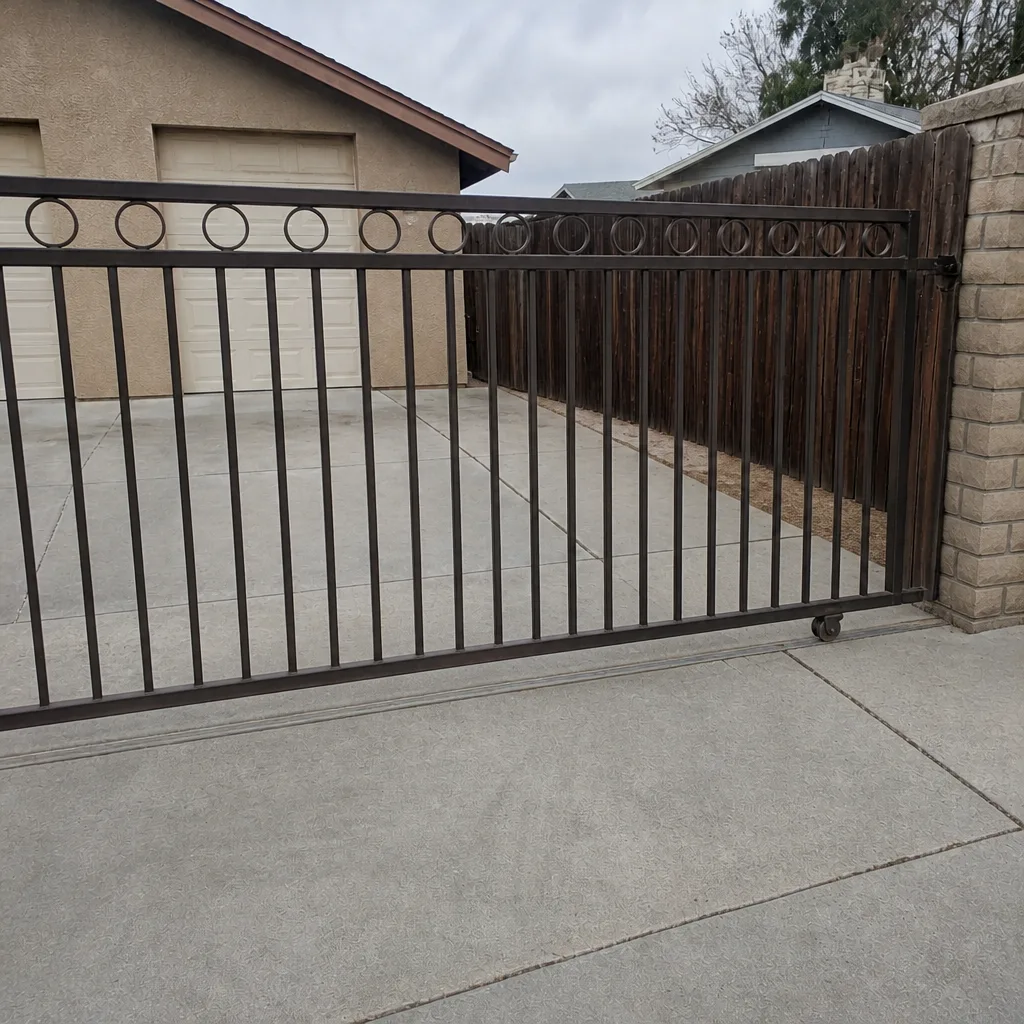
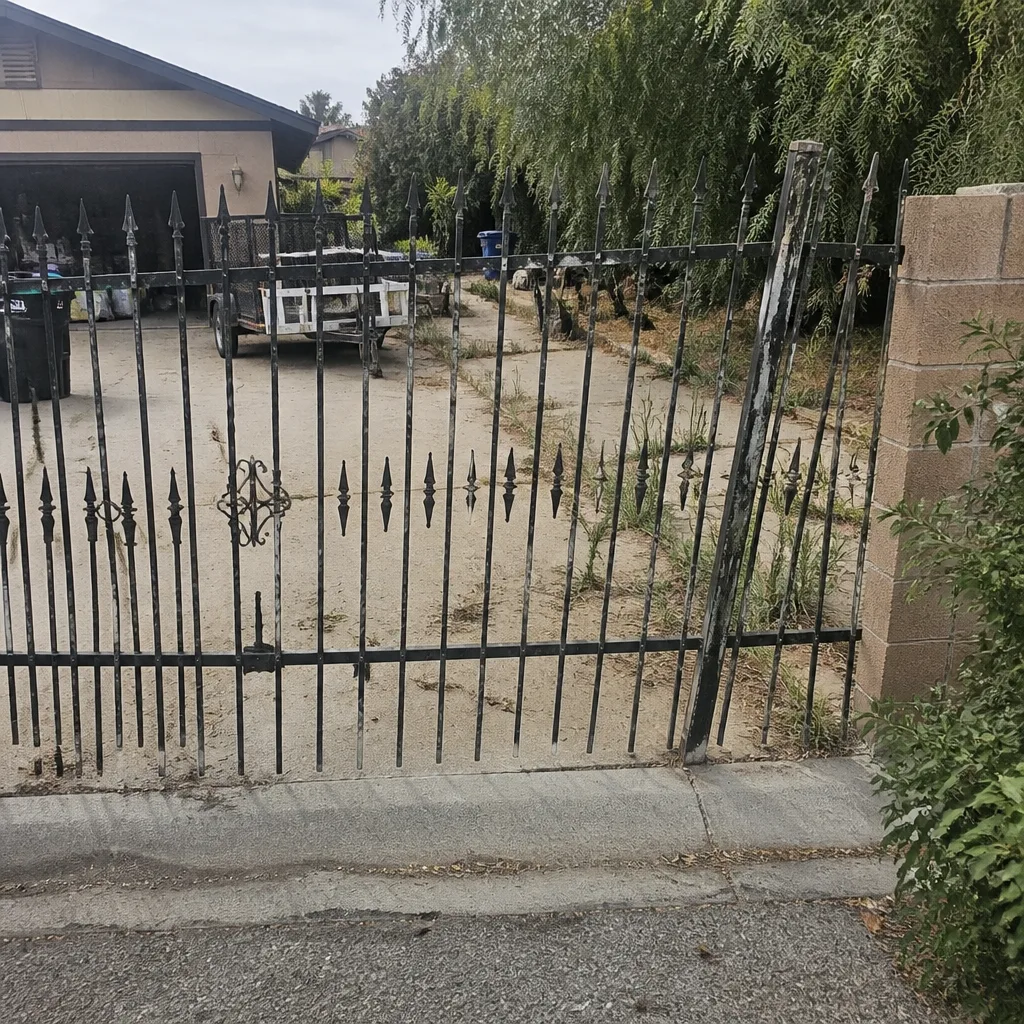
See the difference
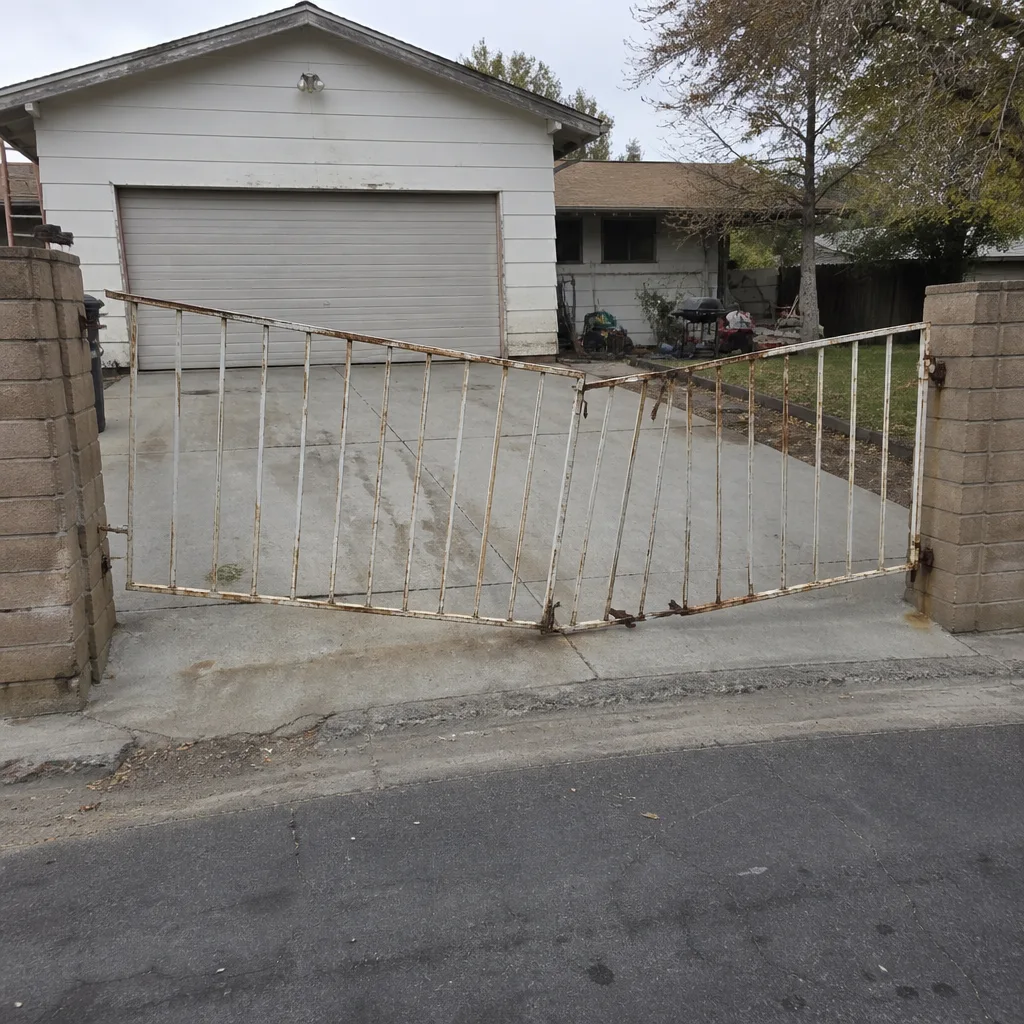 Before
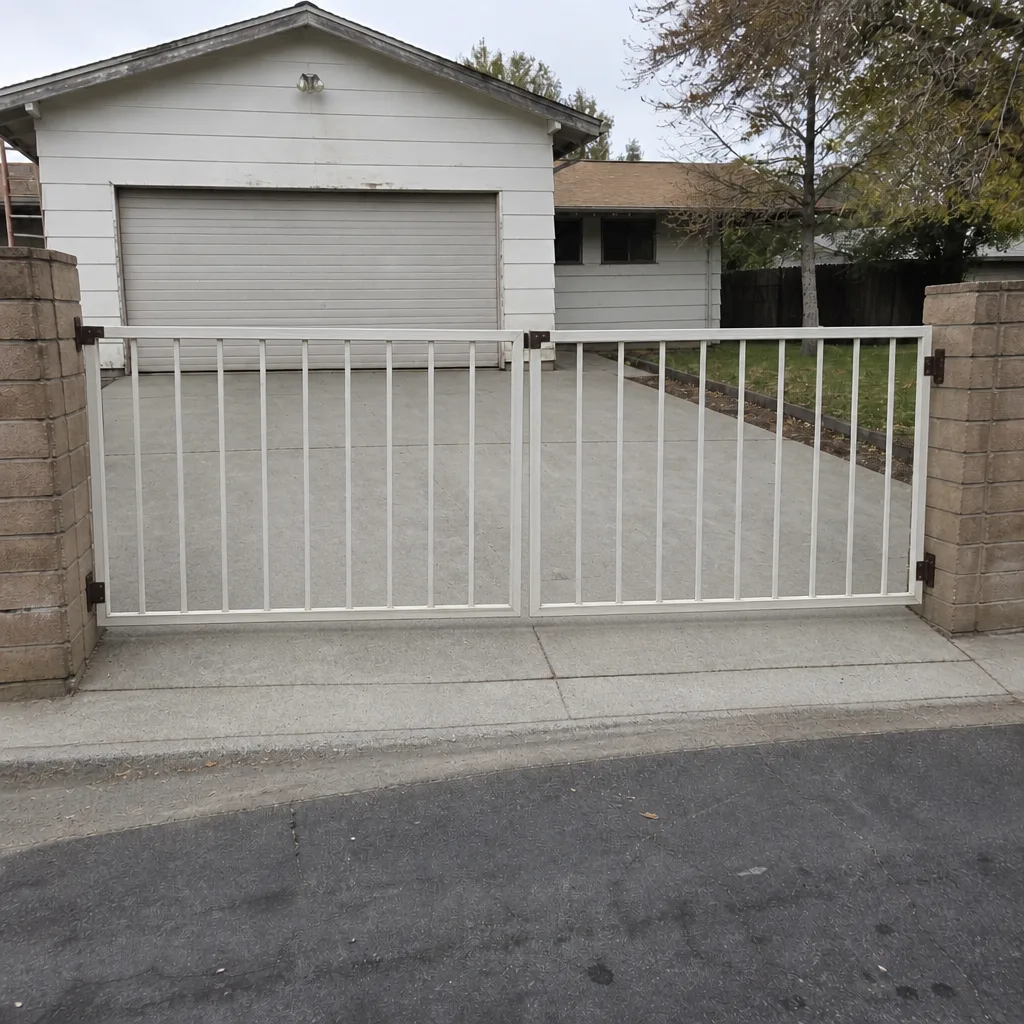 After
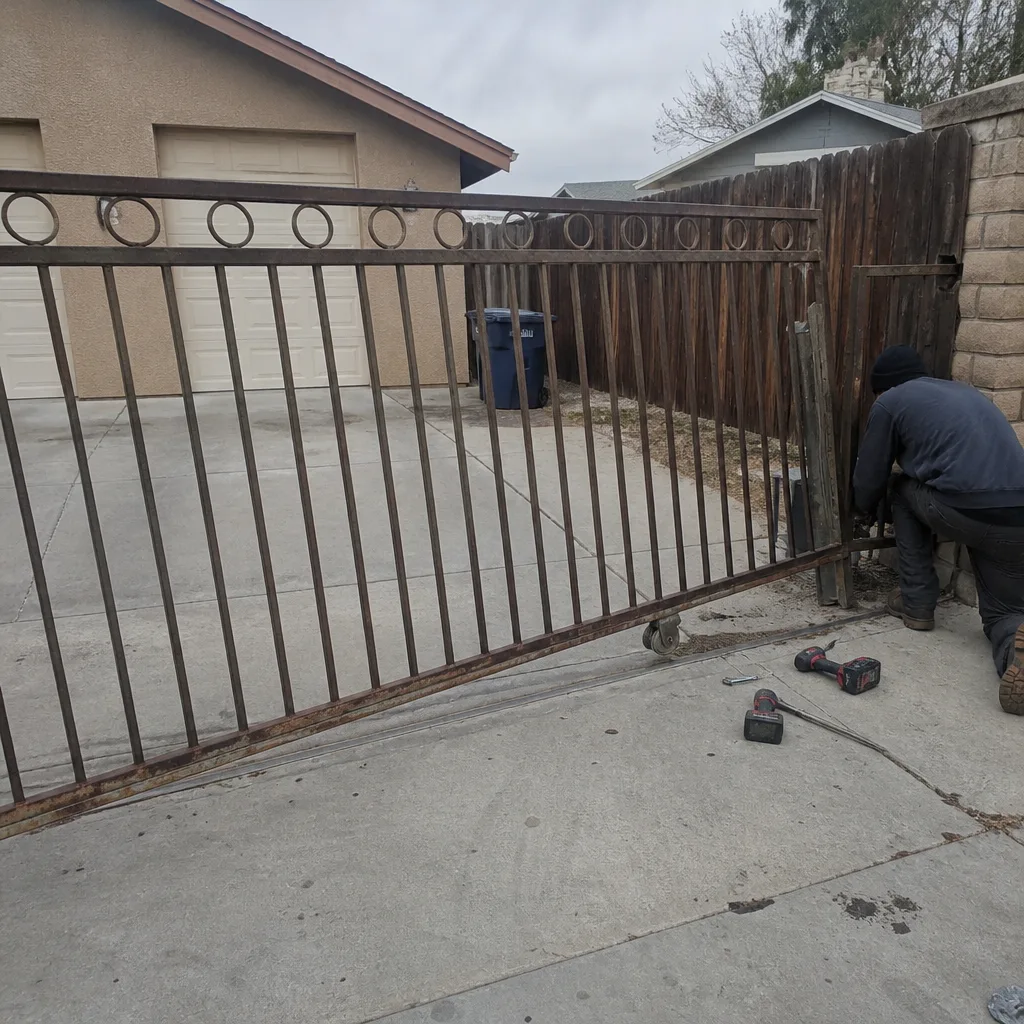 Before
 After
 Before
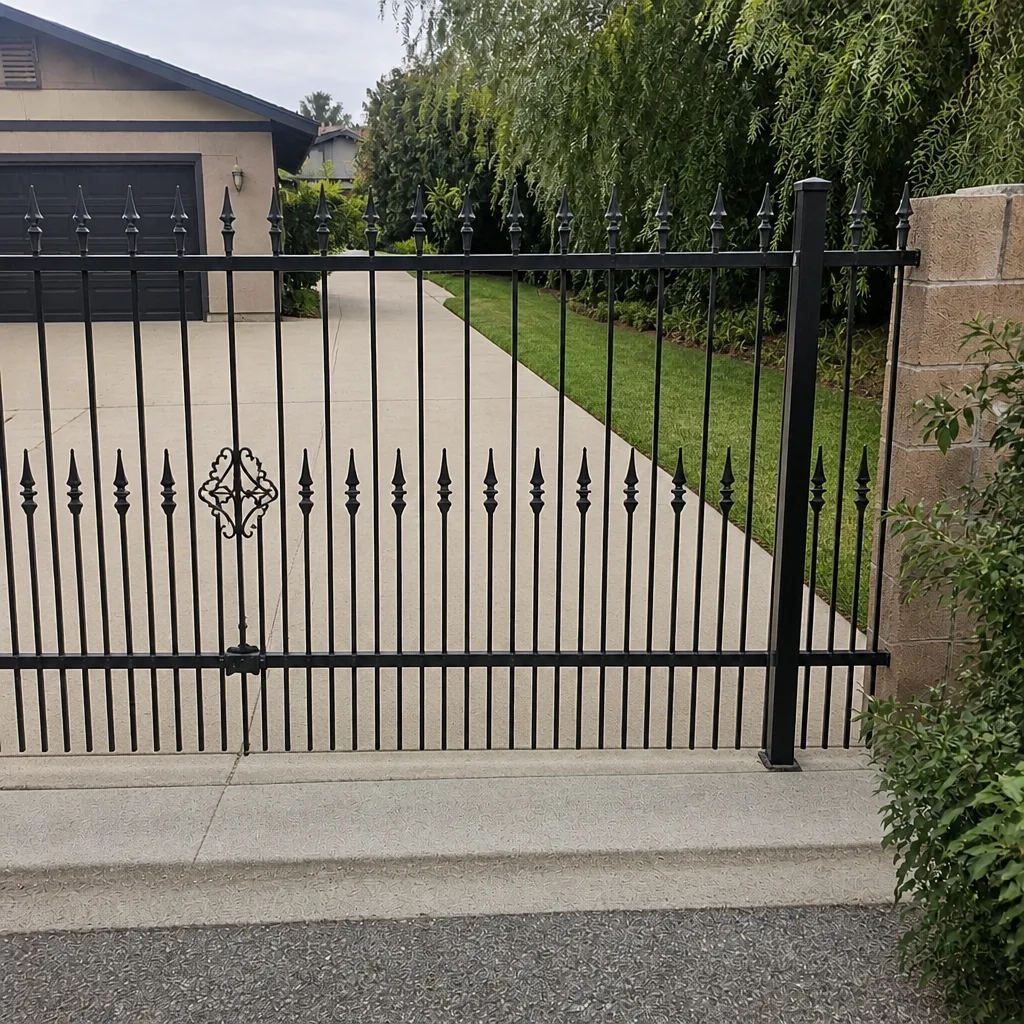 After
When to Call a Professional
Call us when the gate hesitates after a valid credential, when it reverses on an empty path, when the access log shows duplicates, when the keypad face is cracked or rust is streaking from the screws, or when you’ve tested the battery and it didn’t hold. Call when you’re seeing multiple signs at once. Call if the fire safety side worries you – discolored supply wiring near the transformer is a job for someone qualified to size and replace the circuit, not a DIY fix. And call if you’ve gotten a written estimate you’re not sure about; a second opinion is free. Gatewood Fence & Gate Enterprise offers free estimates in Enterprise, we answer the phone with a live person 24 hours a day, and if it’s not done right we come back under the 90-Day Done Right Promise – call (833) 780-1547.
Frequently Asked Questions
Most access control service calls in Enterprise land in the component-level range – a reader, keypad, battery, or terminal fix rather than a full board replacement. The exact number depends on what we find, and we quote and agree the price before any work starts so there’s no surprise on the invoice. If your repair comes in over $200, we take $40 off automatically, and there’s no trip charge inside the county. Call (833) 780-1547 for an exact quote – estimates are free.
You can, and the honest way to do it is under load: kill the incoming power at the breaker and watch whether the gate still cycles on backup. If it does and the cycle is smooth, the battery is holding. If it stutters, doesn’t move, or moves slowly, the battery is dead even if the LED says charged. If the breaker isn’t safe or accessible to you, don’t force it – have it tested at a service visit. Call (833) 780-1547 and we’ll walk you through what to check, or come out and test it for you.
A duplicate entry inside a second or two usually means the reader is reading the credential twice – a weak antenna, a misfiring decode stage on the control board, or a signal that’s getting picked up twice from a worn remote. On its own it’s usually a nuisance, but paired with delayed response or intermittent lockouts it points to a board that’s on its way out. Pull the log for the last month and look for patterns; if you see the same thing across multiple credentials, it’s a system issue. Call (833) 780-1547 for a free estimate on diagnosing it.
Yes. A gate should only reverse when it detects something in its path, and a gate that reverses on an empty path means the safety edges or the obstruction circuit are misreading. That’s the safety feature breaking down, and it can go the other direction too – a gate that fails to reverse when it should. Have the safety edges and obstruction sensors tested on a service visit before someone gets hurt. Call (833) 780-1547 to schedule a check.
Yes. We handle the electrical supply, terminal wiring, safety edges, and the whole control circuit on the jobs we take. Because that work is measured and priced by what your site needs, we schedule it – you get a free measure, a written price, and a start date that fits your calendar. This is not a same-day work item; it’s a measured job measured right. Call (833) 780-1547 for a free estimate.
We’re certified to service nine major gate brands, including LiftMaster, BFT, Linear, Viking, Ghost Controls, DoorKing, Elite, FAAC, and Mighty Mule. Our technicians have up to 25 years of experience across those systems, and we start every job with the same question: what’s the gate actually doing? Call (833) 780-1547 with the brand and model and we’ll tell you what we usually find.
The Bottom Line
Access control failures don’t happen overnight. They announce themselves with a two-second delay, a lockout that shouldn’t have happened, a reverse on an empty path, a duplicated entry in the log, or a battery LED that’s lying. Catch them at the “quirk” stage and you’re in the cheap, scheduled-repair column. Catch them at the “dead on a Friday” stage and you’re in the emergency one. The three-minute monthly walk-around is the cheapest insurance you can buy on a system that’s already been talking to you. If something on your gate has been hesitating, we’d rather look at it now than after it quits. Call us, or drive to the shop – the name is on the shop, and the shop is down the road. That is the oldest accountability there is.
Gatewood Fence & Gate Enterprise home
Have a gate that’s been acting up? Call (833) 780-1547 for a free estimate. A live person answers every call, 24 hours a day, and every job comes with the 90-Day Done Right Promise in writing.
Written by the team at Gatewood Fence & Gate Enterprise.