
Last updated November 18, 2026
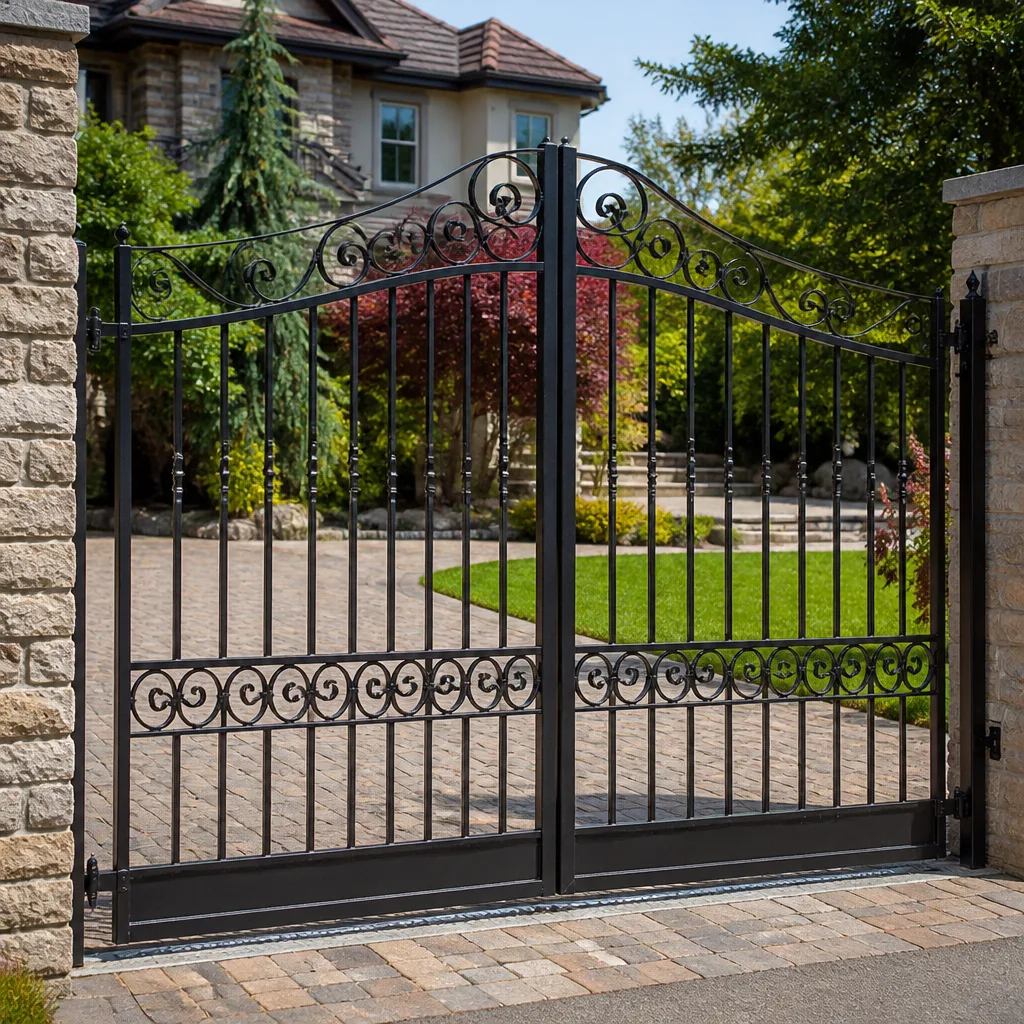 Wrought iron
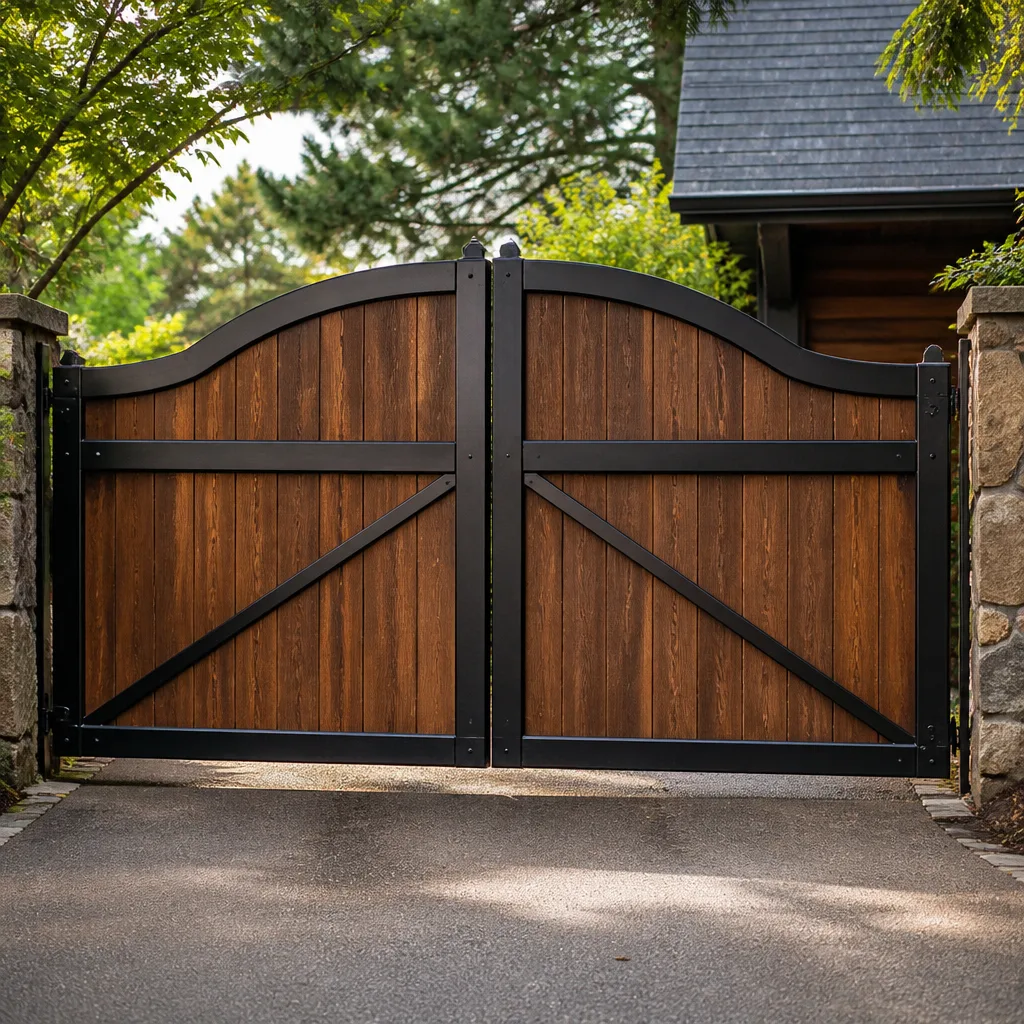 Wood & steel frame
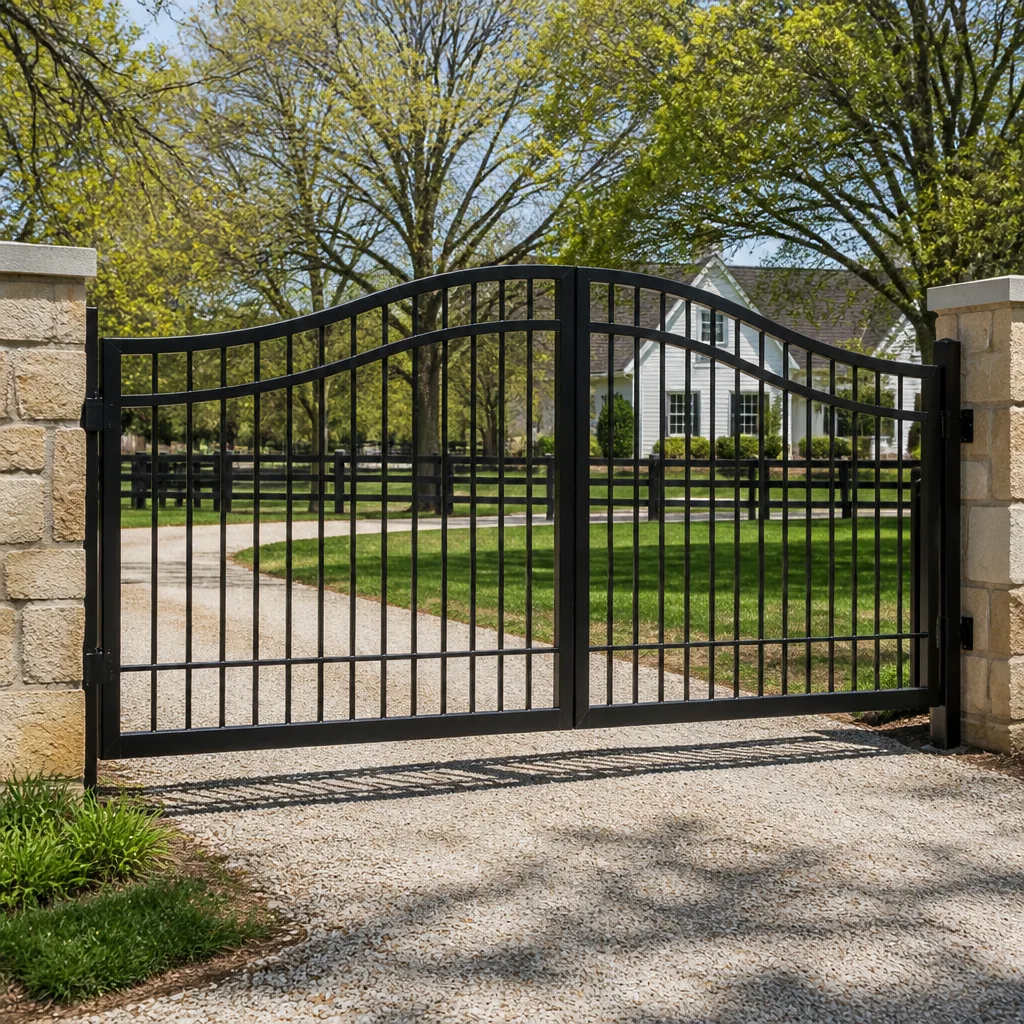 Farm & ranch
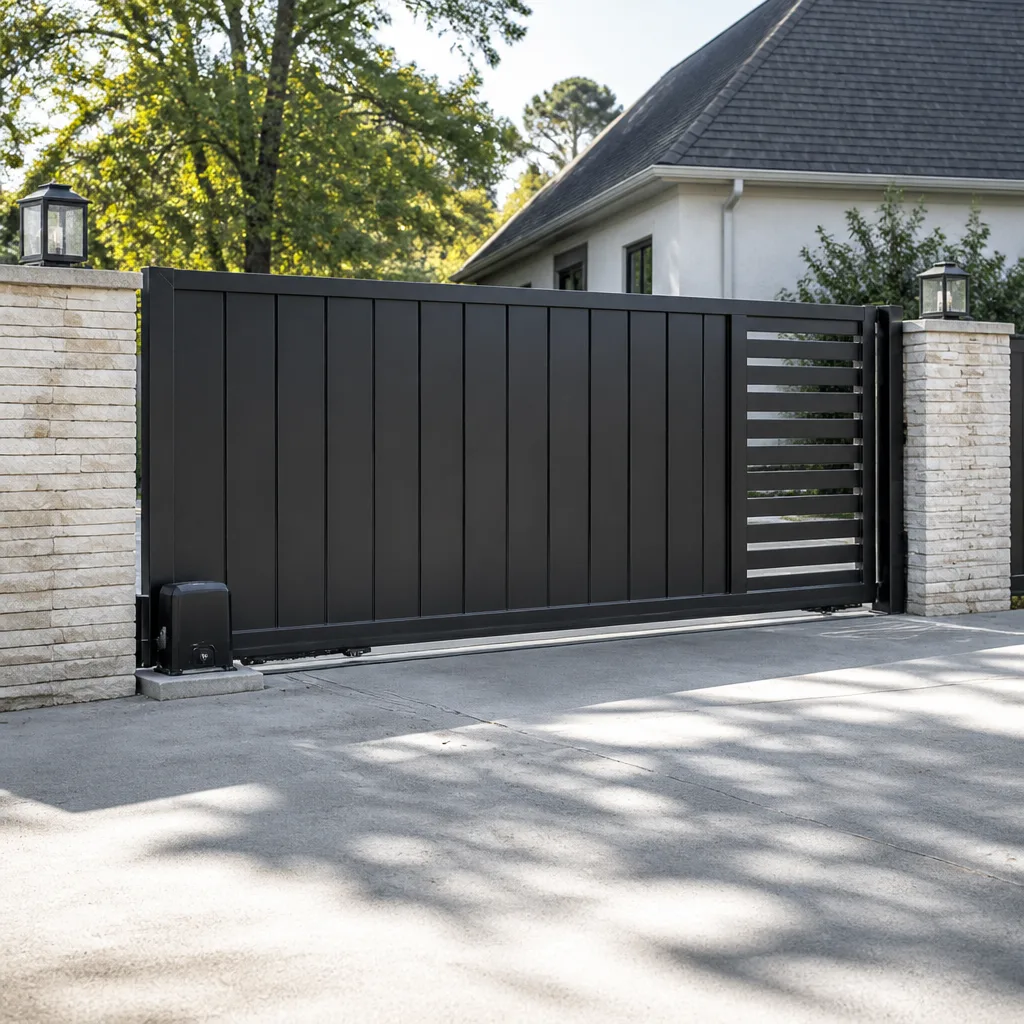 Sliding driveway gates
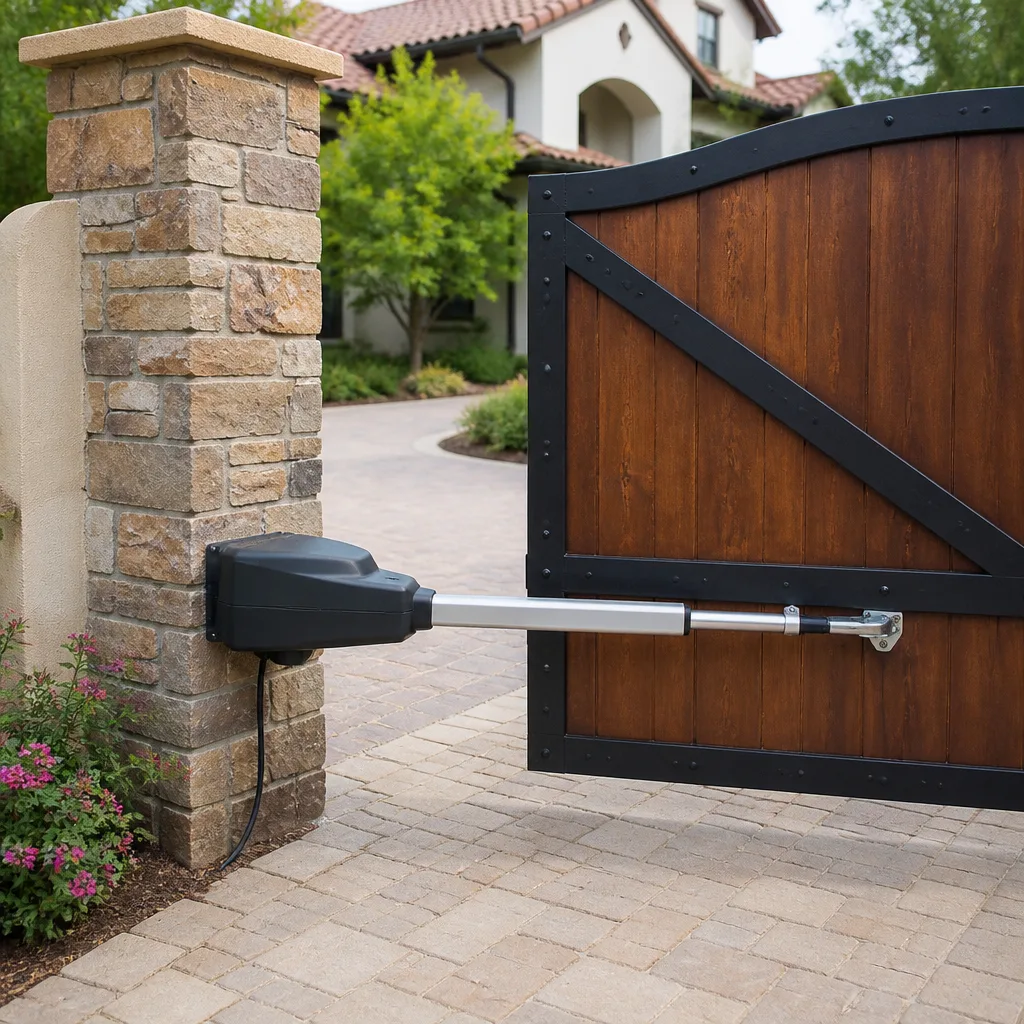 LiftMaster operators
Free on-site gate assessment - hinges, posts, and your LiftMaster or Nice gate operator checked before anything is quoted
The assessment is free and the quote is the invoice.
Get your free estimateGate Access Control Maintenance Schedule: What to Do and When
The number-one reason a $1,200 access control board gets fried in Enterprise’s summer heat has nothing to do with the board itself. It’s a gate that’s been hanging crooked for eight months and finally torched the motor trying to close. We’ve seen it dozens of times: the keypad gets blamed, the board gets replaced, and the real culprit is a hinge post that shifted a quarter inch back in April. This guide lays out a maintenance schedule that treats the keypad and the hinge post as one system. You’ll learn what to check monthly, what to hand to a trained eye quarterly, and how to read the access logs nobody bothers to open.
Quick Answer
A working gate access control maintenance schedule runs on three cycles: monthly owner checks (visual inspection, keypad cleaning, battery backup test), quarterly professional checks (wiring terminations, hinge and post inspection, motor strain diagnostics), and a full annual service covering boards, sensors, and safety edges. In Enterprise’s climate, compress those intervals by roughly a third, because 110°F summers age electronics and warp aluminum faster than any manufacturer’s manual accounts for.
Styles & brands we work with
- Wrought iron
- Wood & steel frame
- Farm & ranch
- Sliding driveway gates
- LiftMaster operators
Table of Contents
- Why mechanical problems cook electrical boards in Enterprise
- The monthly owner checklist (30 minutes, no tools)
- The quarterly tasks that need a trained eye
- How Enterprise heat rewrites the manufacturer’s schedule
- Reading access logs as a free diagnostic tool
- The annual deep service: what a real one covers
- Brand-specific quirks worth knowing
- The printable annual checklist for your garage wall
Why mechanical problems cook electrical boards in Enterprise
A gate operator is a motor doing work against resistance. When the gate hangs true, that resistance is predictable, and the motor draws a steady current. When a hinge sags or a post shifts, the gate binds halfway through its arc. The motor keeps pushing. Current climbs. Heat builds inside the control board, and in Enterprise’s July afternoons, that board is already sitting in an enclosure that’s been baking at 140°F in direct sun.
The failure sequence almost always looks the same:
- A hinge pin wears or a post settles, usually after a monsoon-season soil shift.
- The gate starts dragging near the closed position.
- The motor works harder, drawing more amps than it was rated for.
- The control board overheats and a component fails, often a capacitor or a relay.
- The homeowner calls about a dead keypad and a gate that won’t open.
By the time you’re on the phone, the electrical failure is the symptom. The mechanical drift that started months earlier is the cause. That’s why a maintenance schedule that only checks the electronics misses most of the actual problems. On the gate repair side, we start with the hinge post, not the keypad, every single time. Fix the panel without the post and you’ll fix it twice.
Enterprise sits at the edge of the Mojave, where summer highs routinely clear 110°F and the ground moves with the wet-dry cycle. Gates here take more mechanical abuse than gates in milder climates, and the electronics pay for it.
The monthly owner checklist (30 minutes, no tools)
Most of the useful maintenance is stuff you can do yourself in half an hour with a rag and a flashlight. None of it involves opening an electrical enclosure, and none of it should. Here’s what to walk through once a month:
- Look at the gate’s swing. Open it fully by hand and let go. It should sit still. If it swings back on its own, the post or hinge has drifted.
- Wipe the keypad. Desert dust and sunscreen residue build a film over the buttons that causes phantom presses and stuck keys. A damp cloth every month prevents most of it.
- Check the keypad enclosure for warping. Aluminum keypads in full Enterprise sun can distort enough to let moisture in when the temperature drops. If the faceplate looks bowed, note it.
- Test the battery backup. Kill the power at the breaker for a minute and confirm the gate still cycles. If it doesn’t, the battery is done.
- Clear the track or the swing path. Gravel, blown sand, and tumbleweed stems jam under gate wheels and cause the drag that leads to motor strain.
- Look at the safety edges and photo eyes. Wipe the lenses. Wave a hand through the beam and confirm the gate reverses.
Write down anything that looks off, with the date. A simple note on the fridge beats trying to remember in October whether the gate was already dragging in June. If you’re noticing a pattern, that’s the point to schedule a gate motor and opener inspection before something fails outright.
The quarterly tasks that need a trained eye
Some maintenance genuinely shouldn’t be owner-doable, and wiring terminations are the clearest example. Access control systems run low-voltage control wiring alongside 120V power feeds. Terminals loosen over time from thermal cycling, and a loose connection at a control board can arc, overheat, or fail intermittently in ways that are almost impossible to diagnose from the outside. That’s trained-eye work.
A proper quarterly service in Enterprise should cover:
- Torque-check every wiring termination at the control board, keypad, and power supply. Thermal cycling in the desert loosens screw terminals faster than in temperate climates.
- Inspect hinge pins, hinge plates, and post anchors for wear and movement. This is where mechanical drift gets caught before it becomes motor strain.
- Test the motor’s current draw against its rated spec. A motor pulling noticeably more than spec is telling you the gate is binding.
- Verify the safety reverse on both the photo-eye beam and any edge sensors.
- Inspect the enclosure for heat damage: discolored board components, bulging capacitors, cracked solder joints.
- Update and clear the access log after reviewing it (more on that below).
Quarterly is the baseline. If your gate runs a dozen or more cycles a day, or if it’s a commercial-grade swing on a rural property with heavy traffic, shorten the interval. Ghost Controls and Mighty Mule residential operators in Enterprise often benefit from quarterly checks during the summer months specifically, because the heat load on their control boards runs higher than the manual assumes.
How Enterprise heat rewrites the manufacturer’s schedule
Every operator manual was written for a nominal climate. The real temperatures in Enterprise are not nominal. When the summer high clears 110°F and an outdoor control enclosure sits in direct sun, internal temps can run 40 to 60 degrees above ambient. Electronics age on a curve that accelerates sharply with heat: the classic rule is that every 10°C above rated operating temperature roughly halves component life. In practical terms, that means a manufacturer’s annual service interval needs to be compressed in Enterprise.
A working adjusted schedule for this climate:
- Keypad and enclosure inspection: monthly during May through September, quarterly the rest of the year.
- Board and wiring check: quarterly instead of annually.
- Motor current-draw test: every six months instead of annually.
- Battery replacement: every two to three years instead of the typical three to five, because heat kills lead-acid and lithium backup batteries faster.
- Full annual deep service: keep it annual, but move it to spring, before the heat arrives, so you catch drift before it becomes a failure.
One more heat-specific note: aluminum keypad housings and some gate frames expand and contract more than the fasteners holding them. Rivets and set screws loosen in the heat cycles. That’s a mechanical inspection item, not an electrical one, and it’s the kind of thing a maintenance schedule that only looks at the board will miss every time. For a full gate installation or a replacement gate, plan the hardware for the thermal swing from the start.
Reading access logs as a free diagnostic tool
Modern access control systems, including DoorKing and Elite controllers, keep a log of every entry and exit with a timestamp. Almost nobody reads it. That log is the single best early-warning tool you have, and it costs nothing.
Here’s what to look for. Open the log and scan for abnormal patterns:
- Slow cycles. If the timestamps between the open and close events are creeping up over weeks, the gate is taking longer to complete its travel. That’s motor strain, and it shows up in the log before any warning light does.
- Repeat attempts. A gate that fails to close on the first try and then closes on the second shows up as a pair of events seconds apart. That’s usually a binding gate hitting the safety reverse.
- Odd-hour entries. A gate opening at 3:14 a.m. with no scheduled user is either a security problem or a failing controller. Worth checking either way.
- Missing entries. Users who should be logging in but aren’t can indicate keypad read failures caused by a warped pad or a dirty reader.
Pull the log every month, or ask whoever services your system to leave a copy. Compare this month’s cycle times with last month’s. A creeping increase in open-to-close time is the earliest reliable signal that the gate is drifting, and it’s caught weeks or even months before a board fails. That’s free information that most maintenance schedules simply ignore.
The annual deep service: what a real one covers
An annual service should be more than a technician spraying lubricant on the hinges and handing you a bill. A real deep service touches the whole system, mechanical and electrical together, and produces a written report you can file. Here’s what it should include:
- Full mechanical inspection: hinges, posts, anchors, gate frame, rollers, and tracks. Measure post plumb and check for movement at the base.
- Motor service: current-draw test against spec, lubrication of the drive mechanism per the manufacturer’s spec, and inspection of the gearbox.
- Control board inspection: thermal damage, capacitor condition, relay function, and firmware check against the manufacturer’s current version.
- Power supply test: output voltage, battery condition and load test, backup function verified.
- Access control review: keypad and reader function, user database cleanup, log review.
- Safety systems: full test of photo eyes, safety edges, and reverse-on-obstruction behavior.
- Written report listing what was found, what was done, and what to watch.
Do this in spring, before the Enterprise heat arrives. A board that’s already showing early heat damage in April has a much better chance of surviving August if you address it then. A full gate installation with the right hardware for this climate gets you off to a better start, but even a well-installed gate needs the annual service. Every job we do carries the 90-Day Done Right Promise in writing, so if the servicing misses something, one call brings us back.
Brand-specific quirks worth knowing
Different controllers have different failure patterns, and a schedule that ignores them wastes time on the wrong things. A few worth knowing:
- DoorKing systems hold up well in heat but their telco and network interfaces are the more common failure point in rural Enterprise setups. Keep the line protection clean and inspect the wiring terminations quarterly.
- Elite controllers are robust but their batteries are sensitive to heat. If you’re running Elite in Enterprise, put battery replacement on a two-year clock and don’t stretch it.
- Ghost Controls and Mighty Mule residential operators are common on rural driveways here, and both benefit from quarterly checks in summer because their control boards sit in enclosures that get very hot in direct sun. Shading an enclosure, when it’s practical, is one of the cheapest things you can do for the electronics.
A schedule that’s tuned to your brand catches failures earlier. Ours covers nine major brands, including these four, so the servicing follows the actual hardware rather than a generic script. If you’re not sure what you have, the model plate inside the operator enclosure tells you.
The printable annual checklist for your garage wall
Copy this down, print it, and stick it inside the garage door. It’s built to be worked through, not admired.
MONTHLY (each month)
- [ ] Swing test: gate sits still when opened by hand
- [ ] Wipe keypad with damp cloth
- [ ] Check keypad faceplate for warping
- [ ] Battery backup test (kill breaker, confirm gate cycles)
- [ ] Clear track and swing path of debris
- [ ] Wipe photo-eye lenses, confirm reverse
- [ ] Note anything unusual with the date
QUARTERLY (every three months)
- [ ] Torque-check wiring terminations (trained eye)
- [ ] Inspect hinge pins and post anchors
- [ ] Motor current-draw test
- [ ] Verify safety reverse on all sensors
- [ ] Inspect enclosure for heat damage
- [ ] Review and clear access log
ANNUALLY (spring, before heat)
- [ ] Full mechanical inspection: posts, hinges, frame, rollers
- [ ] Full motor service and gearbox inspection
- [ ] Control board thermal and component inspection
- [ ] Firmware check
- [ ] Power supply and battery load test
- [ ] Access database cleanup and log review
- [ ] Full safety system test
- [ ] Written service report filed
EVERY TWO TO THREE YEARS (Enterprise heat adjustment)
- [ ] Battery replacement, on a two-year clock for lithium and lead-acid
Pair this with the free second opinion we offer on any written estimate, and you’ll never be talked into a board replacement you don’t need.
Common Mistakes to Avoid
- Replacing the board when the gate is binding. The single most expensive mistake we see in Enterprise. The gate hangs crooked, the motor strains, and a $1,200 board gets swapped without anyone checking the hinge post.
- Skipping the spring service because the gate “is working fine.” Spring is when drift is easiest to catch and cheapest to fix. Wait until July and you’re fixing failures instead of catching them.
- Spraying lubricant on everything. A can of WD-40 on a keypad or control board enclosure is not maintenance; it’s a moisture trap. Lubricant goes where the manufacturer says and nowhere else.
- Never reading the access log. The log is free, it’s sitting there, and it shows motor strain weeks before an LED ever flashes.
- Stretching the battery interval to five years in Enterprise heat. It will fail early here, and the first time you find out is usually during a power outage. Two to three years, not five.
- Letting an untrained hand open the electrical enclosure. Low-voltage control wiring runs next to 120V feeds, and a wrong move at the termination can arc.
- Assuming a new install needs no schedule. A new gate or opener needs the same disciplined schedule starting month one. Hardware doesn’t buy you time from maintenance; it just gives you a longer baseline.
See the difference
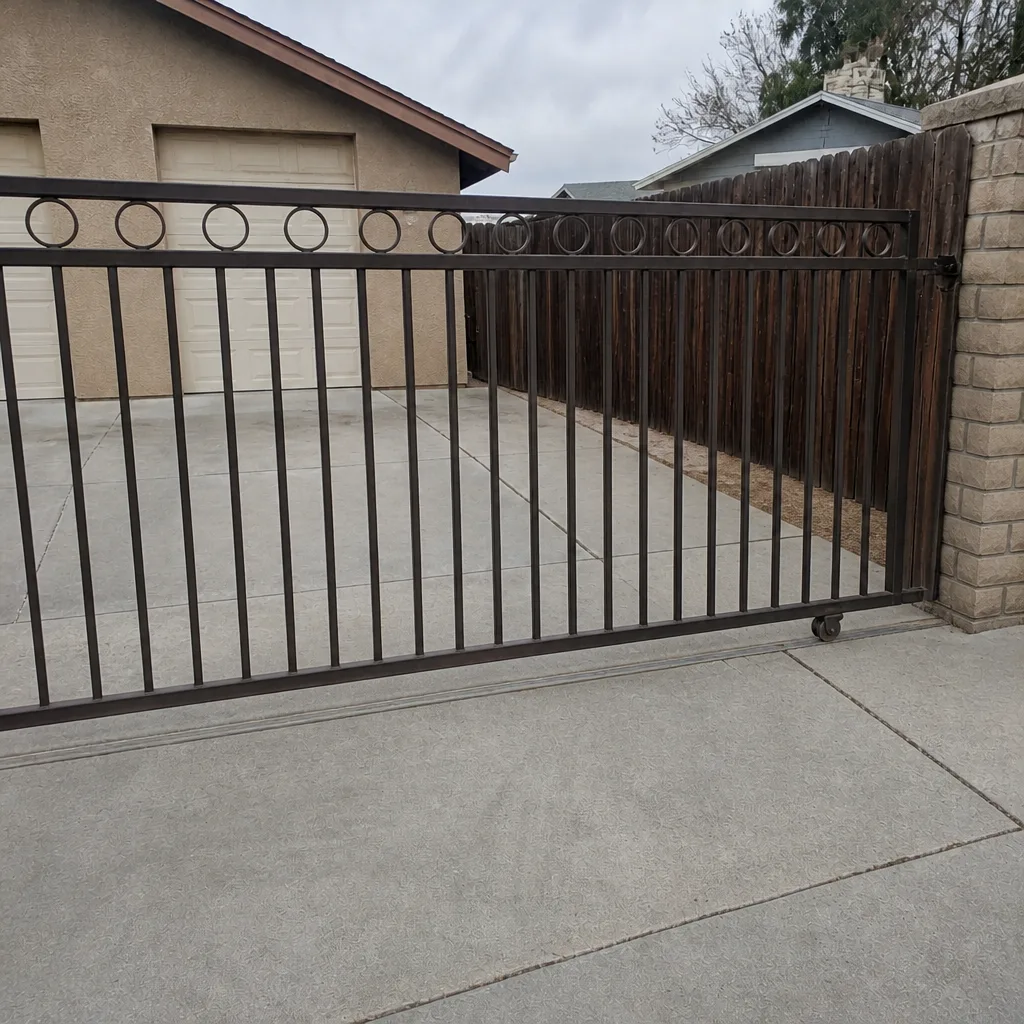
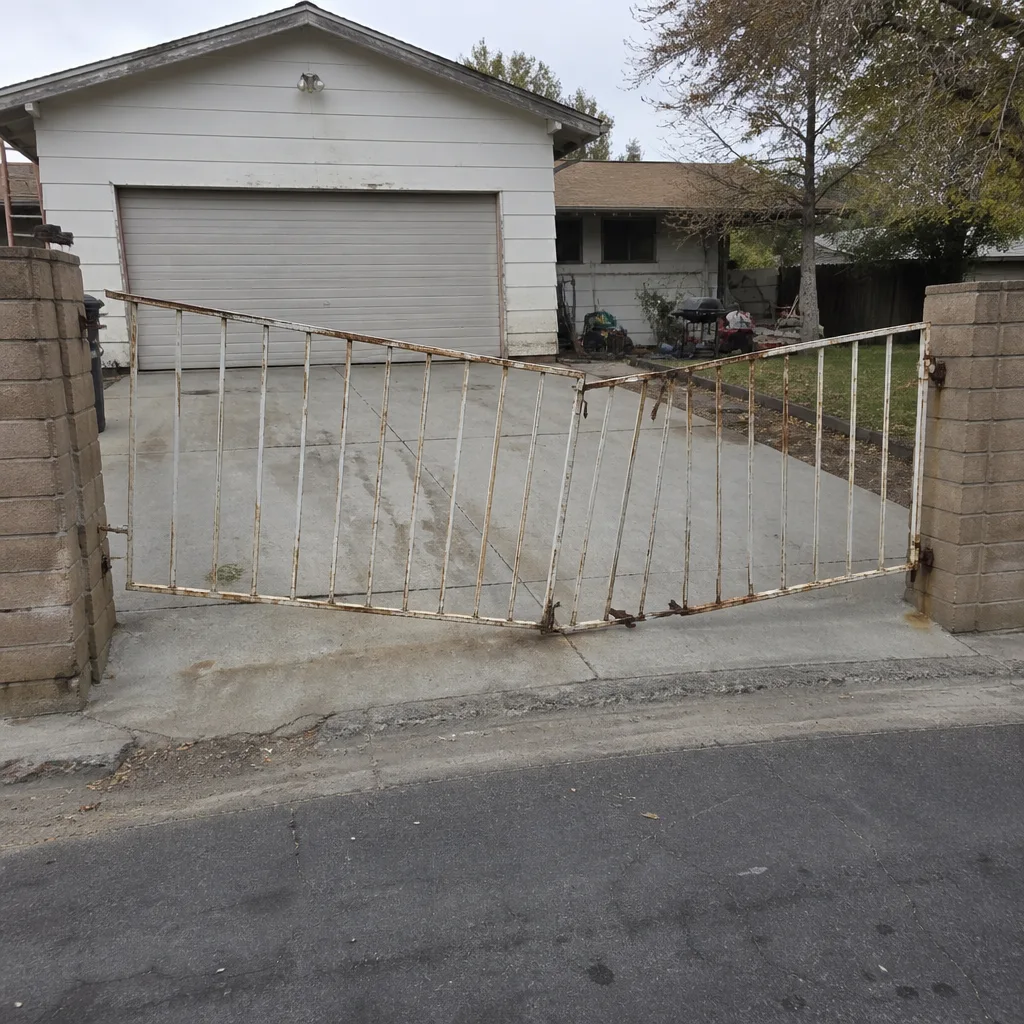 Before
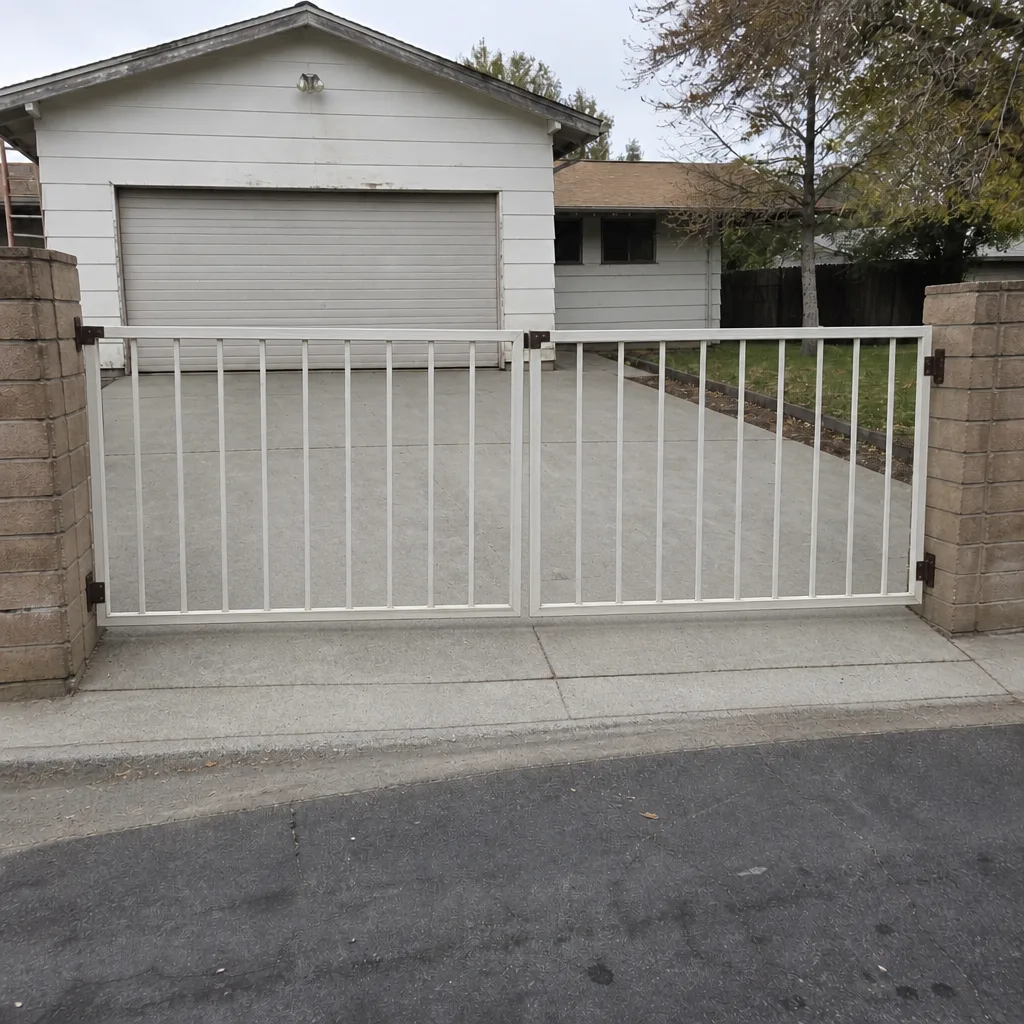 After
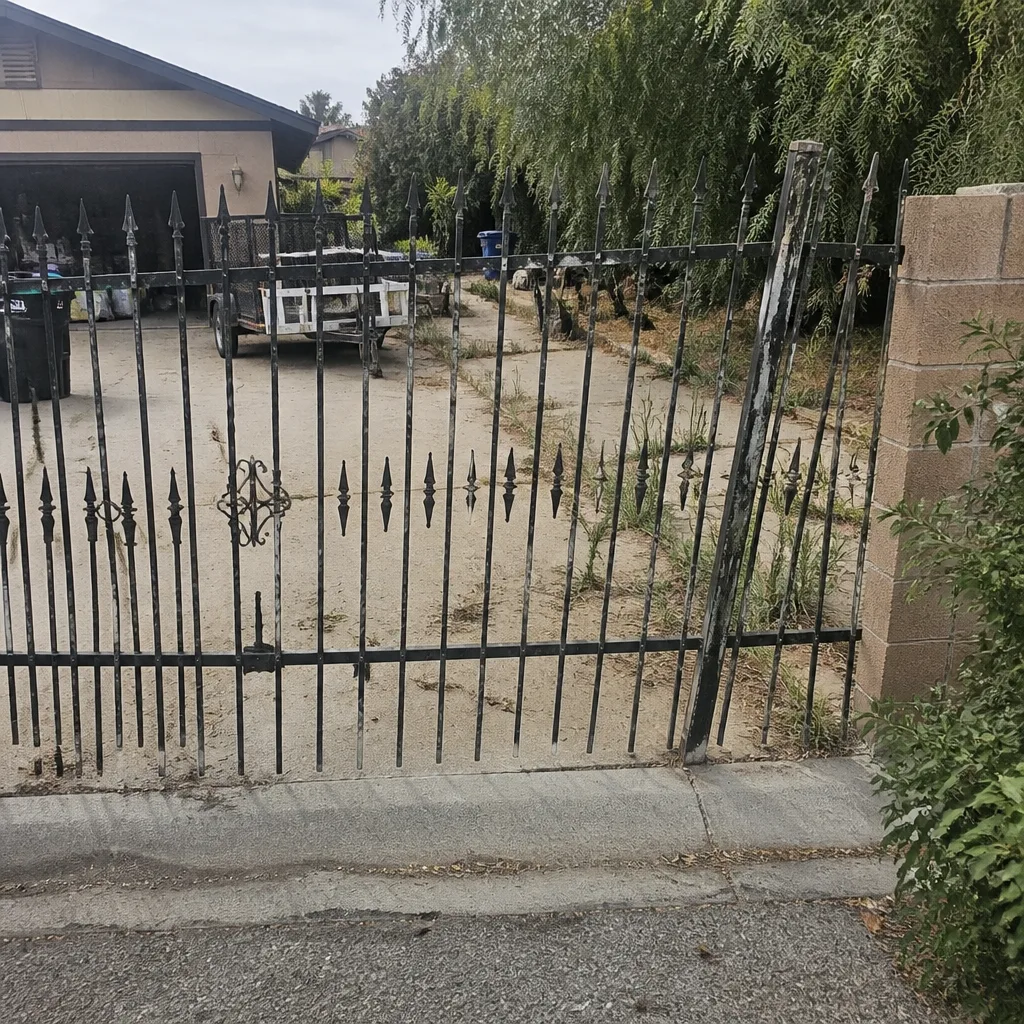
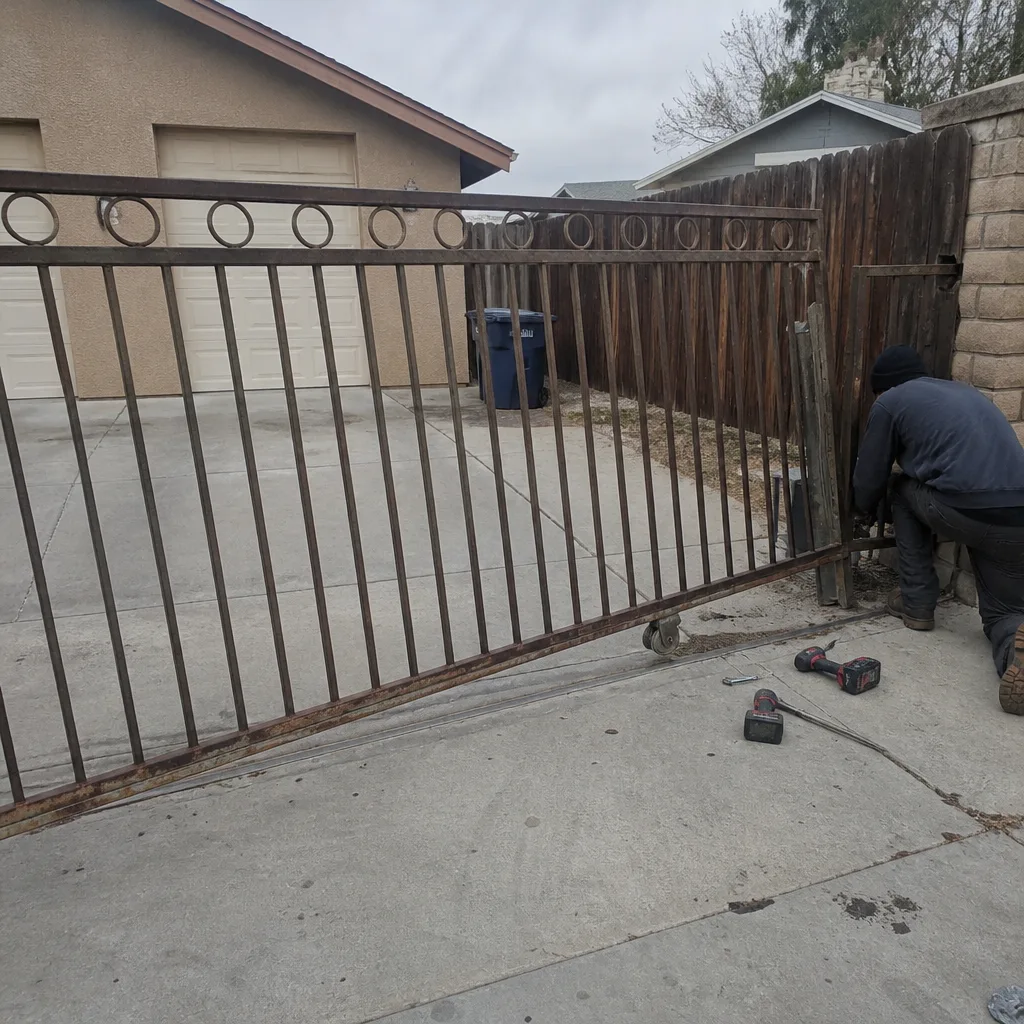 Before
 After
 Before
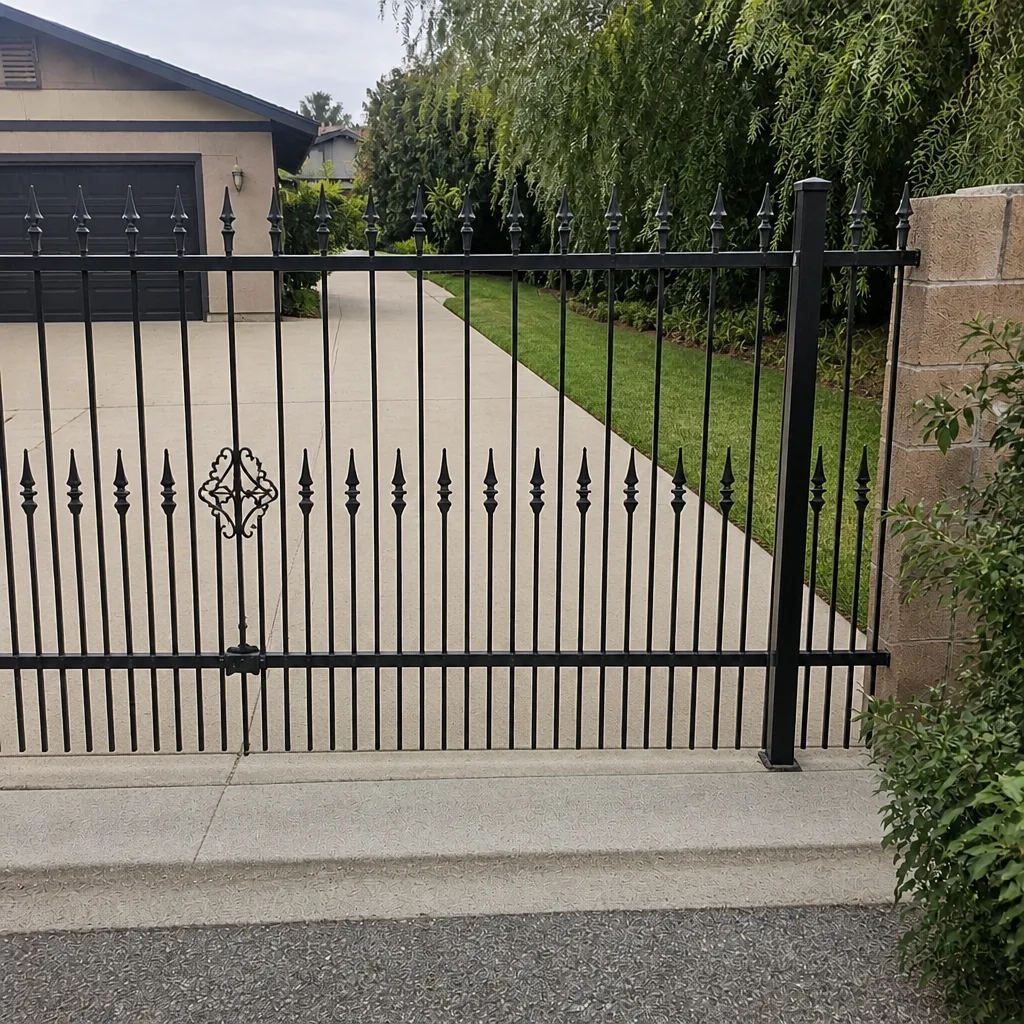 After
When to Call a Professional
Call before you touch the control board if any of these show up: the gate reverses or binds through part of its travel, the keypad seems to “ghost” or stick, the breaker feeding the operator trips, the log shows cycle times creeping up, or the gate hangs crooked when you open it by hand. Those are the signals that mechanical drift has already begun loading the electronics. Do-it-yourself work on the electrical side of an access control system is where people get hurt and boards get toasted, and it’s not worth the risk. Gatewood Fence & Gate Enterprise offers free estimates in Enterprise. Call (833) 780-1547 and we’ll tell you what’s actually wrong before anything gets replaced. On-site welding and true repair-first means the gate stays in your driveway, and the person who answers is a live person, 24 hours a day. Locally owned and owner-operated, with a published address and license number you can verify.
Frequently Asked Questions
Quarterly wiring and mechanical inspections, monthly owner checks, and a full annual deep service in spring, with battery replacement on a two-year clock. That’s the compressed Enterprise schedule that accounts for 110°F summers and monsoon-season post movement.
Because the keypad and the hinge post are one system, and a gate that’s been hanging crooked for months will strain the motor no matter how many times the electronics get replaced. Fix the mechanical drift first. The free second opinion on any written estimate is designed exactly for this situation.
Yes, and you should. Monthly cleaning, visual inspection, swing testing, and battery backup testing are owner tasks and save real money. Quarterly wiring terminations and mechanical inspections are trained-eye work, because low-voltage control wiring sits next to 120V feeds and a loose termination can arc.
They’re the earliest diagnostic you have. Pull the log monthly and compare open-to-close cycle times. A creeping increase means the gate is drifting, and you’ll see it weeks before any warning light. Odd-hour entries and repeat-attempt pairs are worth a look too, since both can signal motor strain or a failing controller.
A full mechanical inspection of posts, hinges, frame and rollers; motor current-draw testing and gearbox inspection; control board thermal inspection and firmware check; power supply and battery load test; access database cleanup and log review; full safety system testing; and a written report. Ours carries the 90-Day Done Right Promise in writing.
Yes, because failure patterns differ. DoorKing systems tend to fail at their network and telco interfaces, Elite controllers are robust but heat-sensitive on batteries, and Ghost Controls and Mighty Mule residential operators benefit from quarterly summer checks in direct-sun enclosures. Ours are certified to service nine major brands, so the schedule follows the actual hardware.
Call (833) 780-1547 for an exact quote on any of this. Estimates are free, and the second opinion on someone else’s written estimate is too. If you’d rather start at the front door, the Gatewood Fence & Gate Enterprise home is the place to begin.
The Bottom Line
Access control failures are mostly mechanical problems dressed up as electrical ones. Catch the hinge drift and post movement early and you save the board, the motor, and the $1,200 surprise. Run the monthly owner checks, hand the quarterly wiring and mechanical work to a trained eye, pull the access log every month, and schedule the deep service for spring. In Enterprise, compress every interval by a third and remember that heat kills batteries on a two-to-three-year clock, not five. Do that consistently and the gate keeps working through August. Skip it and the gate tells you the hard way.
Written by the team at Gatewood Fence & Gate Enterprise.