
Last updated November 18, 2026
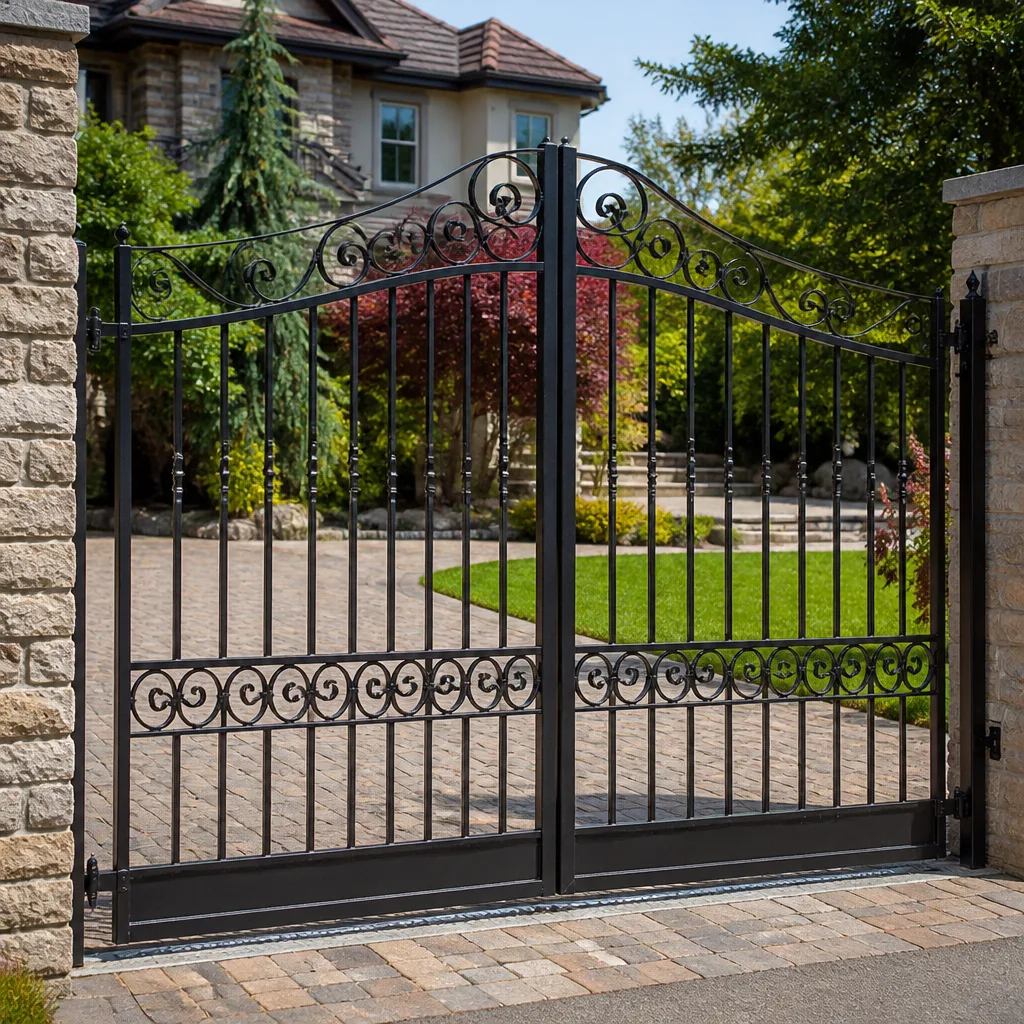 Wrought iron
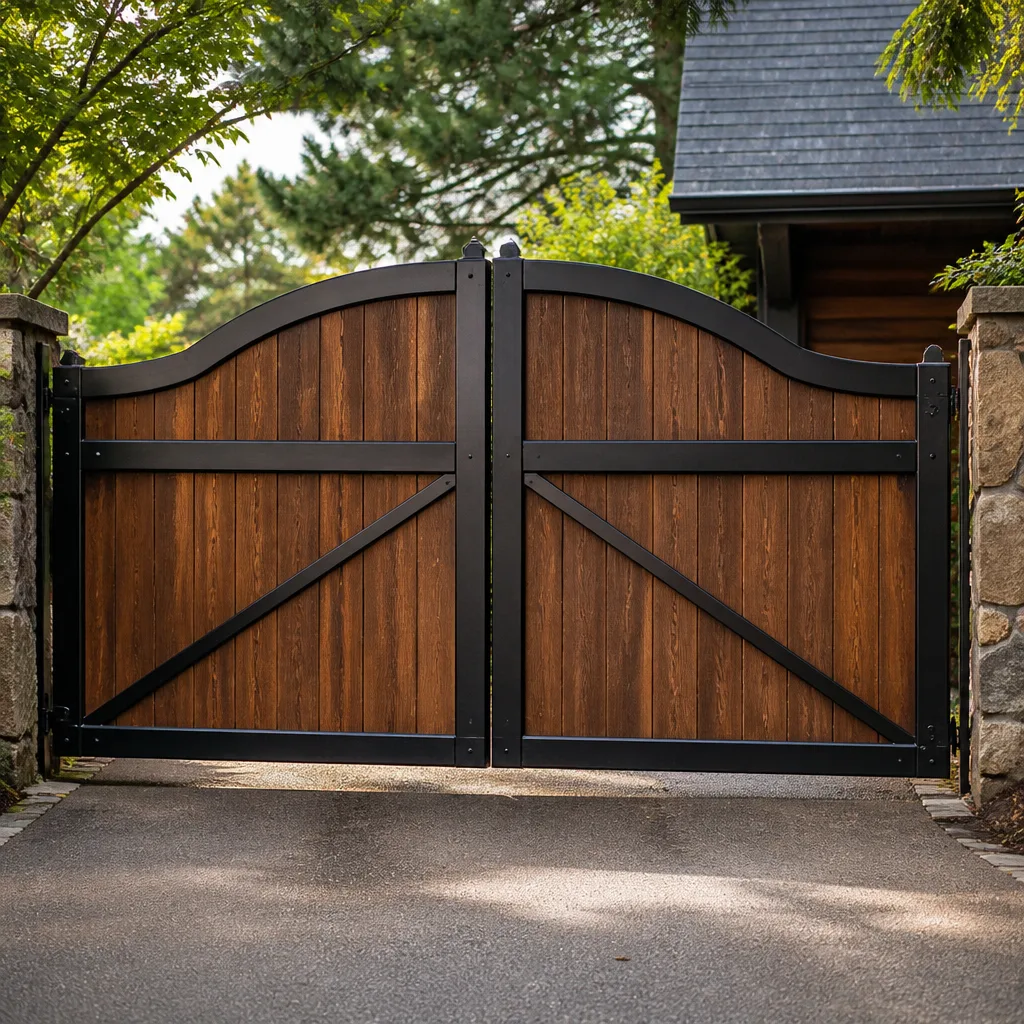 Wood & steel frame
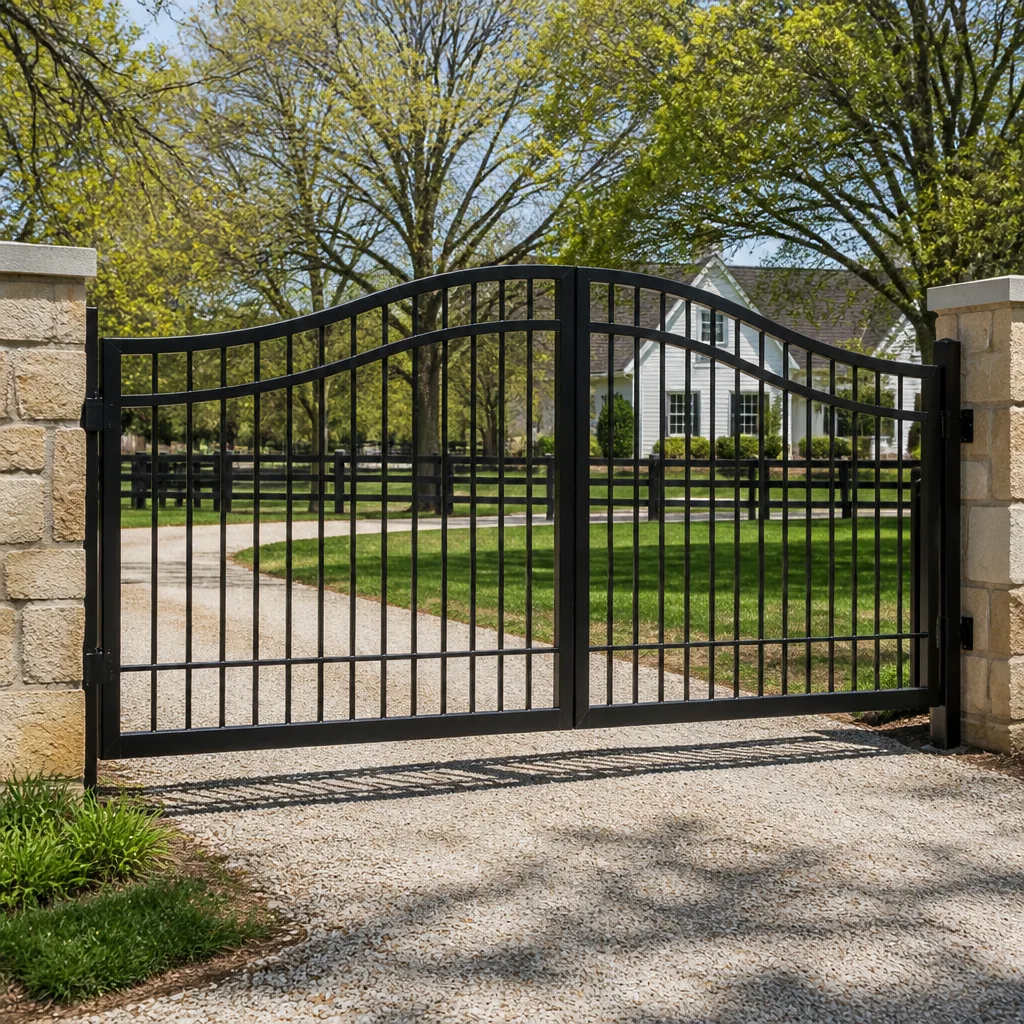 Farm & ranch
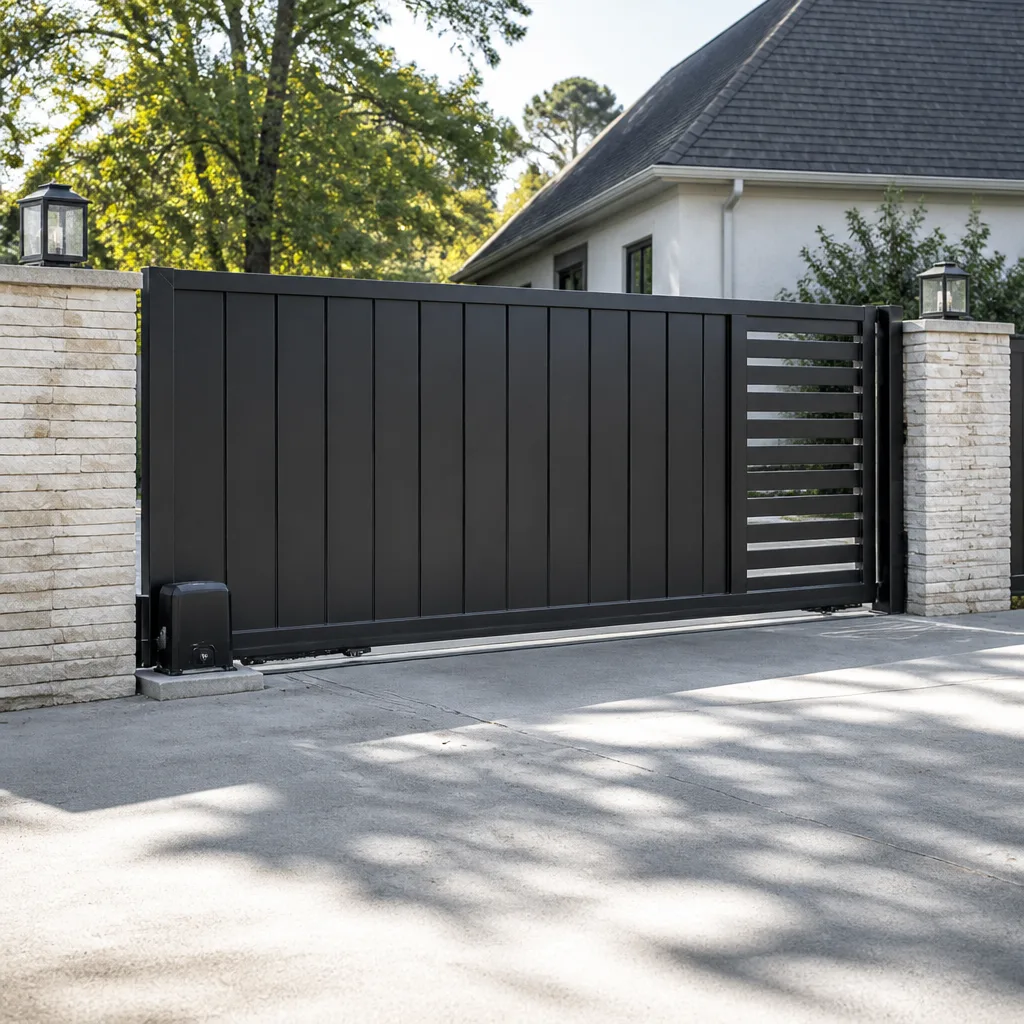 Sliding driveway gates
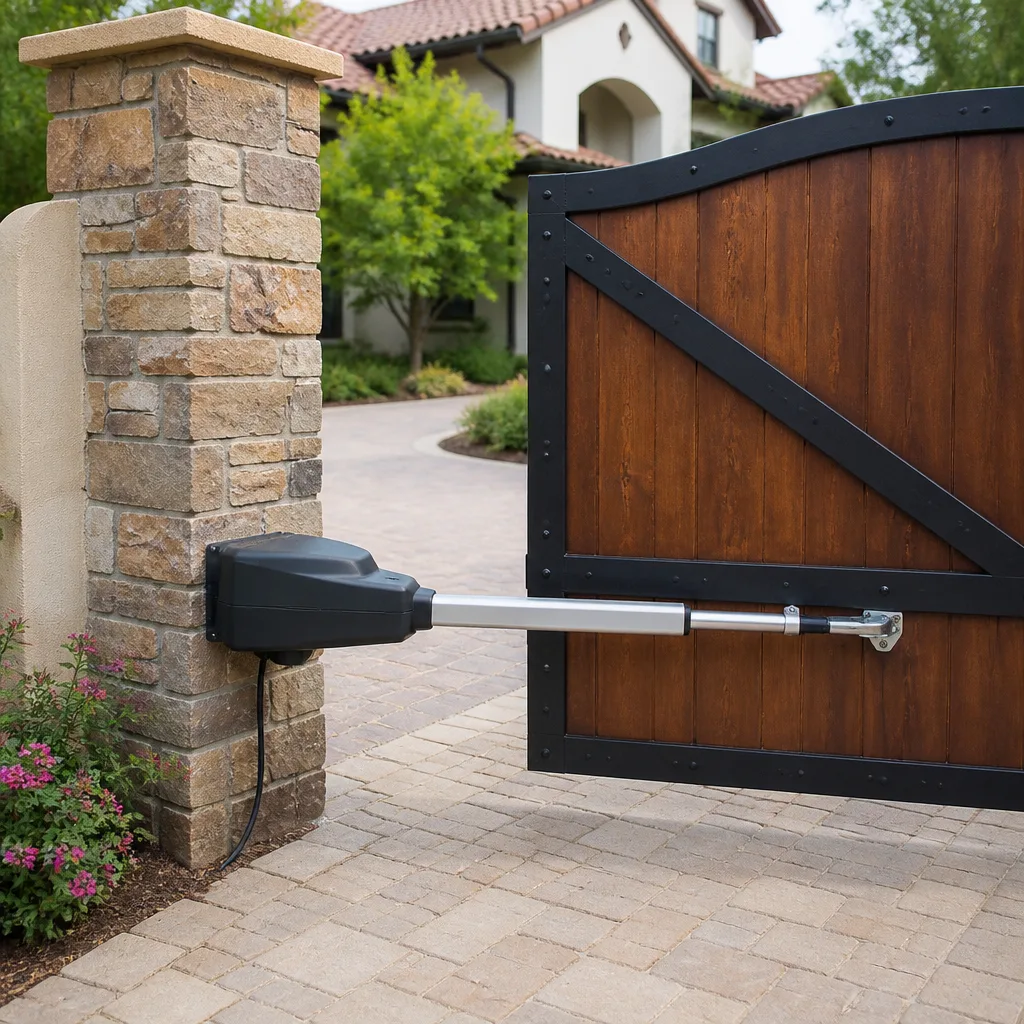 LiftMaster operators
Free on-site gate assessment - hinges, posts, and your LiftMaster or Nice gate operator checked before anything is quoted
The assessment is free and the quote is the invoice.
Get your free estimateGate Access Control Troubleshooting: Common Problems and How to Fix Them
When a keypad code that worked yesterday doesn’t work today and nobody changed it, that’s not a mystery. It’s one of three things, and two of them you can fix yourself in ten minutes. Most gate access control failures look random from the outside, but they almost always trace back to a specific cause: the credential itself, the reader that scans it, the control board that decides what to do, or the wire connecting the access system to the gate motor. Knowing which one is failing saves you a service call or points you straight at the right fix. This guide walks through each layer, the tests that isolate the problem without tools, and the desert-specific quirks we’ve learned to expect around Enterprise.
Quick Answer
A gate access control problem is usually a credential issue (a code or card the system no longer recognizes), a reader issue (dust, moisture, or a loose connection preventing a clean read), or a communication fault between the access board and the gate motor. Test in that order: verify the credential is still programmed, clean and inspect the reader, then check whether the board sends a valid command to the motor. The fix follows from which layer fails.
Styles & brands we work with
- Wrought iron
- Wood & steel frame
- Farm & ranch
- Sliding driveway gates
- LiftMaster operators
Table of Contents
- How to isolate the failing layer in two minutes
- Credential problems: the code that stopped working on its own
- Why Wiegand wiring causes intermittent reader failures
- Keypad works on the first try but not the second
- Testing the access board against the gate motor
- How desert dust gets into keypads and reader heads
- When the access system is fine and the gate motor isn’t
- Common mistakes to avoid
How to Isolate the Failing Layer in Two Minutes
The fastest troubleshooting path is to work backward from the credential. Each test tells you whether to keep moving inward toward the motor or stop and fix something local. No tools required for any of these.
- Try a second, known-good credential. If another resident’s code or card still opens the gate, the reader, wiring, board, and motor are all working. Your specific credential is the problem, so skip ahead to programming.
- If every credential fails, watch the reader. Enter a code slowly and listen. A chirp or LED flash that confirms a read means the reader sees you. Silence or a red light means the reader isn’t reading at all.
- Look for a manual open button or key switch. If that opens the gate, the motor and its safety edges are healthy and the problem is confined to the access system.
- Count the symptoms. If the reader confirms a read but the gate never moves, the fault sits in the board or the wire between the board and the motor.
We run this same sequence on every access control call around Enterprise, because it separates a fifteen-minute programming fix from a wiring fault every time. A gate in Enterprise that feeds multiple properties on a shared lane is a common setup, and a single failed credential there gets mistaken for a system outage. It rarely is.
Credential Problems: The Code That Stopped Working on Its Own
The code did stop working on its own, which is exactly why it isn’t a mystery. Access systems forget credentials for reasons unrelated to you. Most of the time nobody intentionally deleted anything.
- Rolling code or time-based access. Some resident codes expire on a schedule or after a set number of uses. That’s a feature, not a fault, and the fix is reissuing the code.
- A memory reset or power loss. A board that lost power long enough to drop its battery backup can revert to a default programming state. If the whole neighborhood lost codes overnight, this is the likely cause.
- Someone else’s changes. A manager or another resident can add or remove codes without telling anyone. Ask before you assume the system is broken.
- Card or fob damage. Cards stored near a magnet or bent from sitting in a wallet for years fail to read. Test the card at another reader if one exists.
Reissuing a credential is programming work, not diagnostic work, and it needs the admin passcode. If nobody knows that passcode, that alone is a call to us. A lost admin code means the whole access system has to be reset, which is cheaper than replacing it and worth doing on your terms rather than during an emergency.
Why Wiegand Wiring Causes Intermittent Reader Failures
Wiegand is the standard protocol most access readers use to talk to their control board, and the signal is sensitive to the quality of the connection. A wire that isn’t fully seated at the terminal might work perfectly for months, then fail for an hour, then work again. On an outdoor gate, temperature swings make that worse. Metal expands and contracts daily, and every cycle works a terminal loose a little more.
Enterprise gives us more of that cycling than most places. Summer days that top 105 degrees and winter nights that drop near freezing mean the reader housing and its wiring pass through a wide temperature range year after year. Connections that were snug when the gate was installed end up barely touching.
The tell for a Wiegand wiring fault is a pattern: intermittent failures that cluster around morning or evening, when temperatures swing fastest. A card that reads fine at noon and fails at seven in the morning points at the connection, not the card.
Fixing it means inspecting the terminal block at the reader and the board. If the screws are loose, snugging them down solves it. If the wire is corroded or brittle, the last six inches get cut back and re-terminated. This is where on-site repair matters. A company that wants to sell a new reader will, and we’d rather find a loose screw first than bill you for hardware you didn’t need. The same instinct drives how we handle traditional gate repair in Enterprise, since most failed gates we see need a fix, not a replacement.
Keypad Works on the First Try but Not the Second
This one gets misdiagnosed constantly. A keypad that opens the gate on the first attempt but ignores the exact same code on the second attempt is not a programming problem. If the code were wrong, it would fail both times. The fault is electrical.
The two likely causes are voltage sag and a missing debounce delay.
- Voltage sag. Opening the gate draws current through the motor and the power supply. On a system where the battery is aging or the transformer is undersized, that draw pulls the reader’s supply voltage low for several seconds. The next read fails because the reader doesn’t have stable power yet. Give it thirty seconds and try again: if it works, you’ve confirmed the cause.
- Debounce. A keypad that gets pressed, cleaned, or rained on can register two presses for one. A proper controller ignores a second press inside about half a second. One without that delay reads the double press as a bad code and locks out briefly. Testing this takes ten minutes on the programming side; solving the sag takes a battery test and a look at the transformer.
We check the battery first, because an old battery is the single most common cause of voltage sag on any gate opener made by LiftMaster, FAAC, or Linear. Replacing a five-year-old battery is cheaper than the reader someone else will try to sell you.
Testing the Access Board Against the Gate Motor
When a credential reads cleanly but the gate won’t budge, the access board has received a valid command and decided not to pass it along, or it passed it and the motor never heard it. Separating the two takes a few minutes.
- Find the board’s relay or output status indicator. Most access boards have an LED or a click from a relay when a credential is accepted. If nothing happens, the board itself isn’t processing the credential, so the problem lives in the board or its reader connection.
- Use a jumper or the board’s test button. Most controllers have a way to trigger an output without a credential. If the gate opens with a manual trigger, the board and motor are both fine and the reader connection is the fault.
- Trace the trigger wire to the motor. That wire runs between the board’s output and the gate motor’s open input. A loose terminal at either end kills the connection without a single visible sign. Some installers also fit a separate safety device on this wire and forget to mention it later.
- Check the motor’s own controller. On LiftMaster and BFT openers, the motor has its own input terminals and its own safety logic. If the motor won’t run from its own test input, the access board was never the problem.
If the gate motor itself is the failing end, that’s a different repair than the access system, and our guide to gate motor & opener in Enterprise covers the specific tests for that side.
How Desert Dust Gets Into Keypads and Reader Heads (and the Cleaning That Fixes It)
Membrane keypads and reader heads fail here on a schedule, and it’s the dust. Wind blows fine grit into every seam on a keypad, and that grit lodges between the membrane and the contacts underneath. The membrane presses down, the contacts don’t quite close, and the keypad registers a partial press or a repeated one. Card readers have the same issue at the antenna surface, where a thin film of dust and fine sand weakens the read range until a card that used to work from four inches away only works when pressed flat against the housing.
Cleaning the right way fixes this more often than people expect.
- Don’t spray anything into the keypad. A wet spray pushes grit and moisture past the membrane and makes the corrosion worse.
- Use a soft microfiber cloth and canned air. Blow the surface seams out first, then wipe the reader face and the keypad down with a dry cloth. For a stubborn reader face, a wipe with isopropyl alcohol on the cloth (not poured on) clears the film without leaving liquid behind.
- Clean monthly during the dry season. In Enterprise, the spring and early summer winds carry grit that fills the seams faster than you’d think. A monthly two-minute wipe keeps a keypad working long past the point where neglect would have killed it.
If a cleaned keypad still misses presses, the membrane has failed. That’s a part replacement, not a whole system swap, and the same door keypads or gate keypads from a brand like Linear are usually interchangeable. We’ll tell you which one fits rather than guess.
When the Access System Is Fine and the Gate Motor Isn’t
Every access control failure we end up chasing back to the gate itself started with a credential that worked. The board clicked, the relay fired, and the motor never ran. Once you’ve confirmed the access system is doing its job, the fault is electrical or mechanical on the gate side, and some of it isn’t safe to probe at home.
Gate openers connect to line voltage. A motor that won’t start, a controller that trips its breaker, or a safety edge that doesn’t reverse are all jobs that need a trained hand and a multimeter, not a homeowner reaching into the control box. We’ve seen too many half-fixes where a homeowner swapped a fuse and found the real fault was a shorted winding.
The gate motor side deserves an honest diagnosis before anyone suggests a replacement. On brands like Viking and Ghost Controls, a motor that won’t run usually means a failed control board or a seized gearbox, and either is repairable in place. We’ll test the motor under load, check the safety devices, and tell you what’s actually wrong. If you’re weighing a new opener against a repair, the gate installation in Enterprise side of the conversation covers what a full replacement involves and when it makes sense.
Common Mistakes to Avoid
- Blaming the programming first. Re-entering a resident’s code does nothing when the real fault is a loose Wiegand terminal. Test the reader before you touch the admin menu.
- Replacing the reader when the battery is old. An aging battery causes voltage sag and intermittent reads that look exactly like a bad reader. Test the battery before you buy hardware.
- Spraying lubricant or cleaner into a keypad. It attracts grit in Enterprise’s dusty air and turns a small problem into a membrane replacement.
- Fiddling with the power supply. Gate opener line voltage can hurt you. If the breaker trips, stop and call.
- Assuming a shared gate is broken. On a multi-property lane in Enterprise, one failed credential gets mistaken for an outage about as often as the system actually fails. Ask the neighbors first.
- Ignoring intermittent failures because they “went away.” Temperature-driven wiring faults come back every time the weather swings. A loose terminal today is a dead gate in two months.
- Letting someone swap the whole system for one failed part. A keypad, a reader, or a battery is cheap. A full replacement isn’t. Get a second opinion on any written estimate for an access fix, and we’ll give you one free.
If a gate’s credentials all work but you’re still seeing the gate jam or sag, that’s a structural issue rather than an electronic one. Our repair service for Enterprise handles the hinge, post, and weld side of the problem.
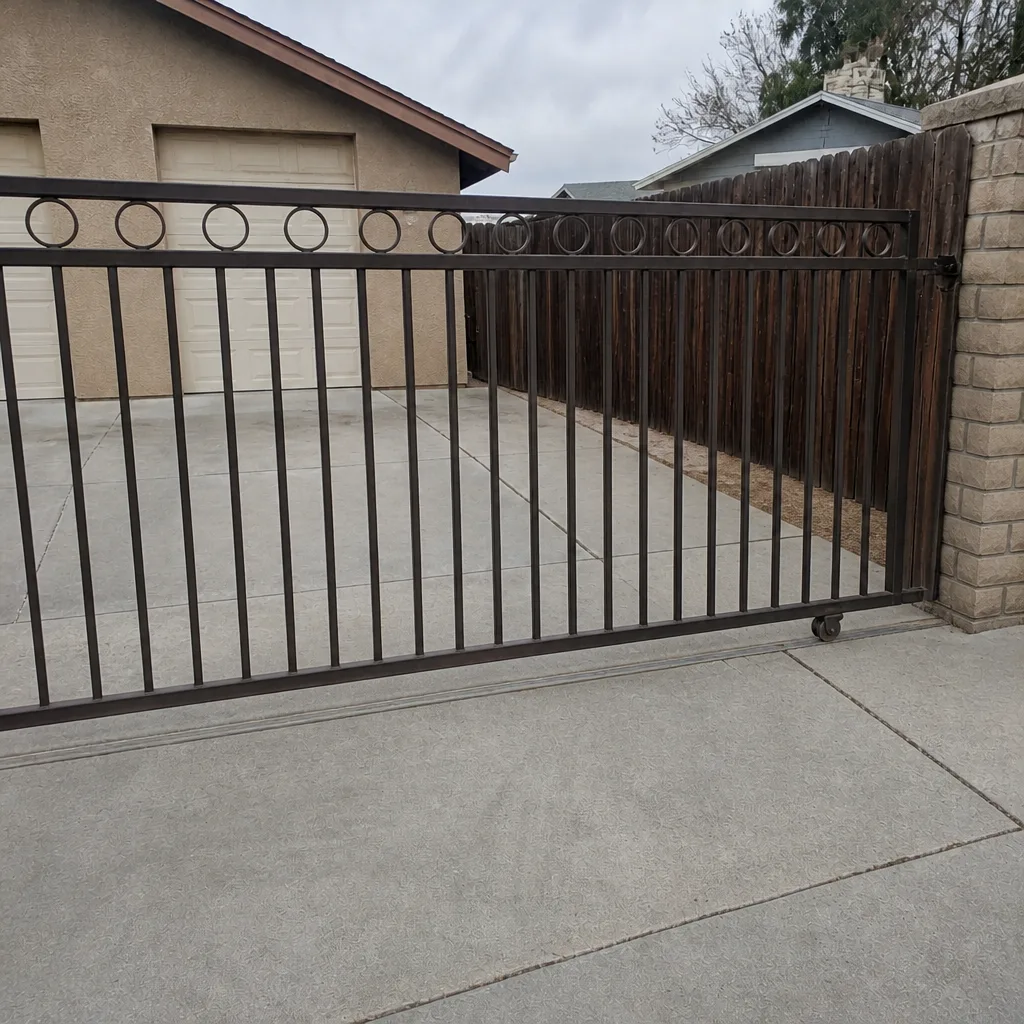
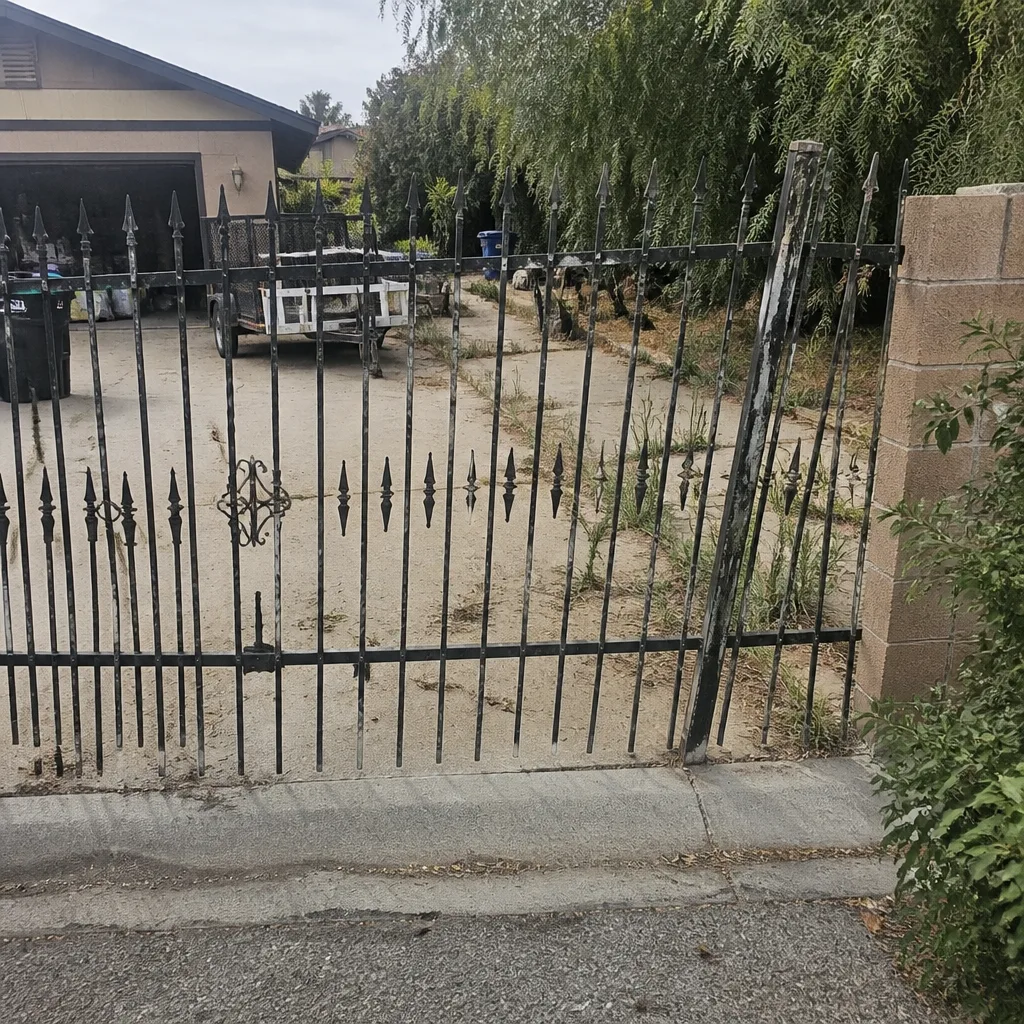
See the difference
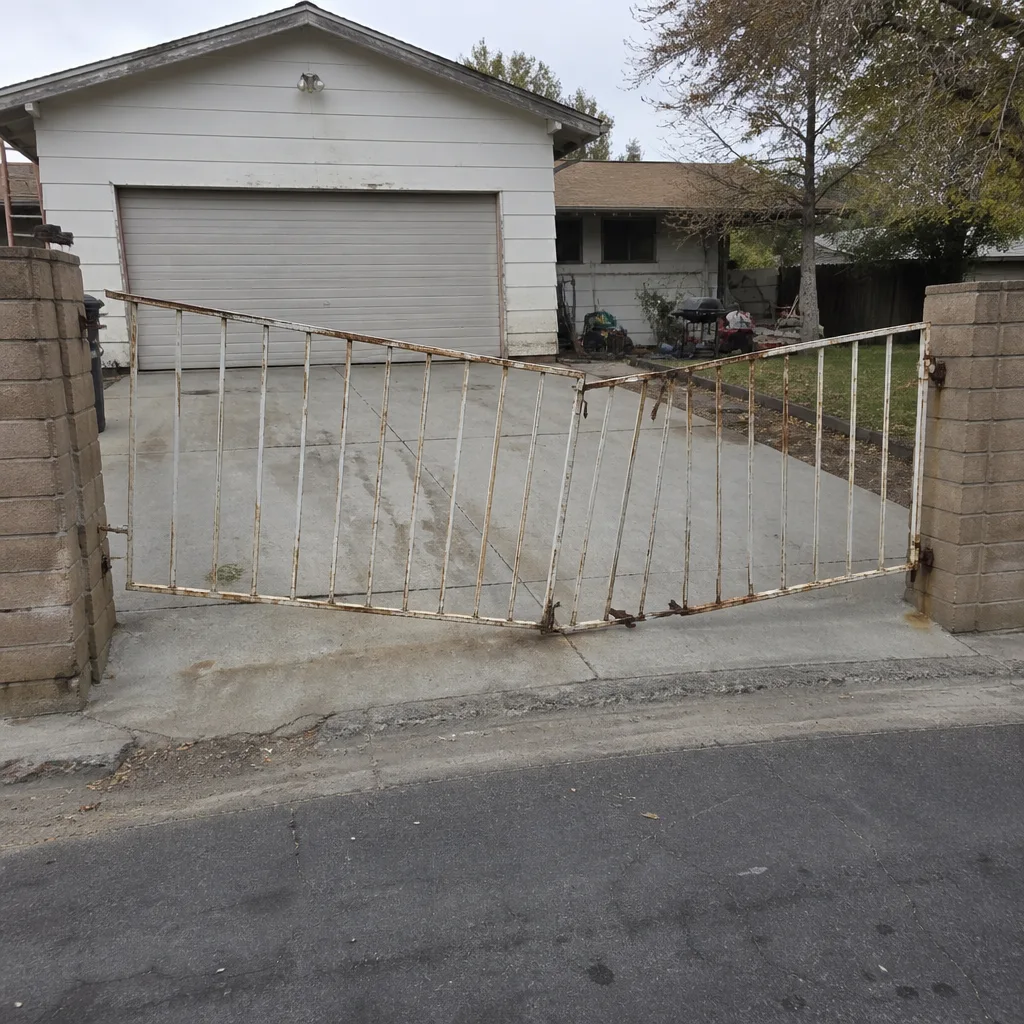 Before
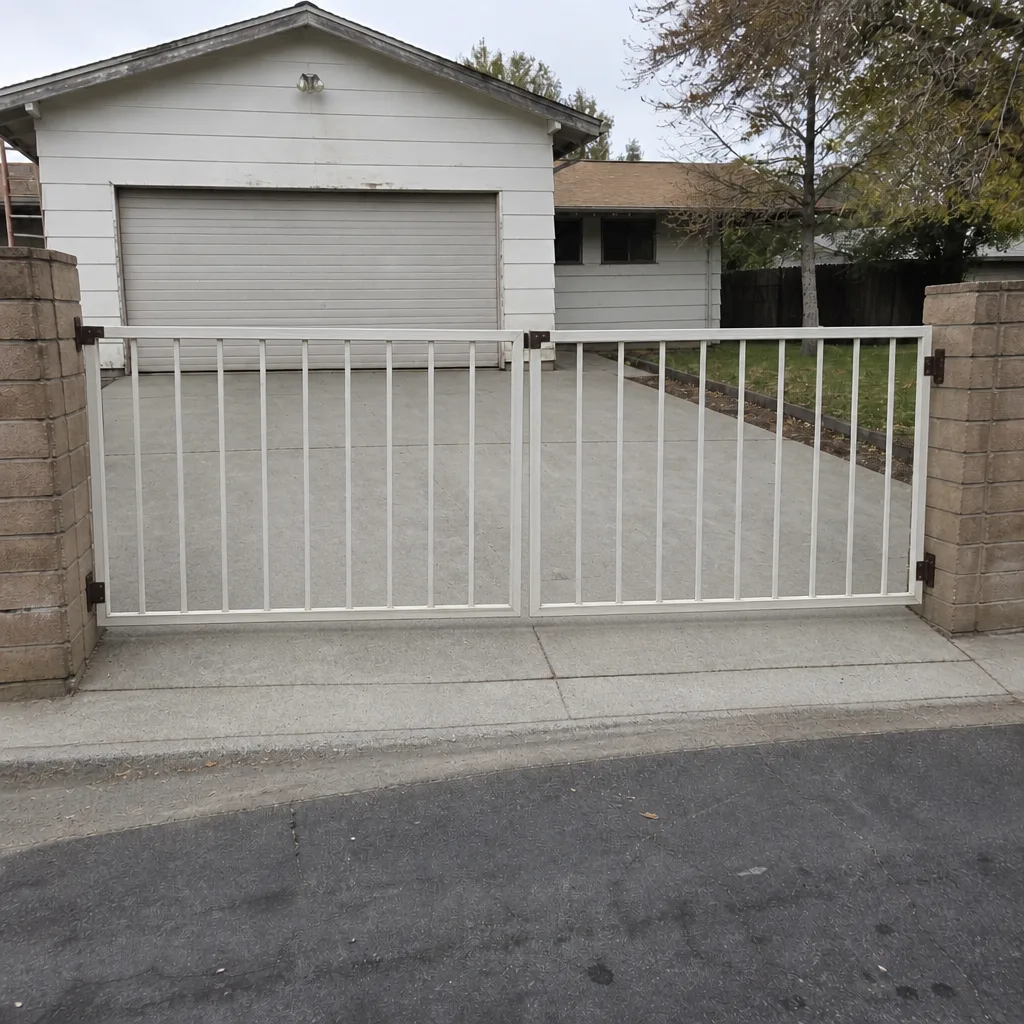 After
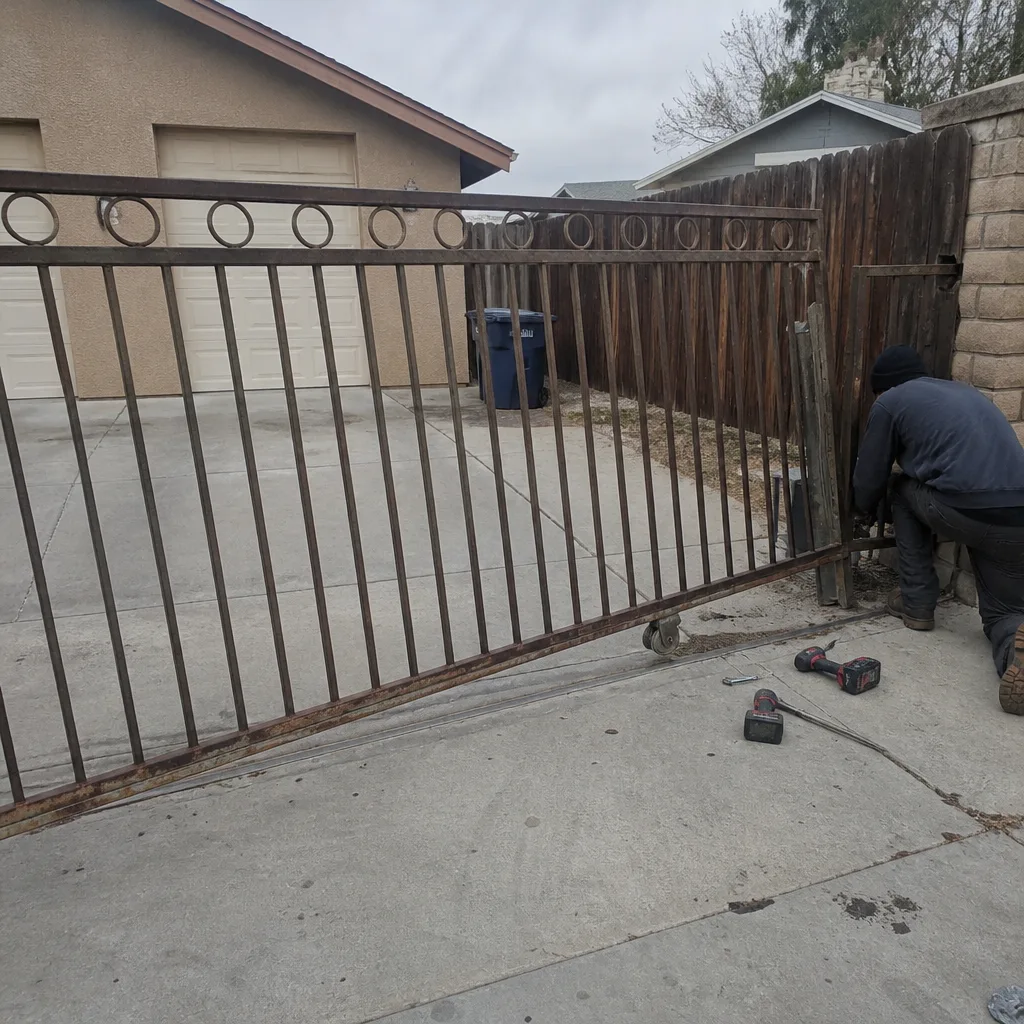 Before
 After
 Before
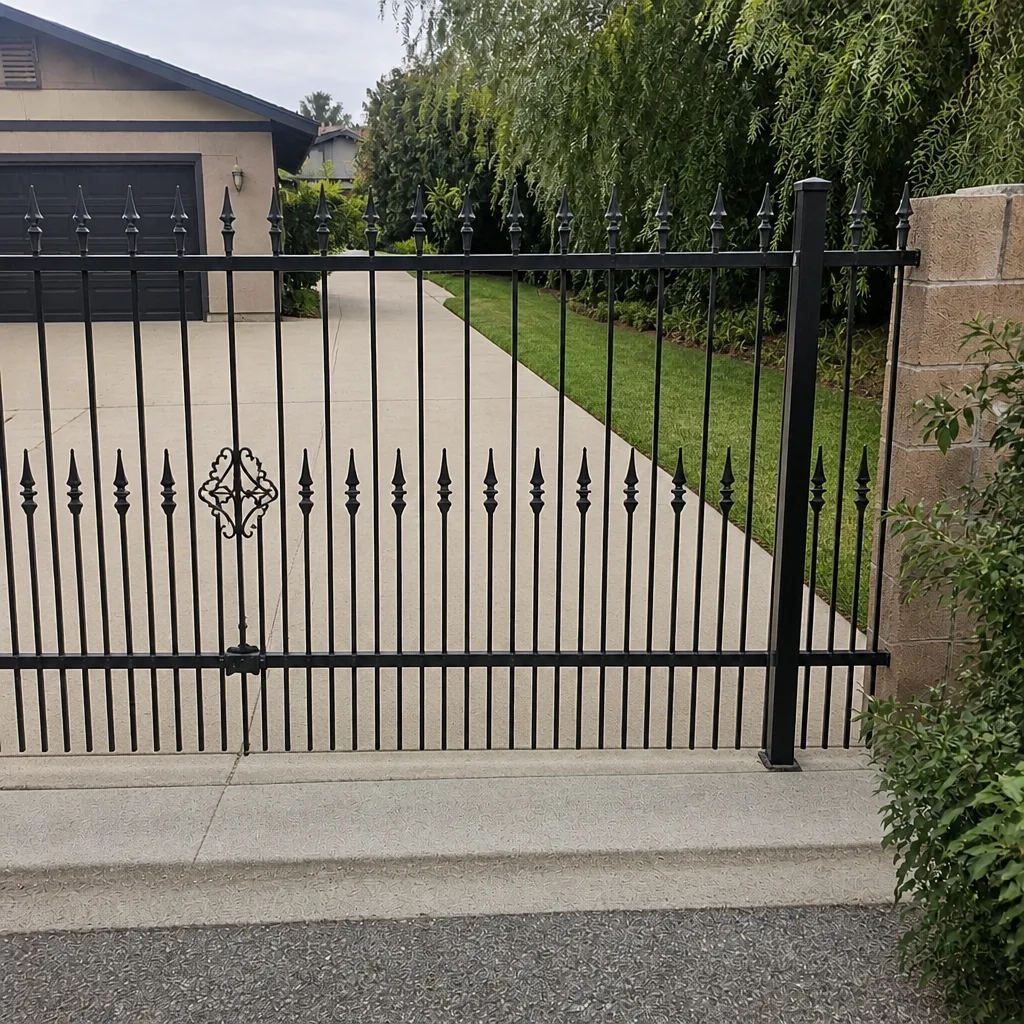 After
When to Call a Professional
Call when the access board has power and a valid credential but the gate won’t move, because that means tracing live wiring between the board and the motor. Call if the gate’s safety edges don’t reverse on contact, if a breaker trips when the gate tries to open, or if the opener hums or clicks without moving the gate. Those are electrical and mechanical faults that need a trained hand and proper test gear. Call if the admin passcode is lost and the whole system needs a reset, if a Wiegand connection is corroded past the point of a snug, or if a keypad’s membrane has failed and the housing needs replacing. Gatewood Fence & Gate Enterprise offers free estimates in Enterprise, and our techs are certified on LiftMaster, FAAC, BFT, Linear, Viking, Ghost Controls, DoorKing, Elite, and Mighty Mule systems. Call (833) 780-1547.
Frequently Asked Questions
Most often the credential expired on a schedule, the board lost its programming after a power event, or another resident removed it. Test a second credential first: if that one works, only yours is affected and reissuing it solves it. Call (833) 780-1547 if you can’t find the admin passcode to reissue it.
A keypad that works once and fails the next attempt is almost always a voltage sag or a missing debounce delay, not a programming problem. Give it thirty seconds and try again: if it works, the battery or transformer is the cause. We test the battery before recommending any reader replacement.
Intermittent reads point at a Wiegand wiring connection that’s worked loose from daily temperature swings, or dust film on the reader face. Clean the reader first, then have the terminal connections checked. In Enterprise, we see this pattern cluster in early morning and late evening when temperatures shift fastest.
Cleaning and terminal work runs about $85 to $150. A battery or keypad replacement runs $75 to $150 plus the part. A failed reader or access board replacement runs $250 to $500 installed. We quote and agree on the price before any work starts, so the invoice never surprises you.
Repair and emergency calls are usually answered same-day in Enterprise, and calls to (833) 780-1547 reach a live person around the clock. System replacements and new installations are scheduled, since those jobs need a free on-site measure and a written price first.
That means the board accepted the credential and the fault is in the wire to the motor or in the motor itself. It’s a wiring and motor test that needs proper gear. Our technicians have up to 25 years of experience tracing exactly this fault on every major gate brand.
The Bottom Line
Access control failures look random, but they aren’t. Test from the credential inward: try a second credential, watch the reader for a read confirmation, and check the board’s relay before you touch anything else. If another credential still works, the fault is in programming. If the reader stays silent, the fault is in the reader or its Wiegand connection. If the reader confirms and the gate won’t move, the fault is between the board and the motor. Cleaning a dusty keypad costs nothing and fixes more than people expect. Anything that reaches into the line-voltage side of an opener is a call to a trained pro. We’ve been welding, wiring, and repairing gates around Enterprise long enough to know which half of these you can do yourself. The other half is ours.
Call (833) 780-1547 for a free estimate. A live person answers, day or night, and the name is on the shop down the road.
Written by the team at Gatewood Fence & Gate Enterprise.